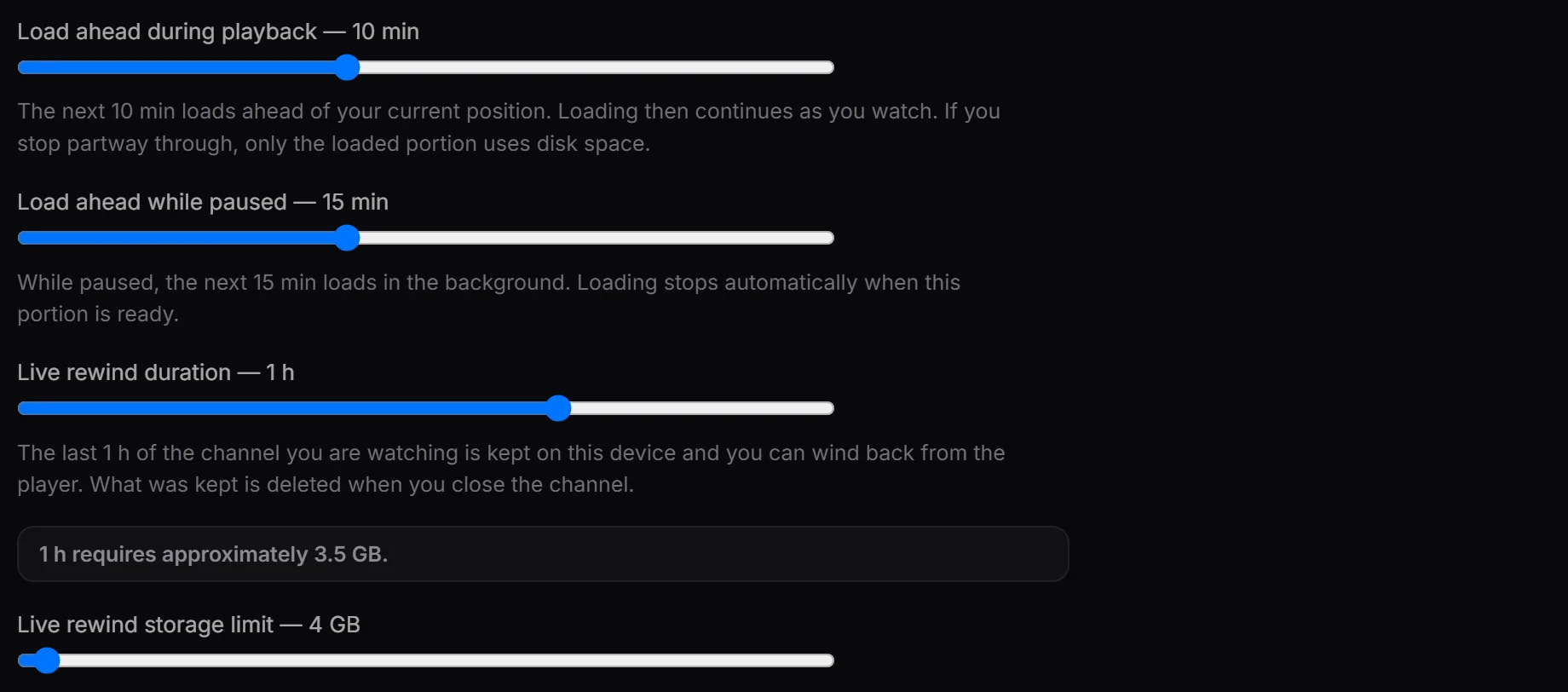
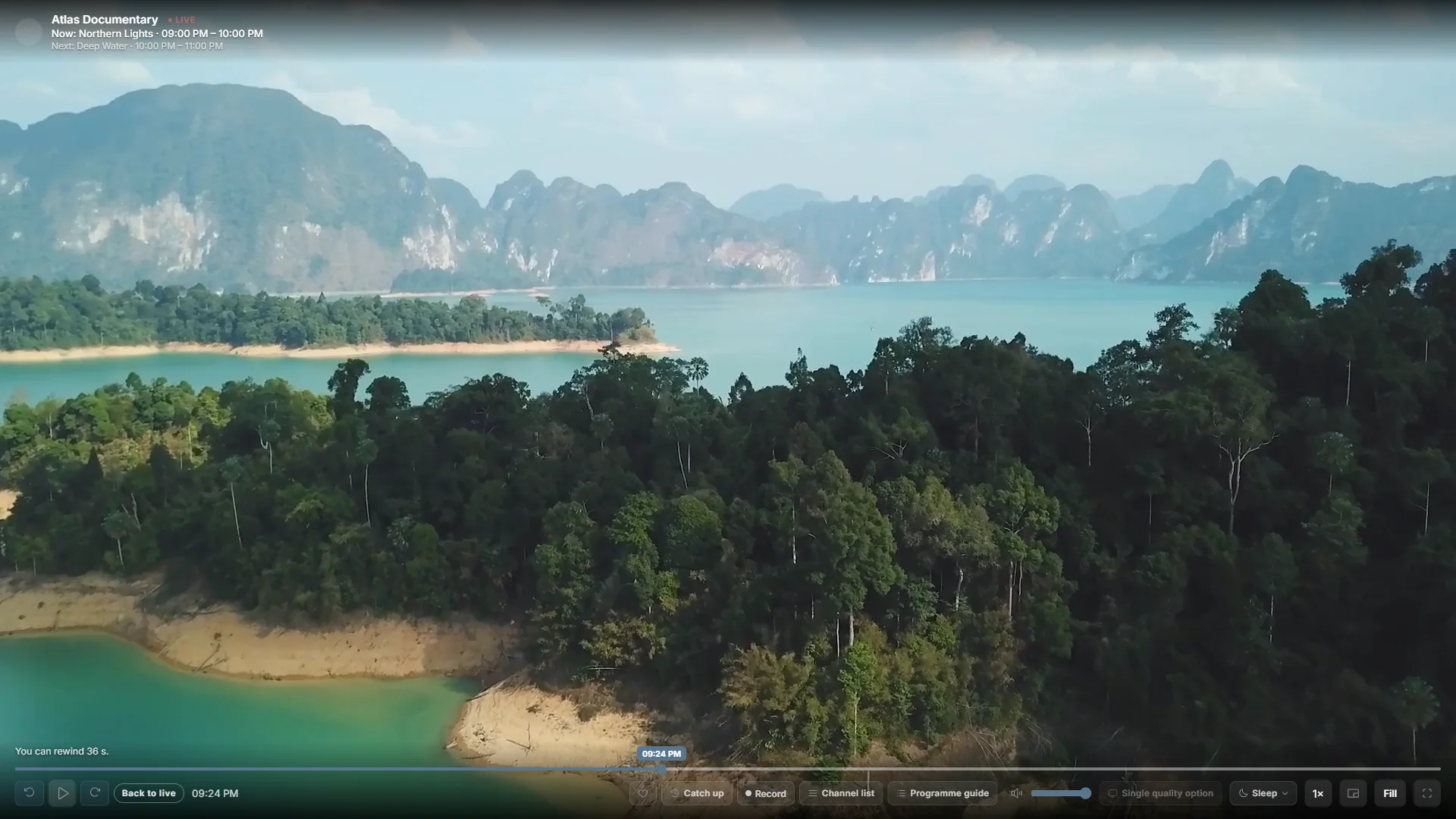
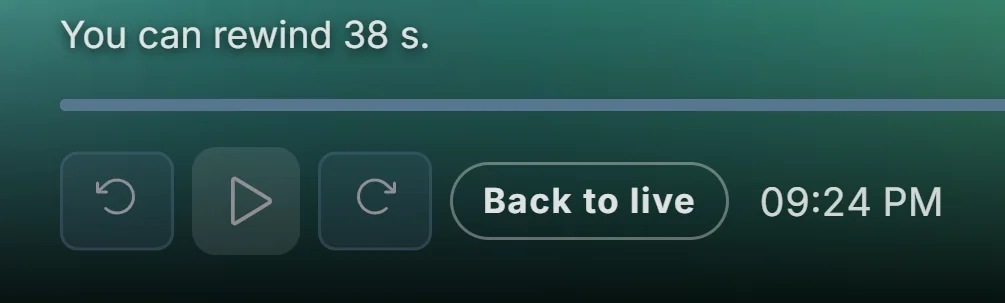
Live rewind
Return to moments you missed in the saved live buffer.
See the app
PLAYOVA / IPTV PLAYER
Explore Playova’s features, from live TV to your personal lists.
Return to moments you missed in the saved live buffer.
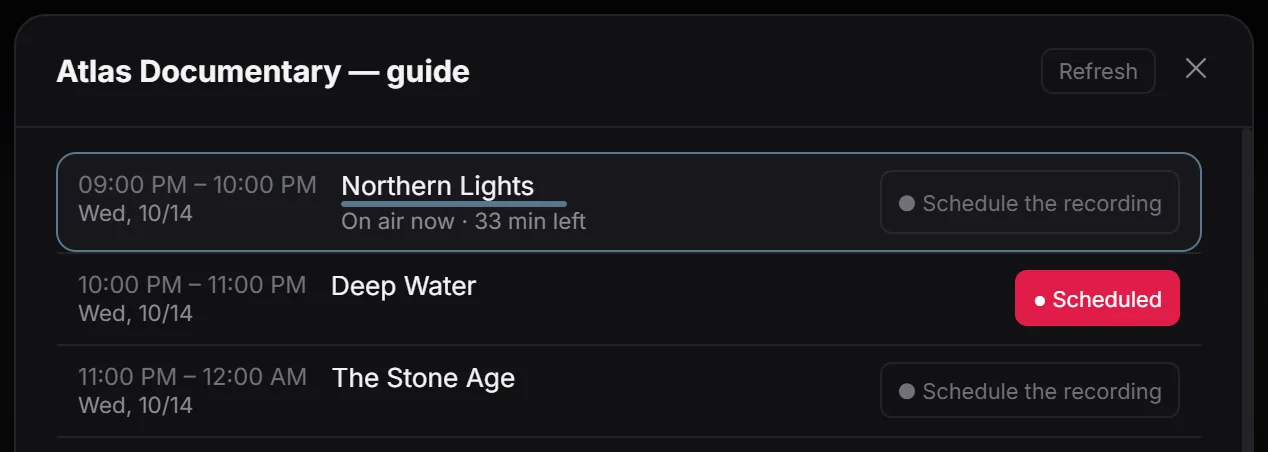
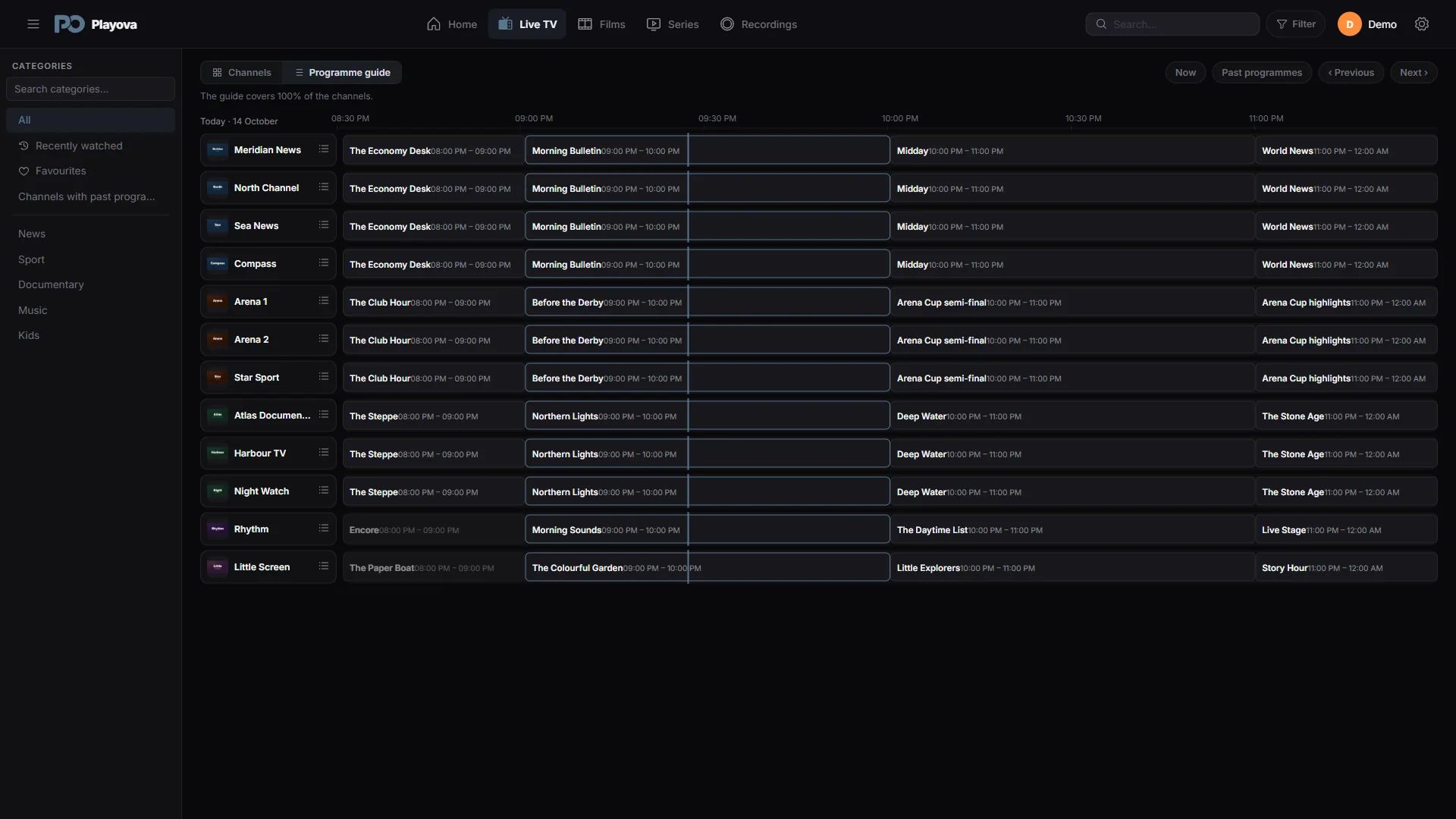
See channel schedules together and open programme details.
Programme guide information depends on the source you add.
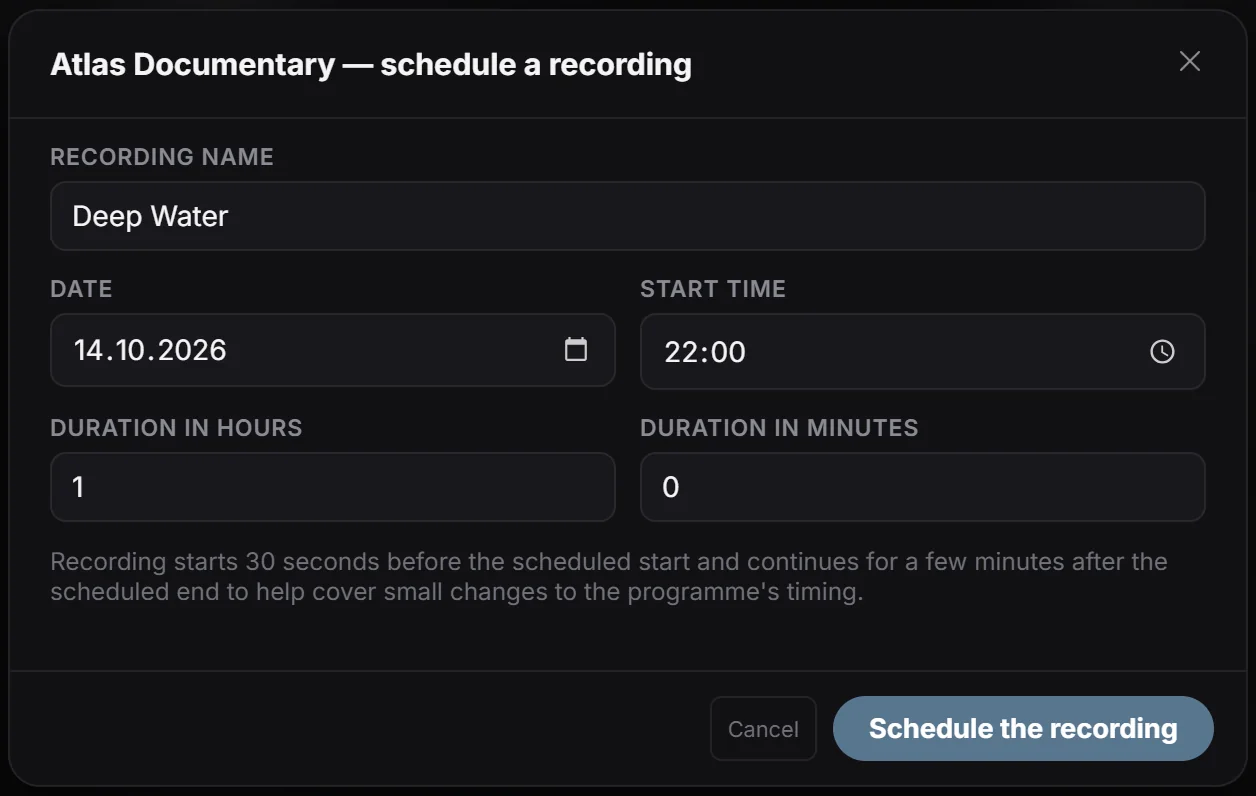
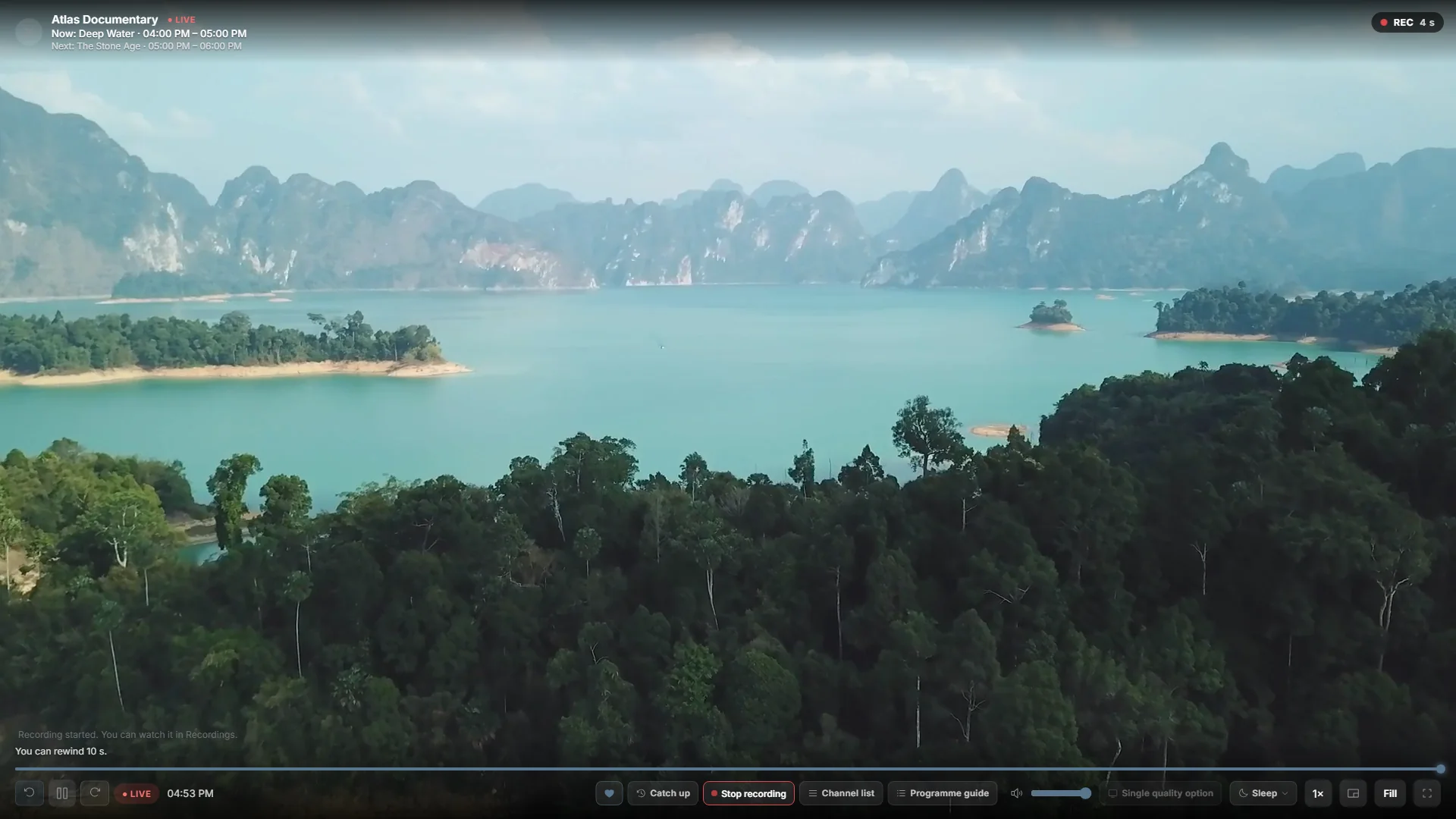
Record the live channel you are watching and open the recording later.
Recording requires the app running, the PC awake, a connection and enough disk space.
Choose a programme from the guide. Set its start time and duration.
For recording, Playova must stay open and your PC must stay awake, online and have enough free disk space.
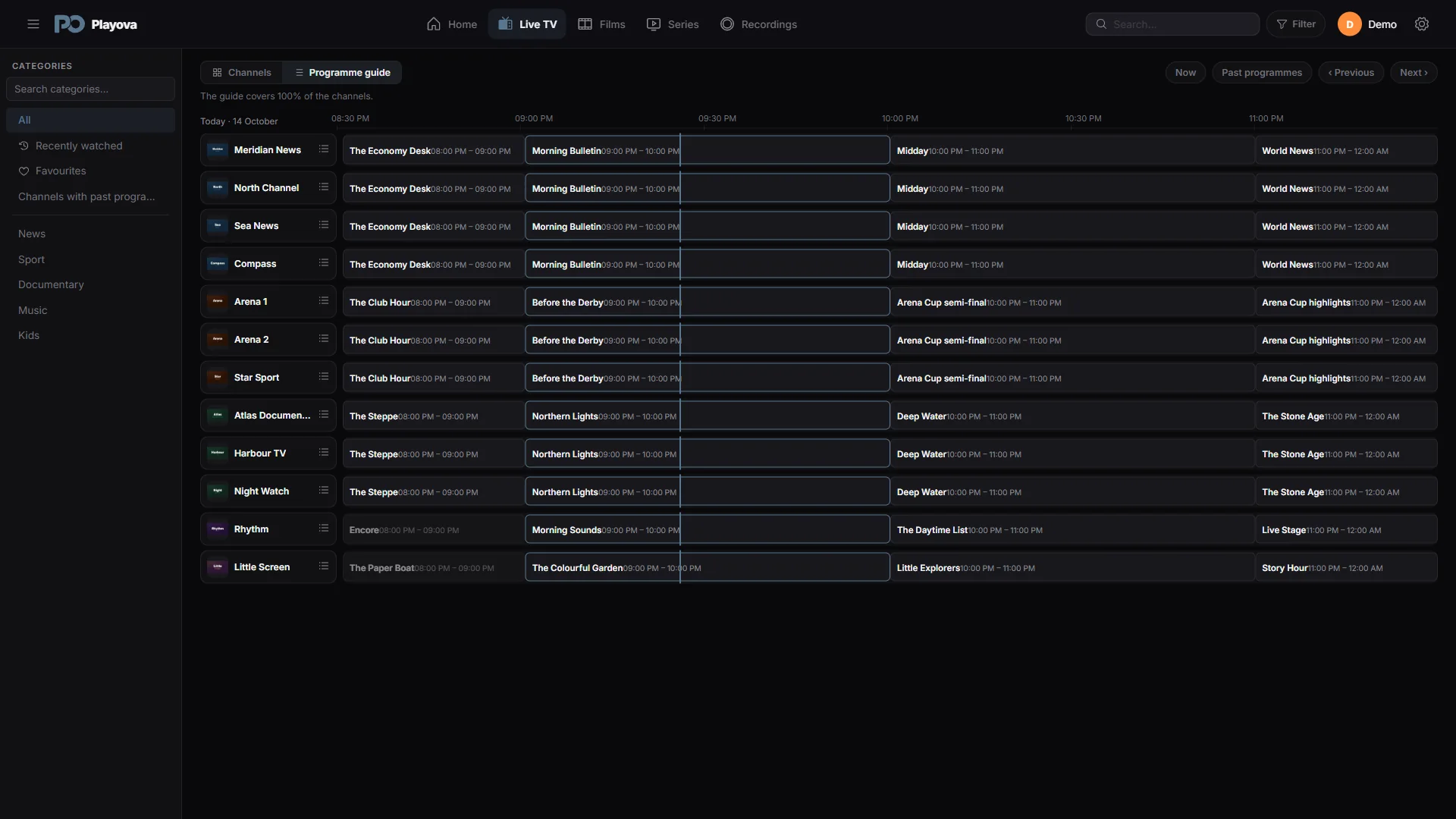
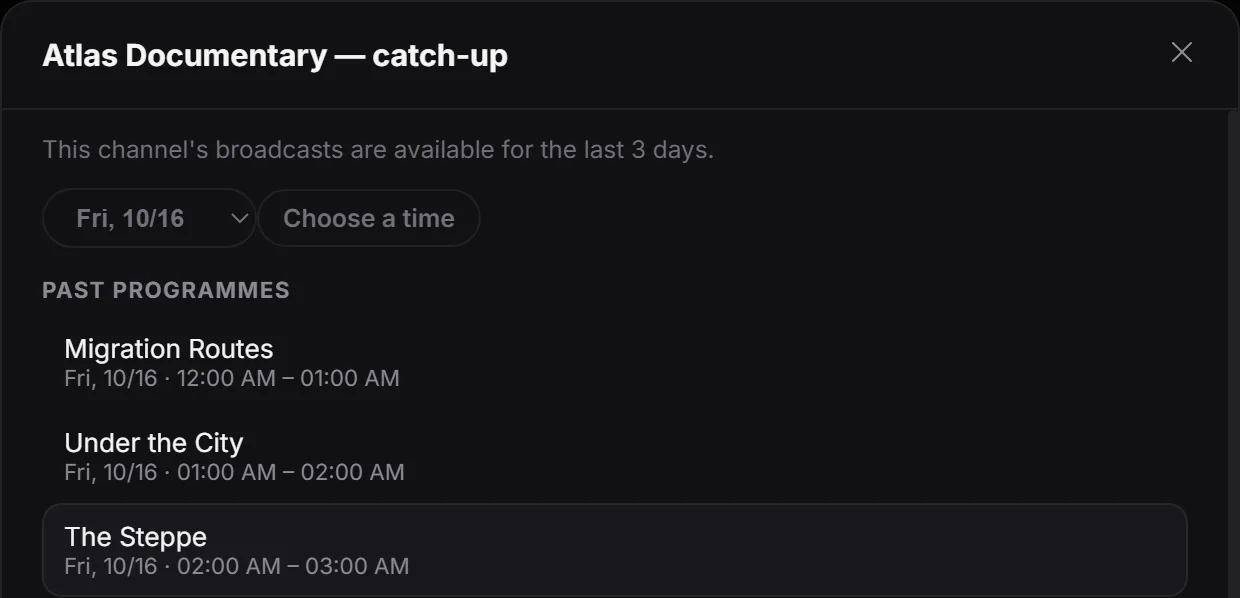
Open past programmes from channels that offer a provider archive.
Requires archive support from your provider; availability and history vary by channel.
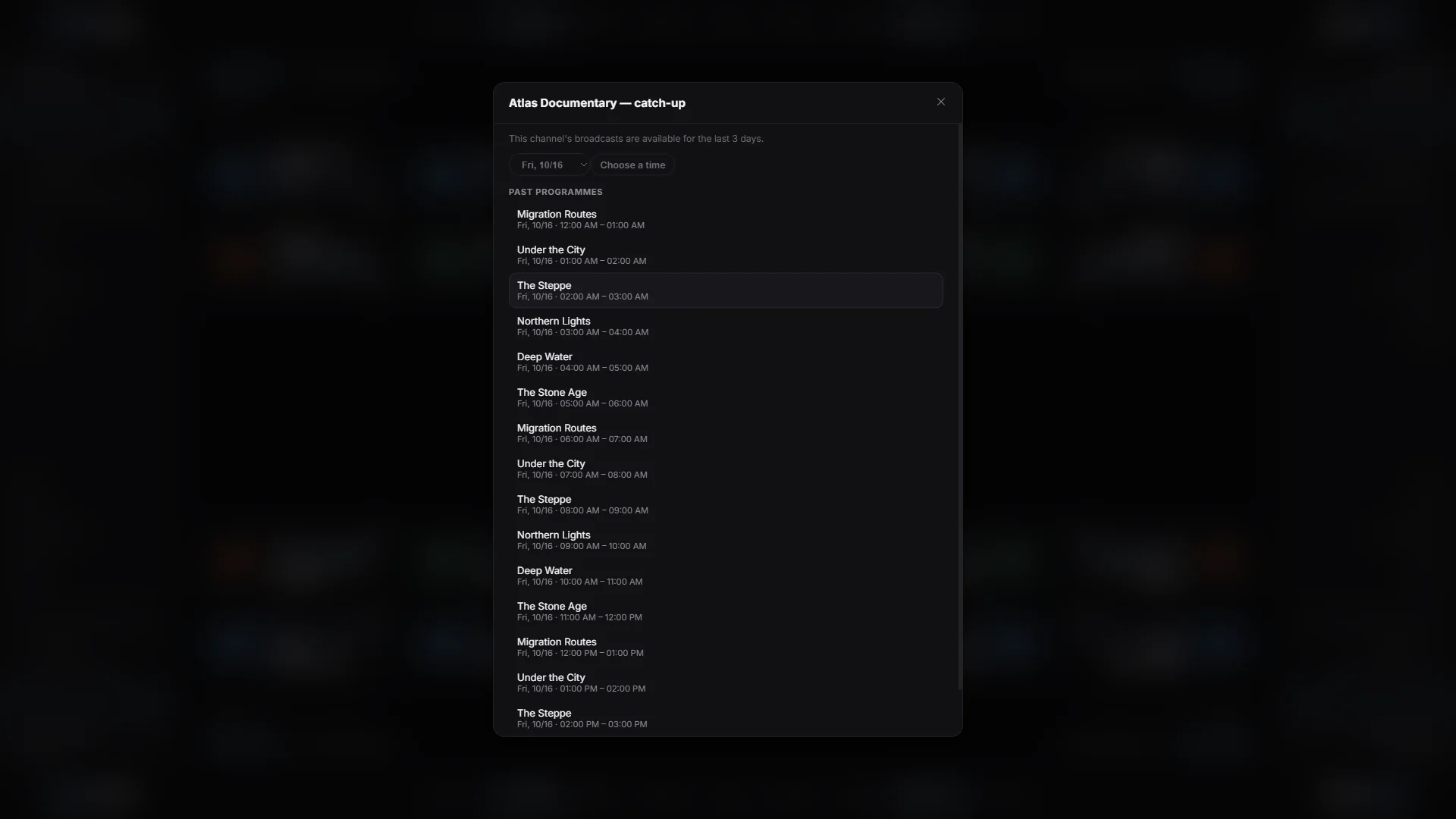
Watch your video in a separate small window while using your computer.
Video availability and playback depend on your own source.
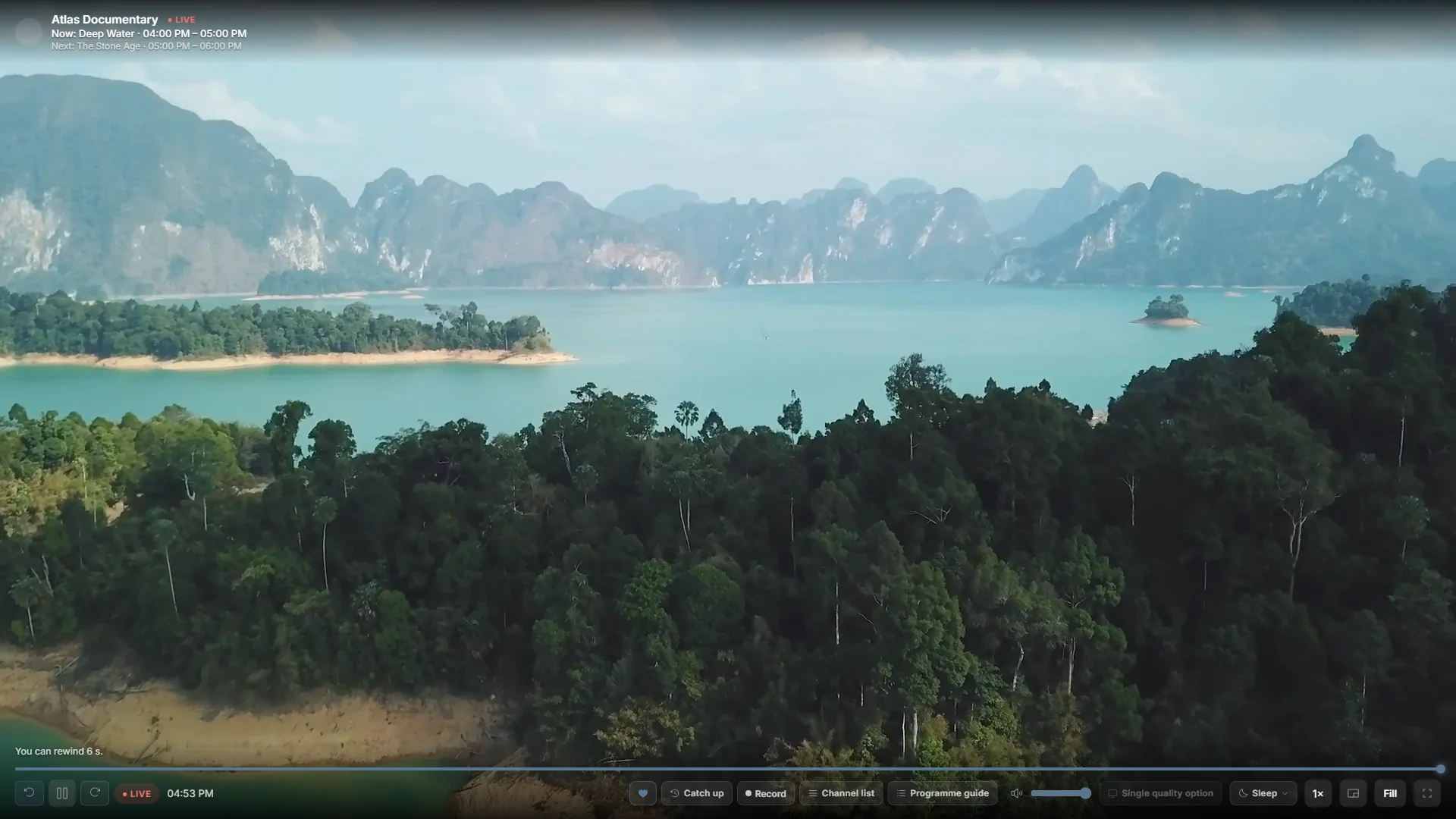
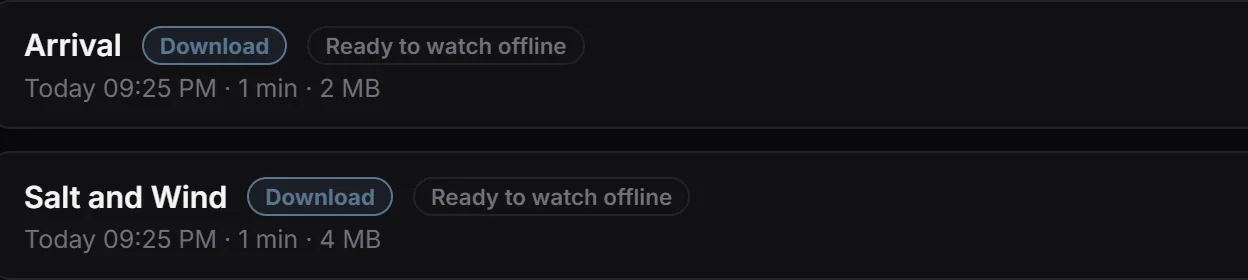
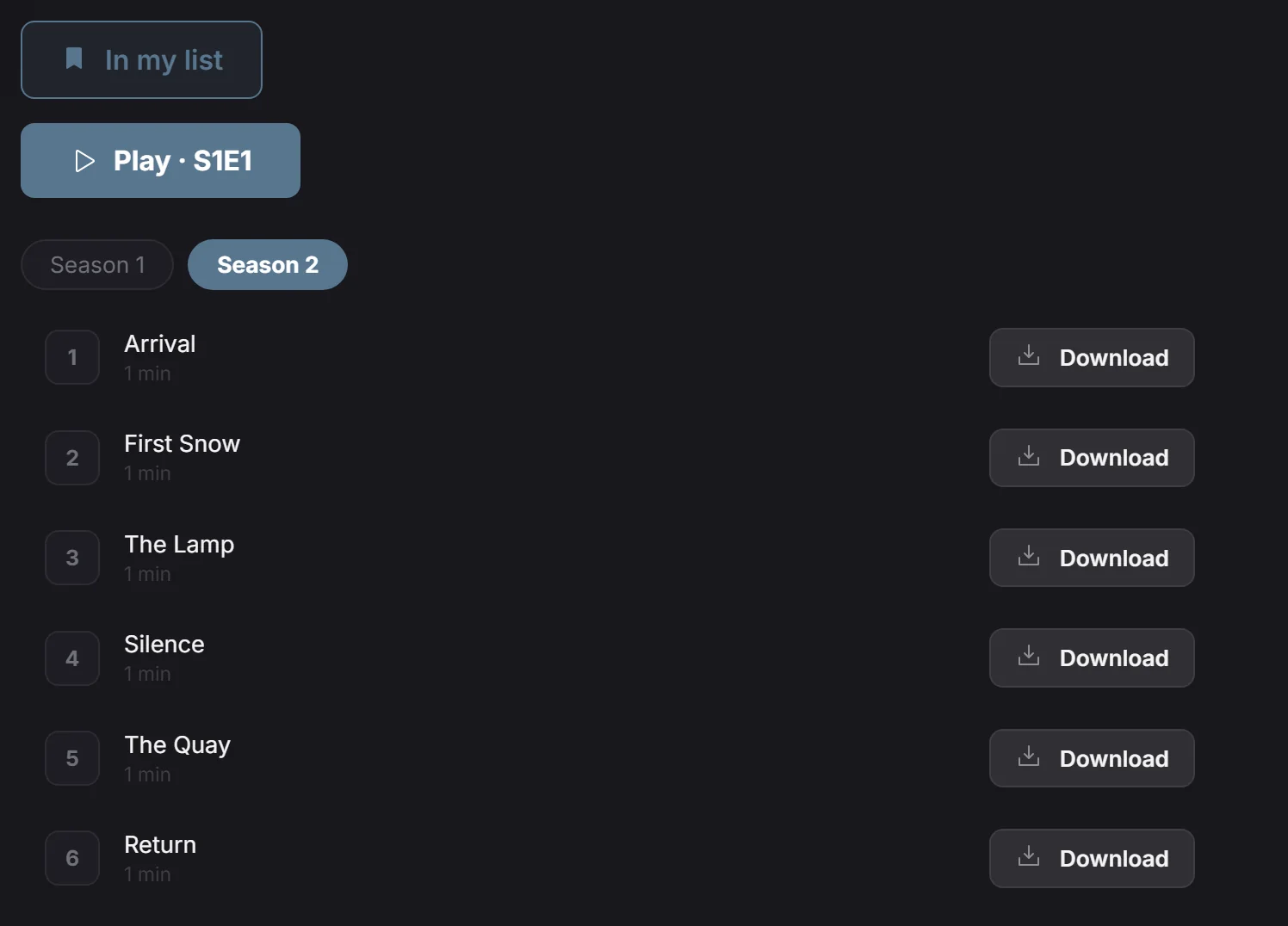
Download movies and episodes from your own source and watch without internet.
Offline viewing requires a completed download and enough disk space.
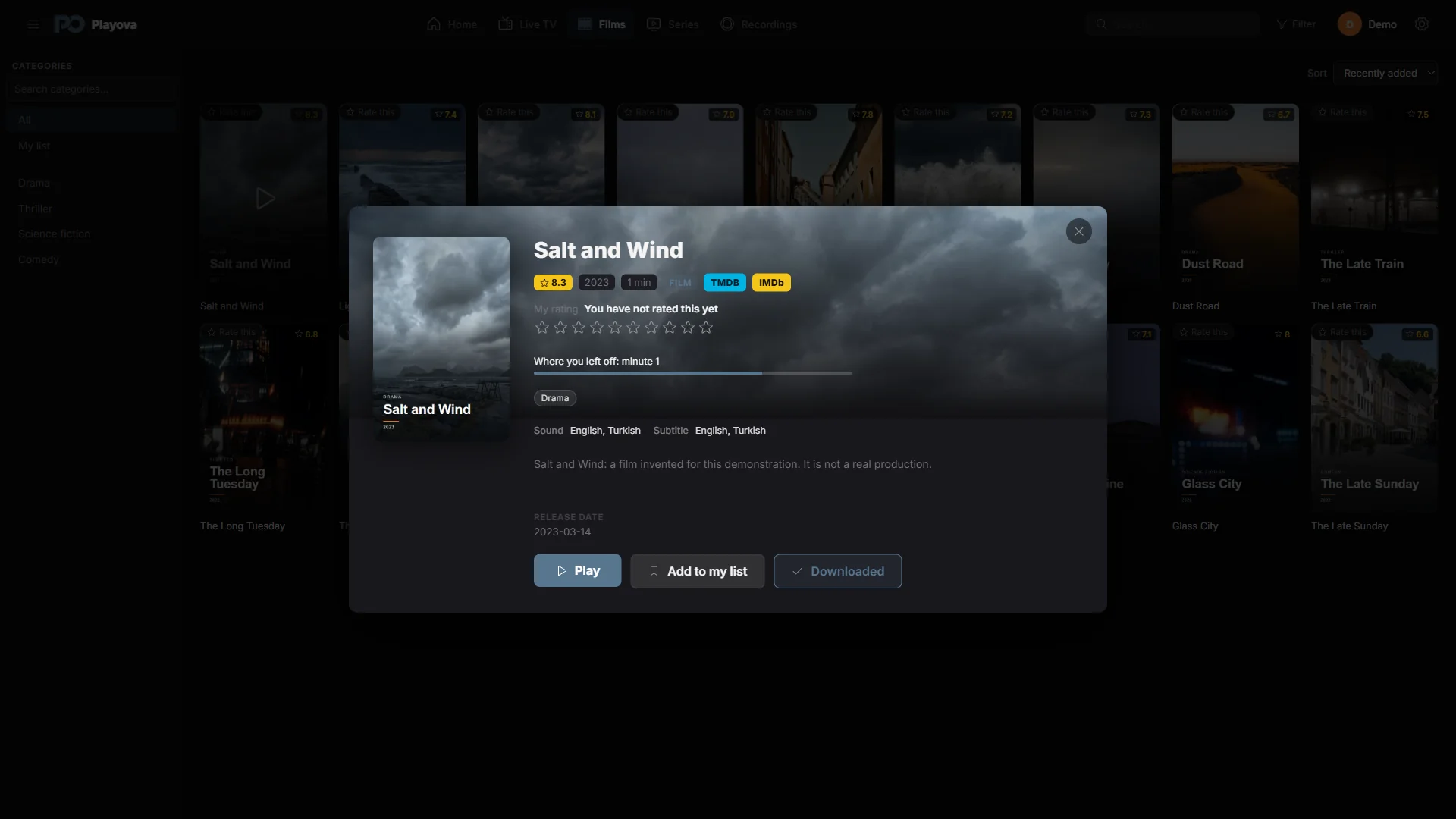
Pause on one device and pick up on another. Sync your movie and episode progress with Plus.
Requires Plus, the same Playova account and source, a matching profile, and sync enabled. Sync requires internet.
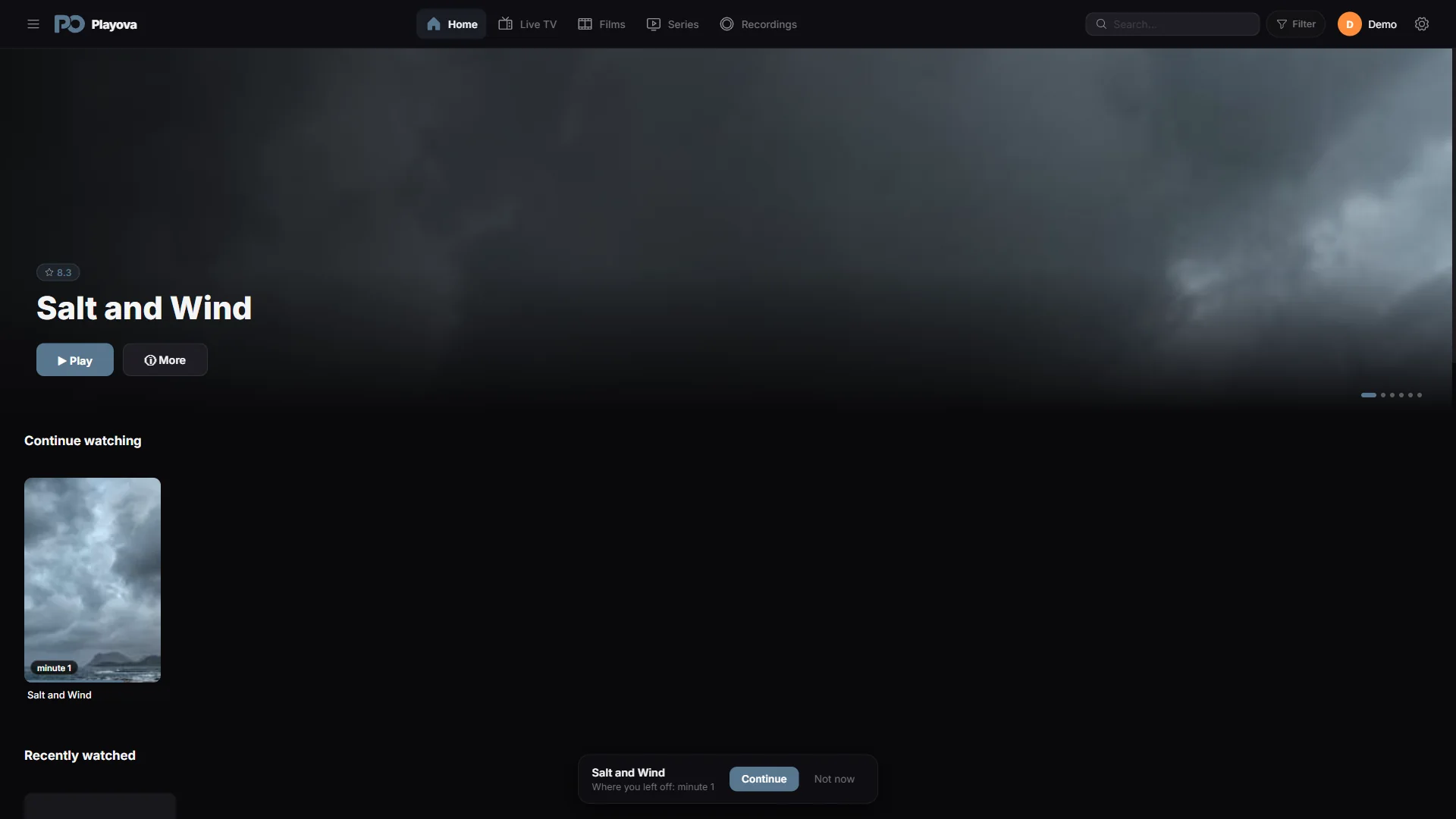
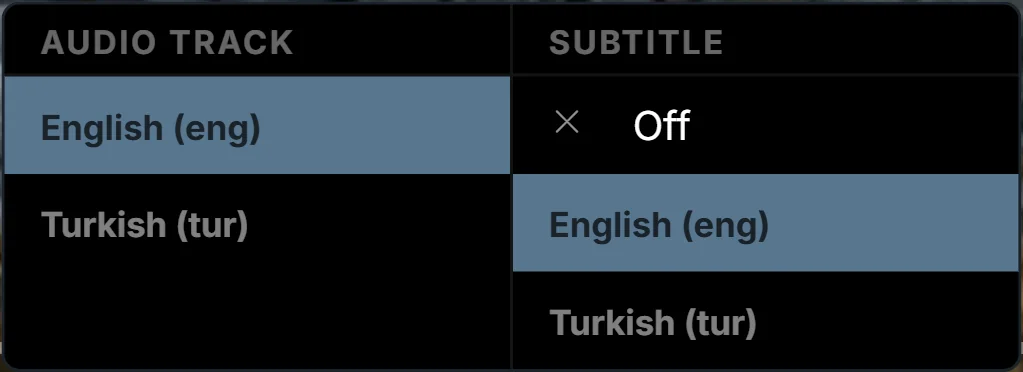
Original audio, your preferred subtitles. Start your films and series with the languages you choose.
Language preferences are saved in your profile. Automatic selection depends on the tracks available in each title.
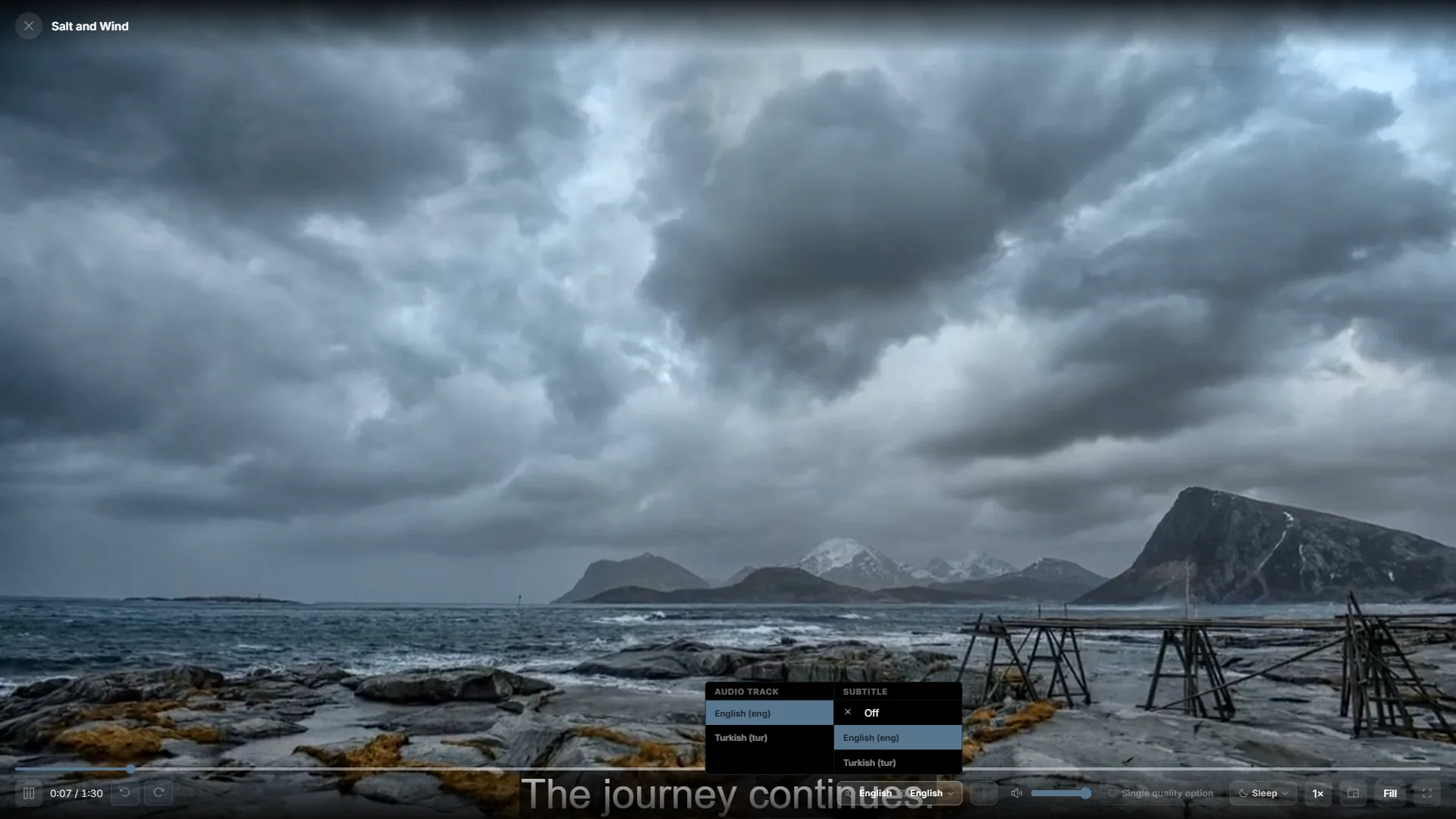
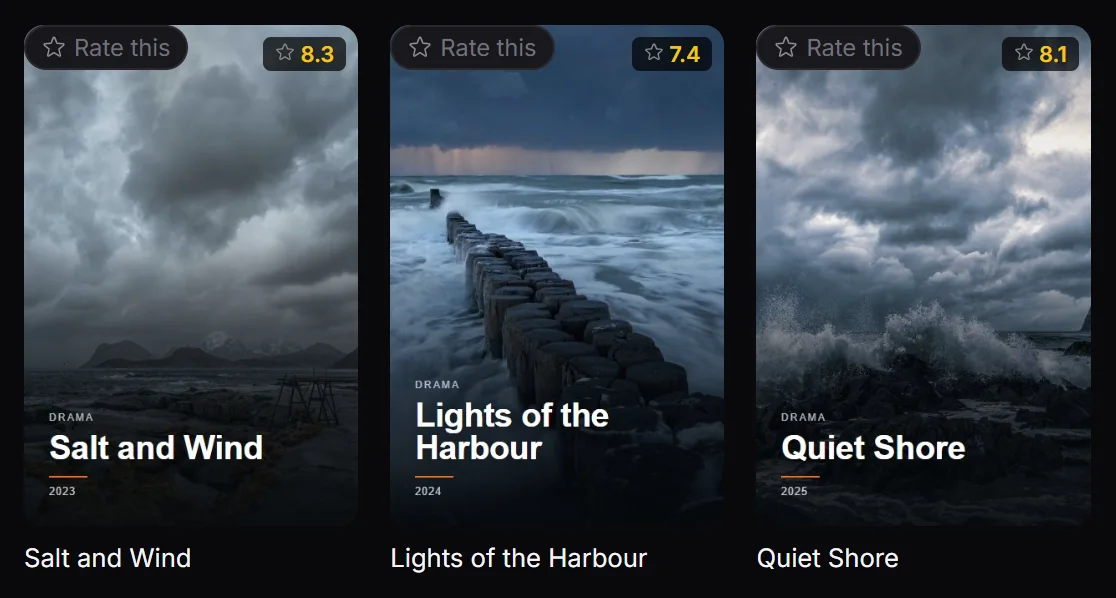
Find movies and series from your own source using posters, categories and search.
The titles shown are demo content. Playova does not supply movies, series or channel subscriptions.
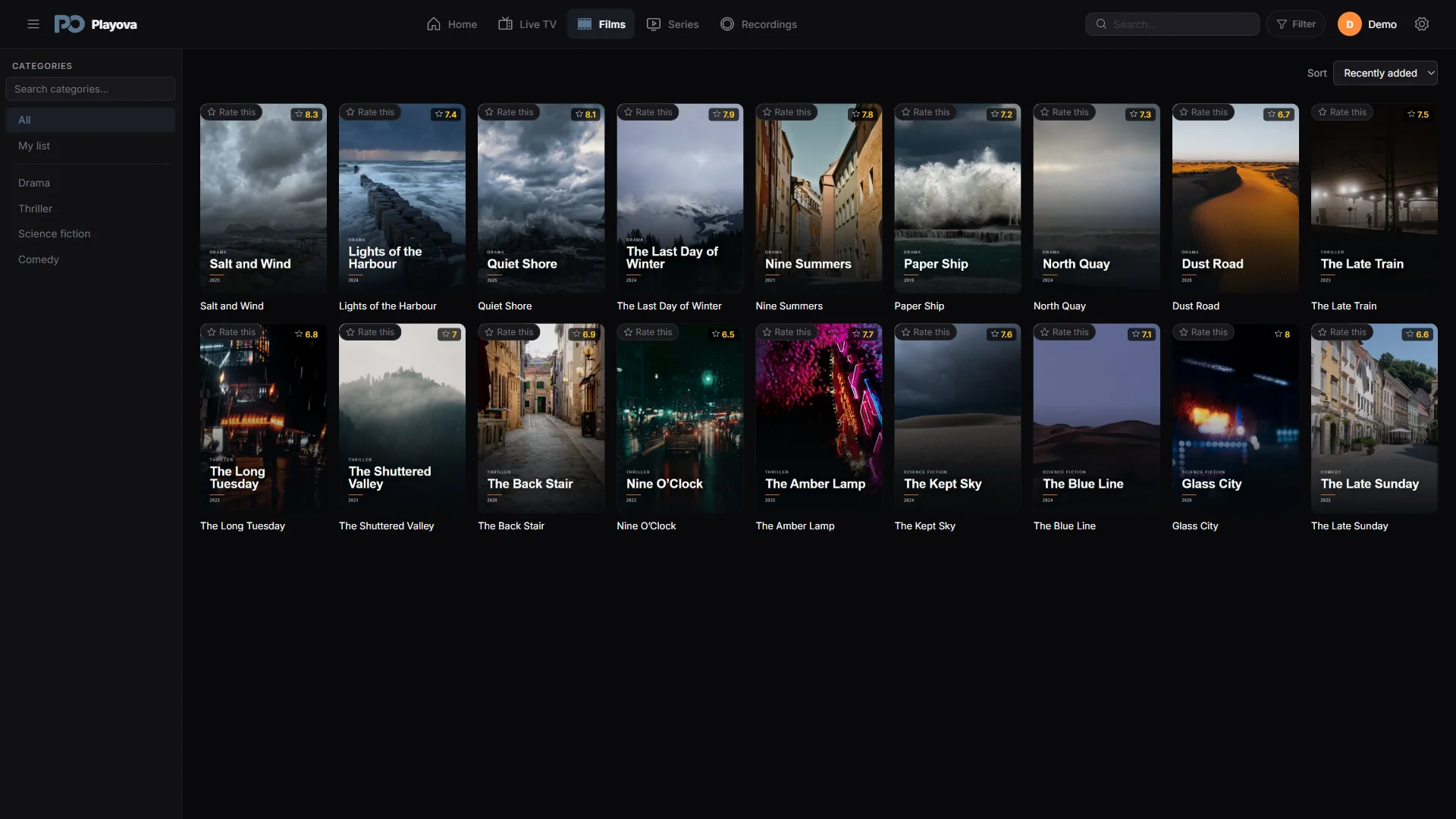
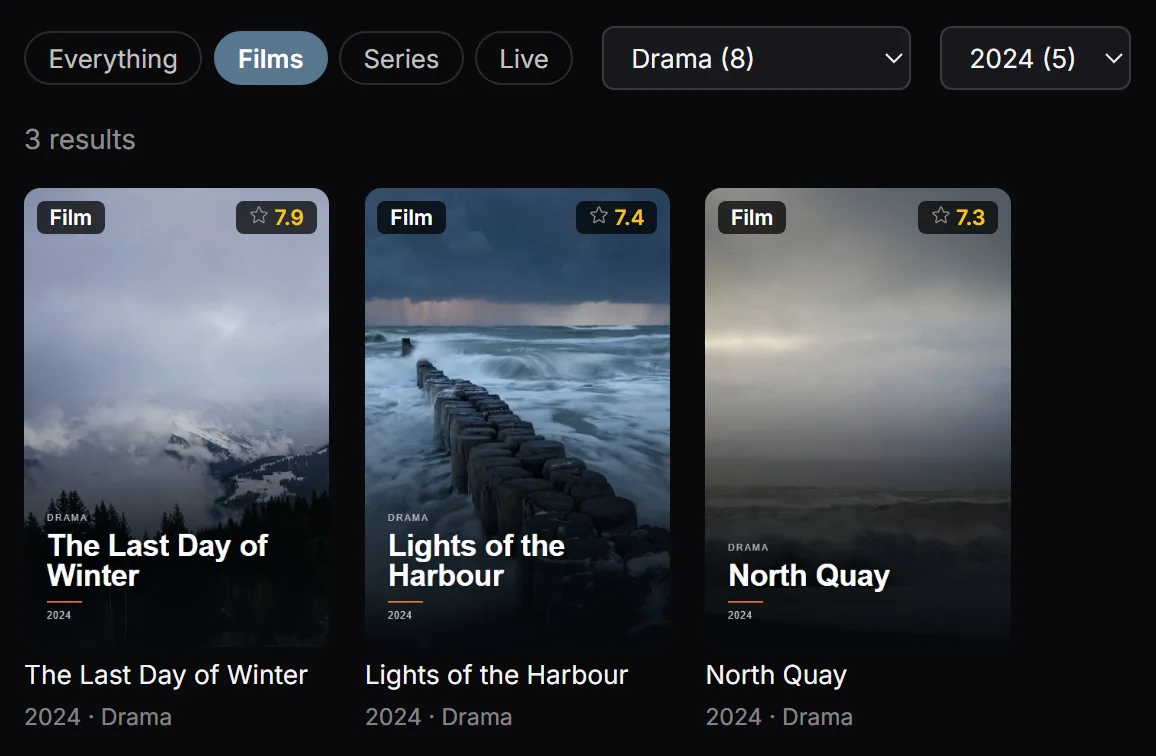
Filter movies by genre, year and rating. Sort your movie library by rating, name or date added.
Ratings and other filter information depend on the source you add.
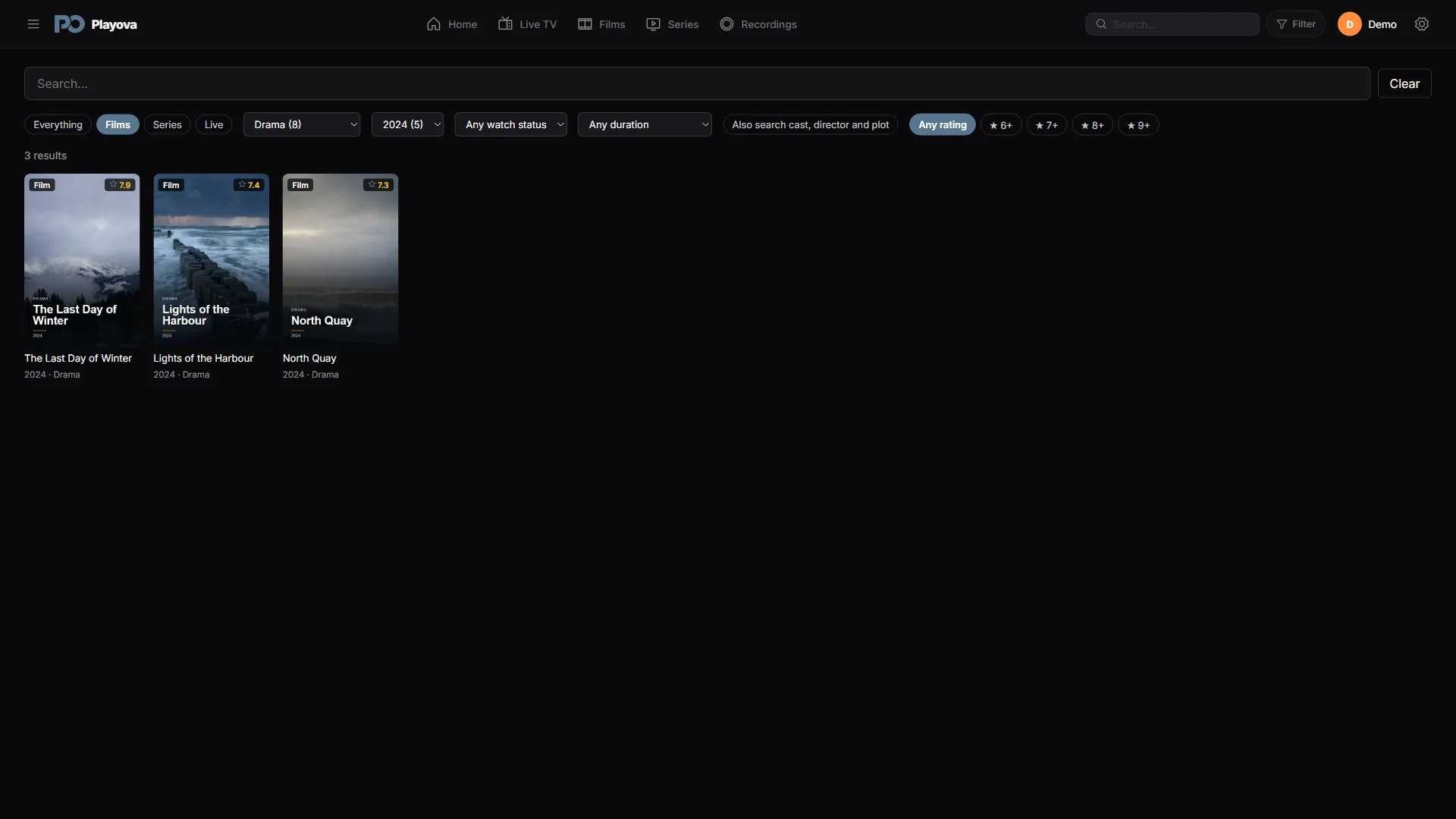
Save the channels you like as favorites and find them in one list.
Favorites are shown for the selected profile and source.
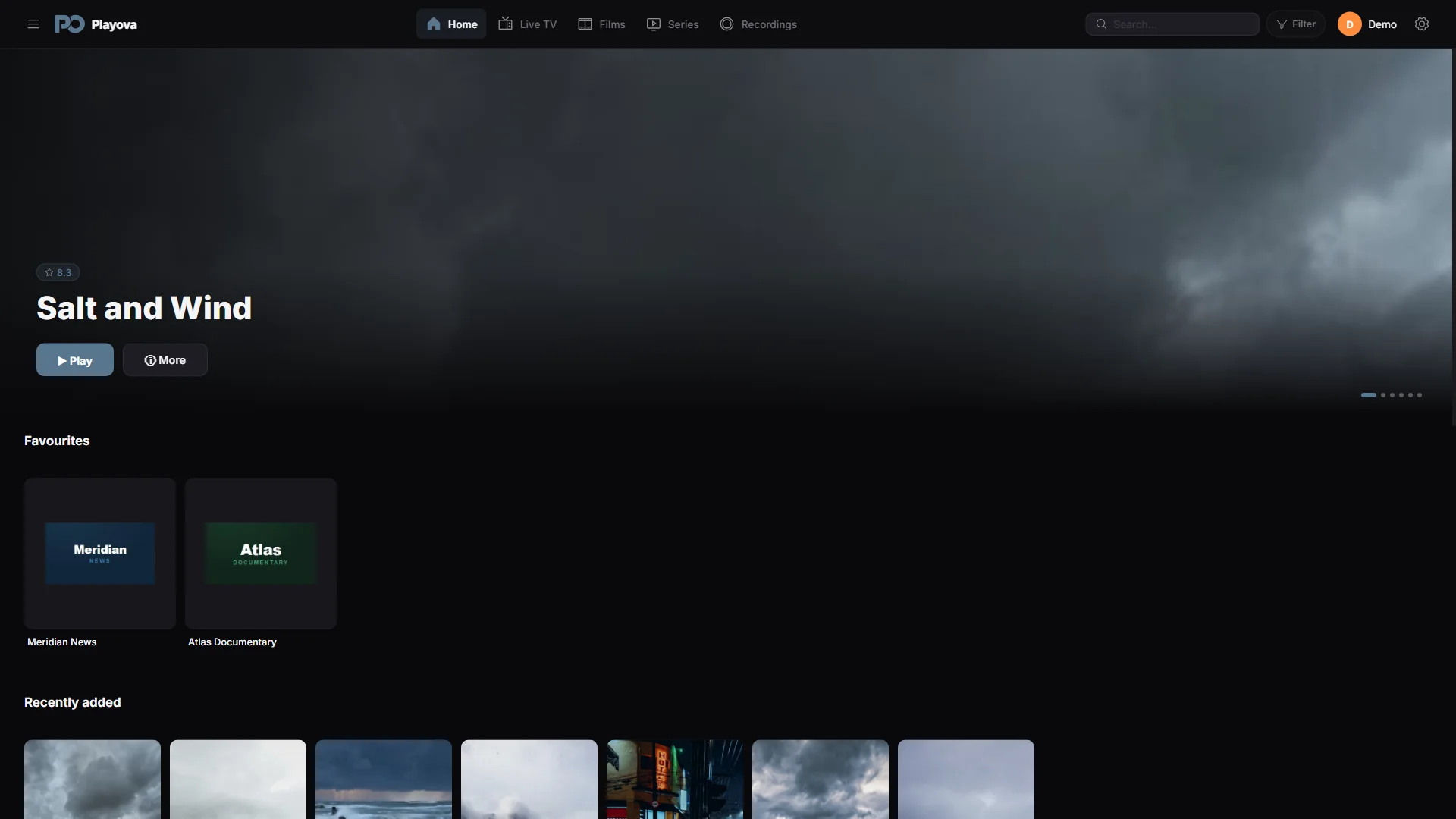
Add the whole series to My List. Browse its seasons and choose an episode to watch.
Series, seasons and episodes depend on the source you add.
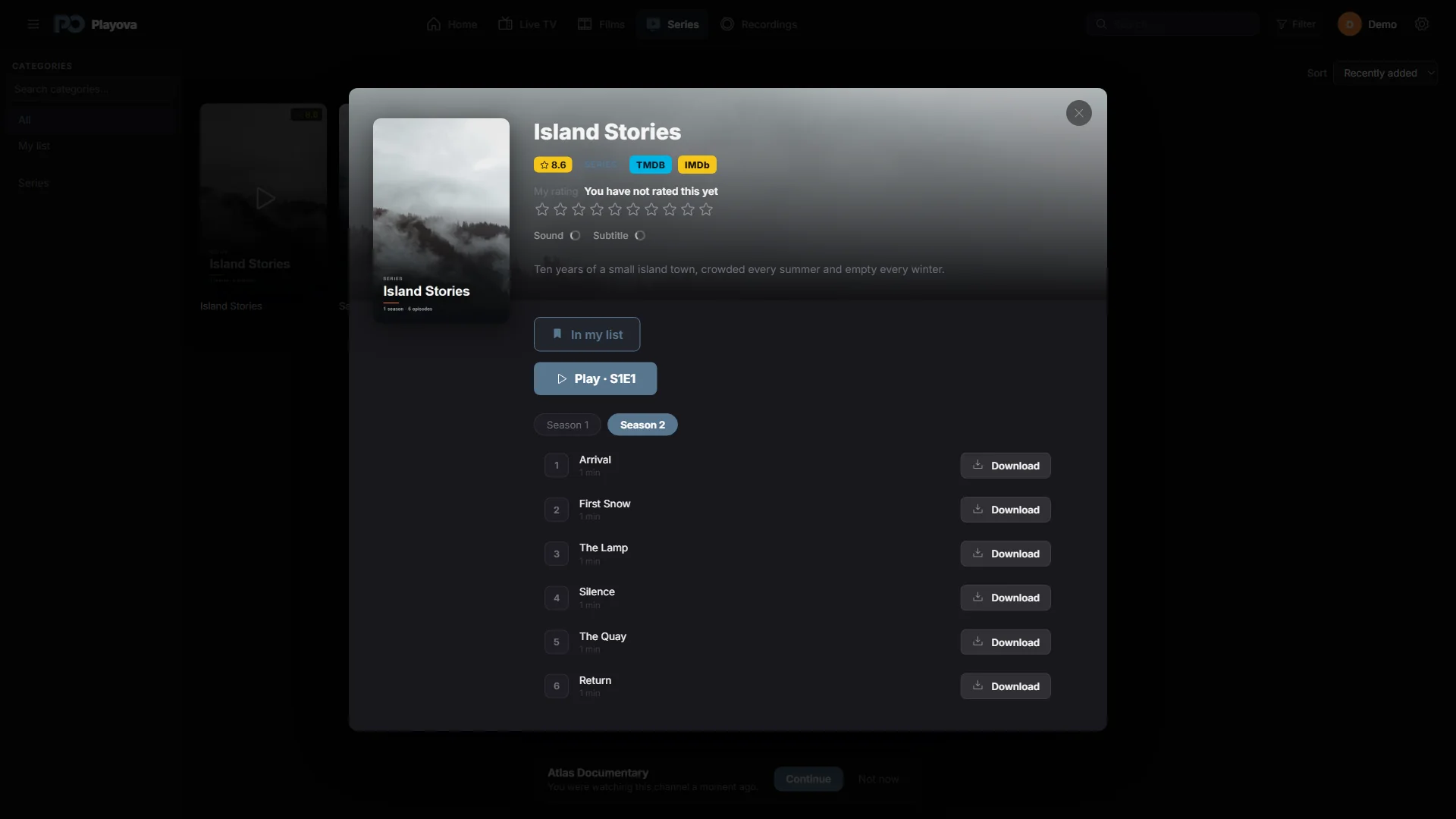
Access IMDb and TMDB links from movie and series details.
External pages require internet; content and access depend on the respective site.
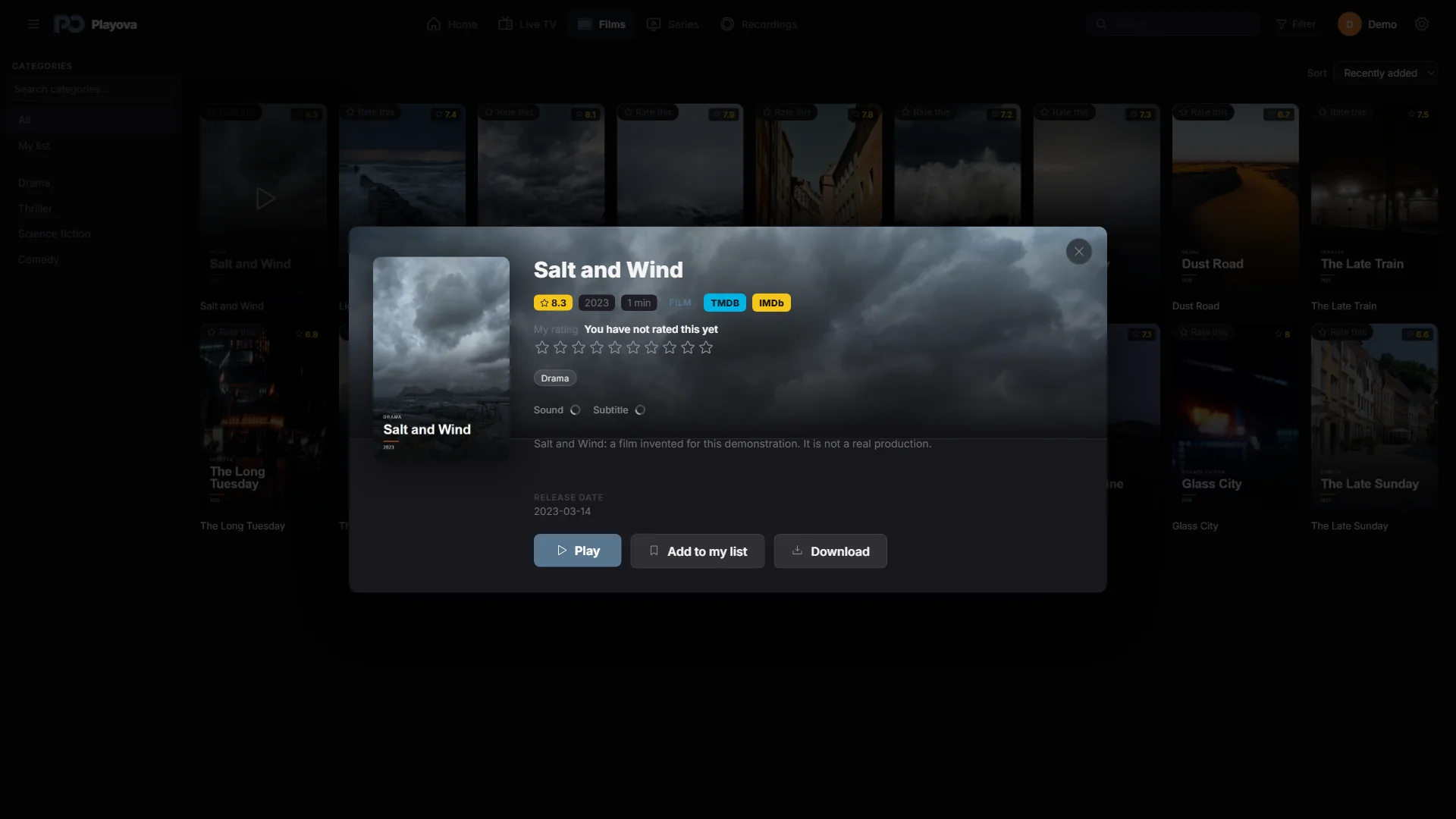
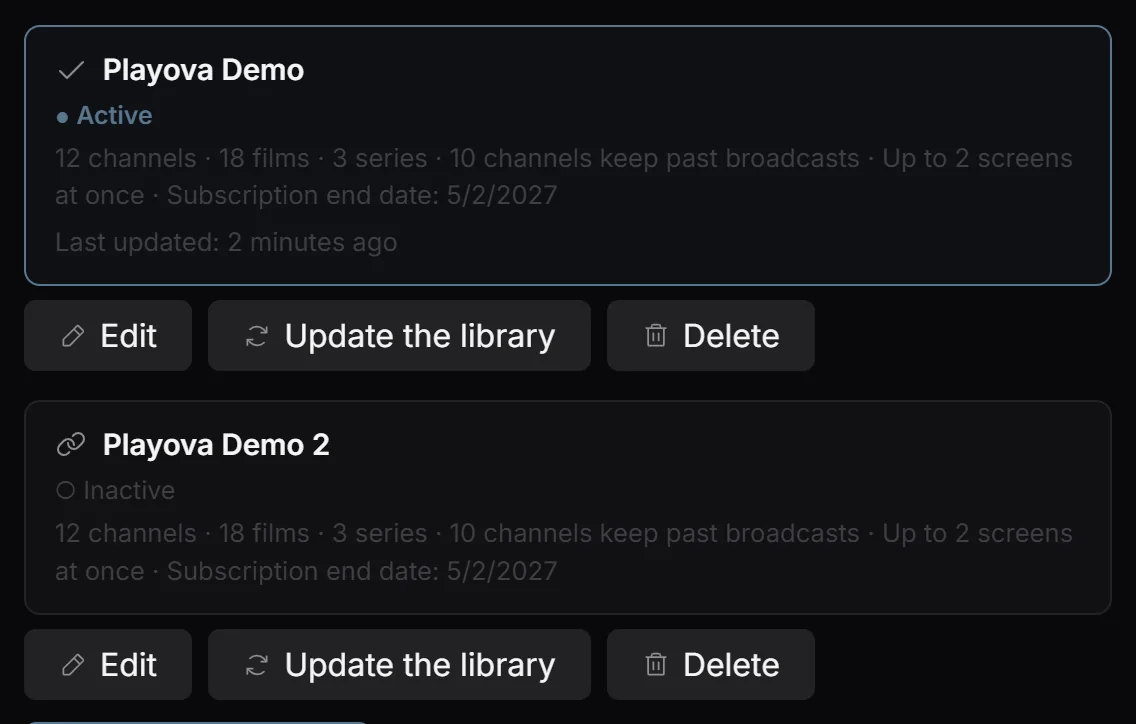
Add multiple M3U playlists and Xtream Codes accounts. Switch between your sources.
You must supply your own source. Playova does not sell IPTV subscriptions.
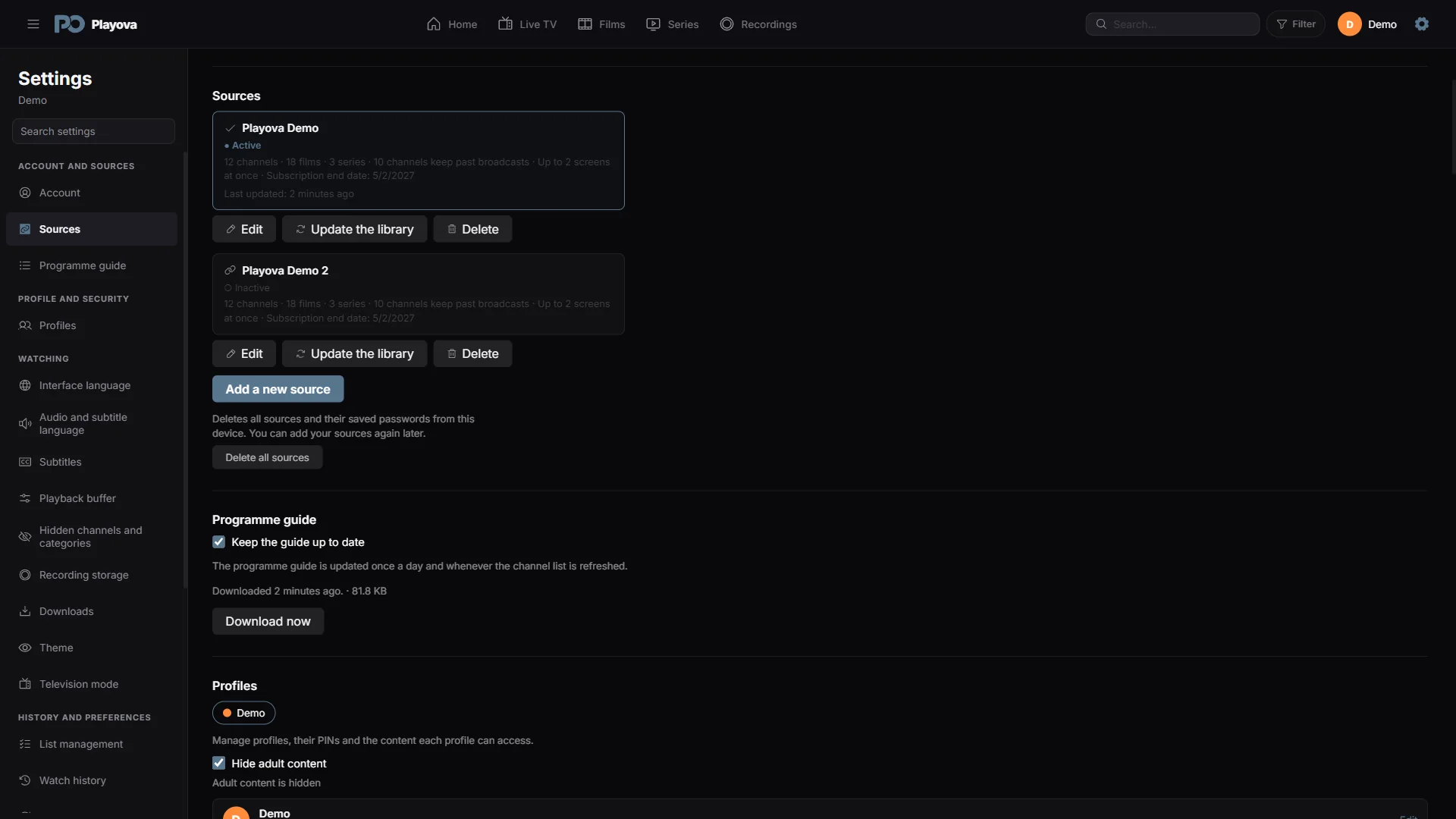
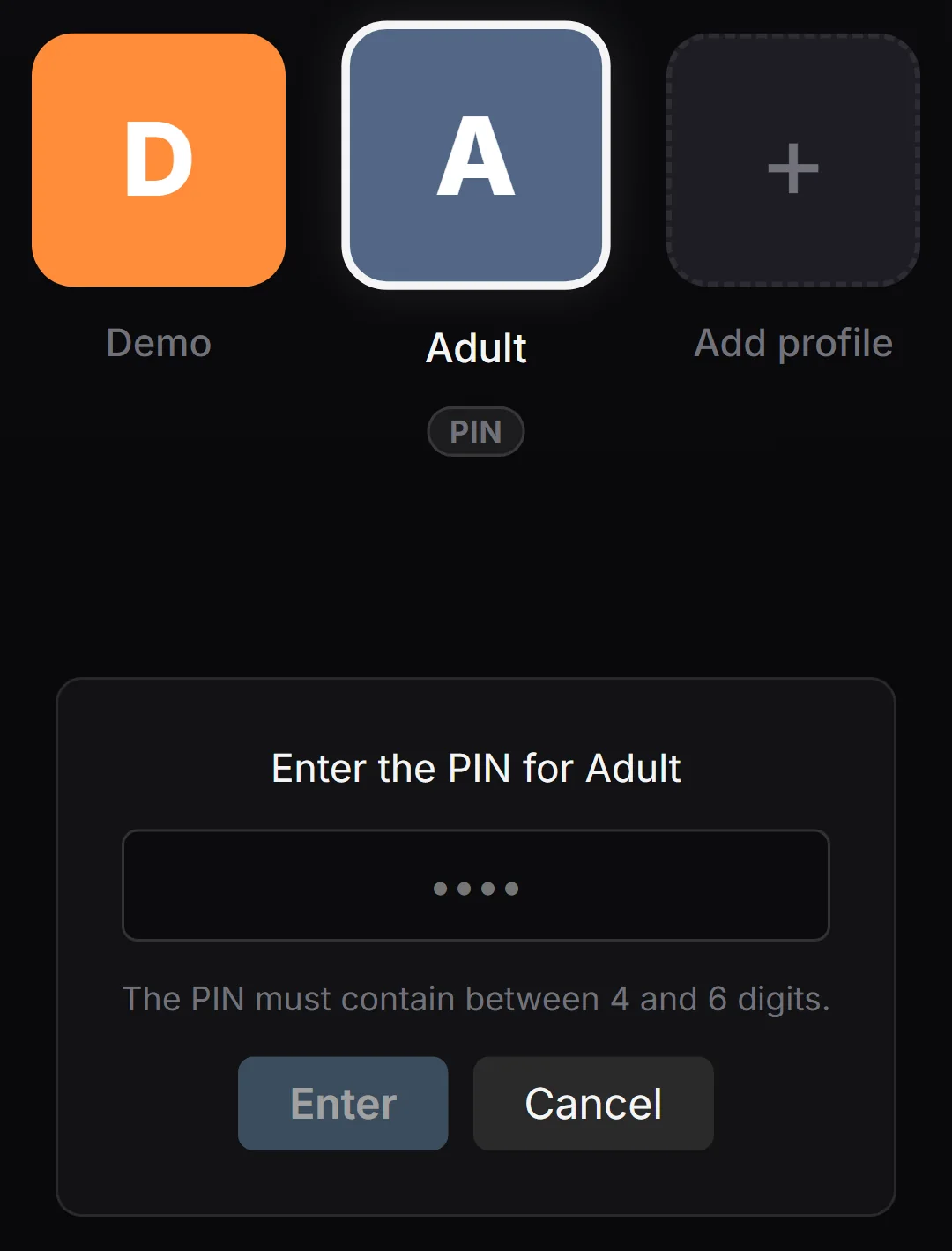
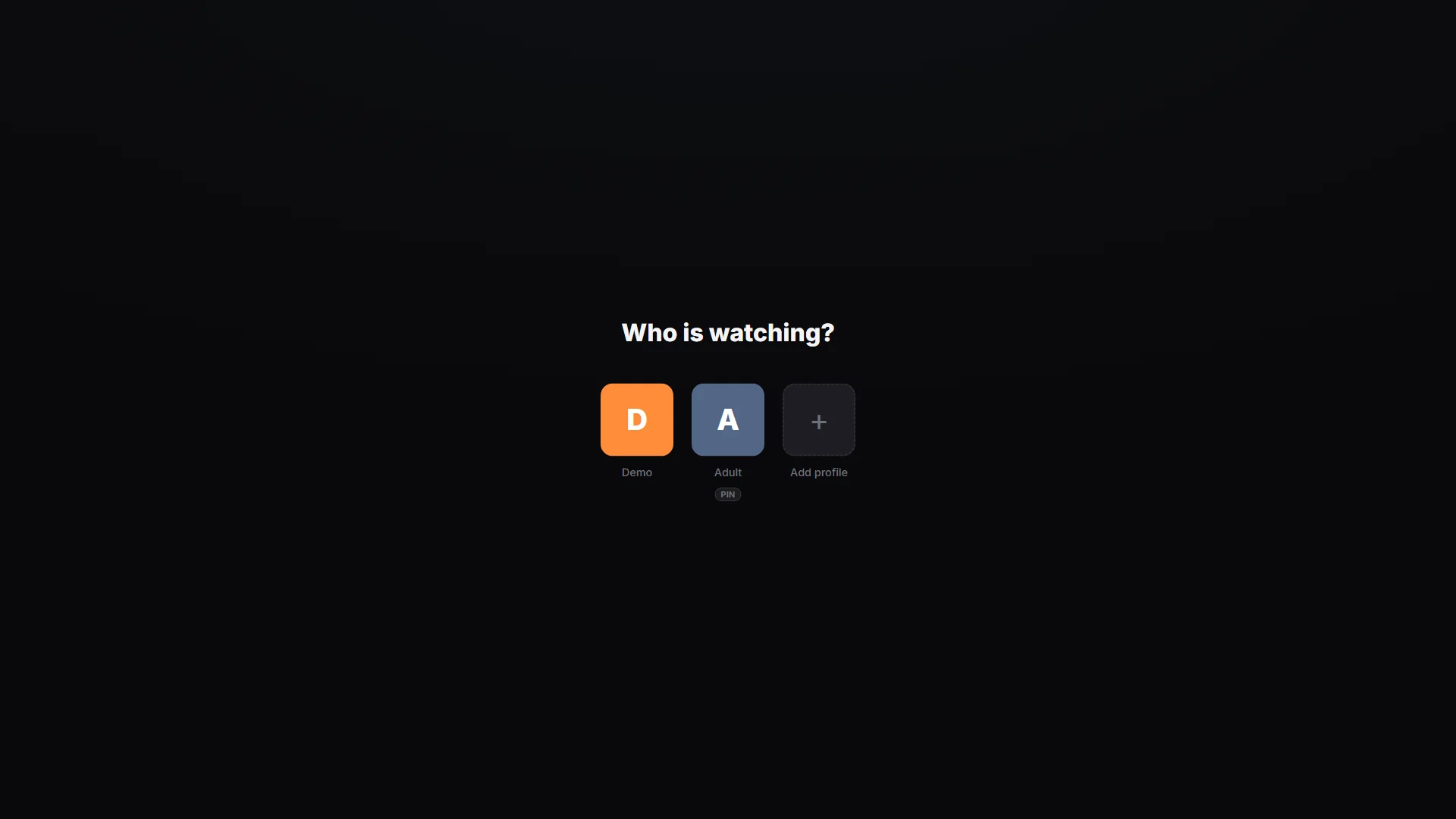
Create separate profiles and protect profile access with a PIN.
The PIN protects access to the selected profile.
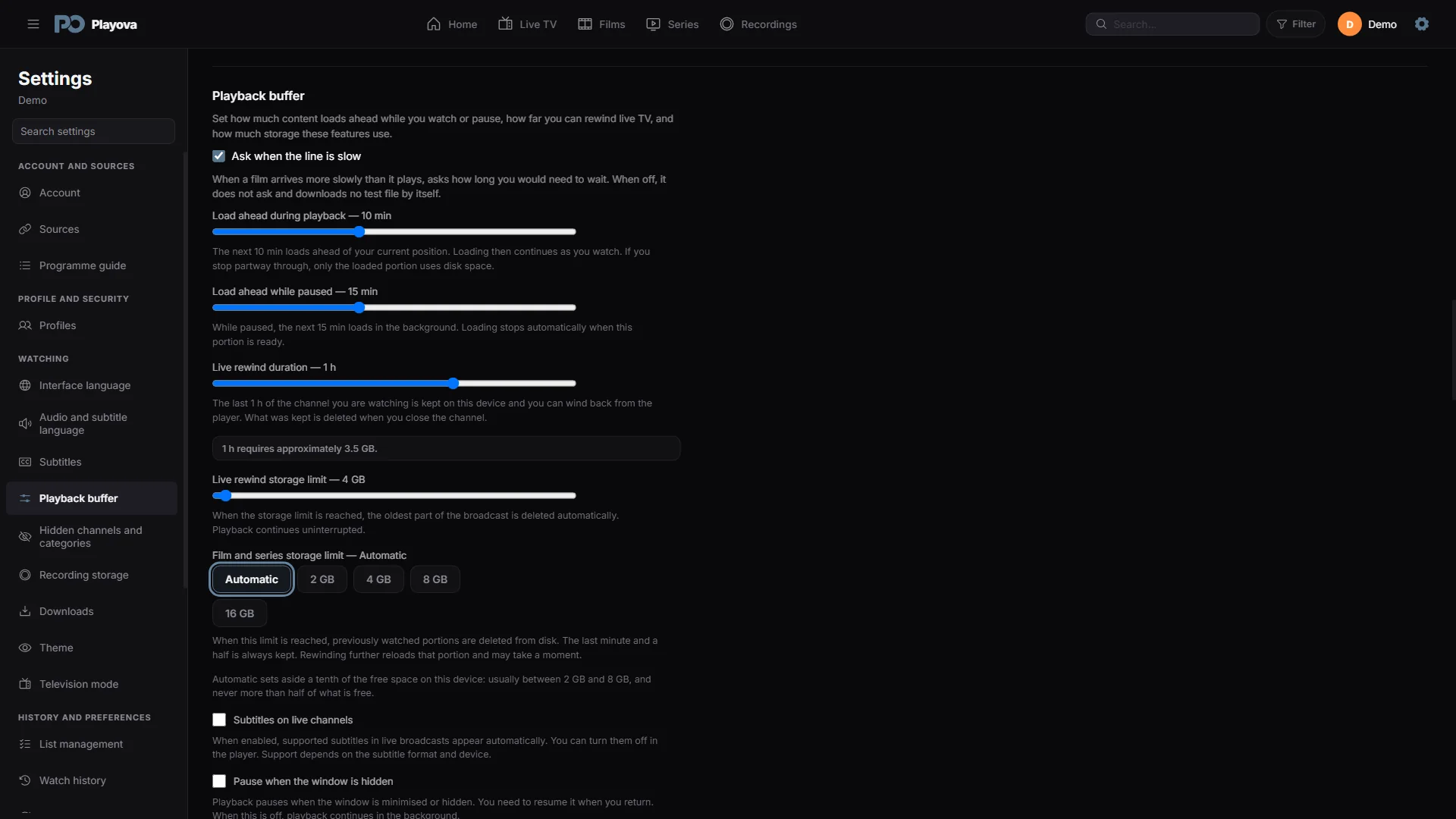
Adjust preloading, pause buffering and live rewind options.
Buffer duration depends on stream bitrate and allocated storage.
BASIC / PLUS
Your trial starts when you add your first source. After the trial, watching requires paid Basic or Plus. Local prices are shown in the app.