
01 / 16
Built for your remote
Move through the library and player with the directional controls on your remote.
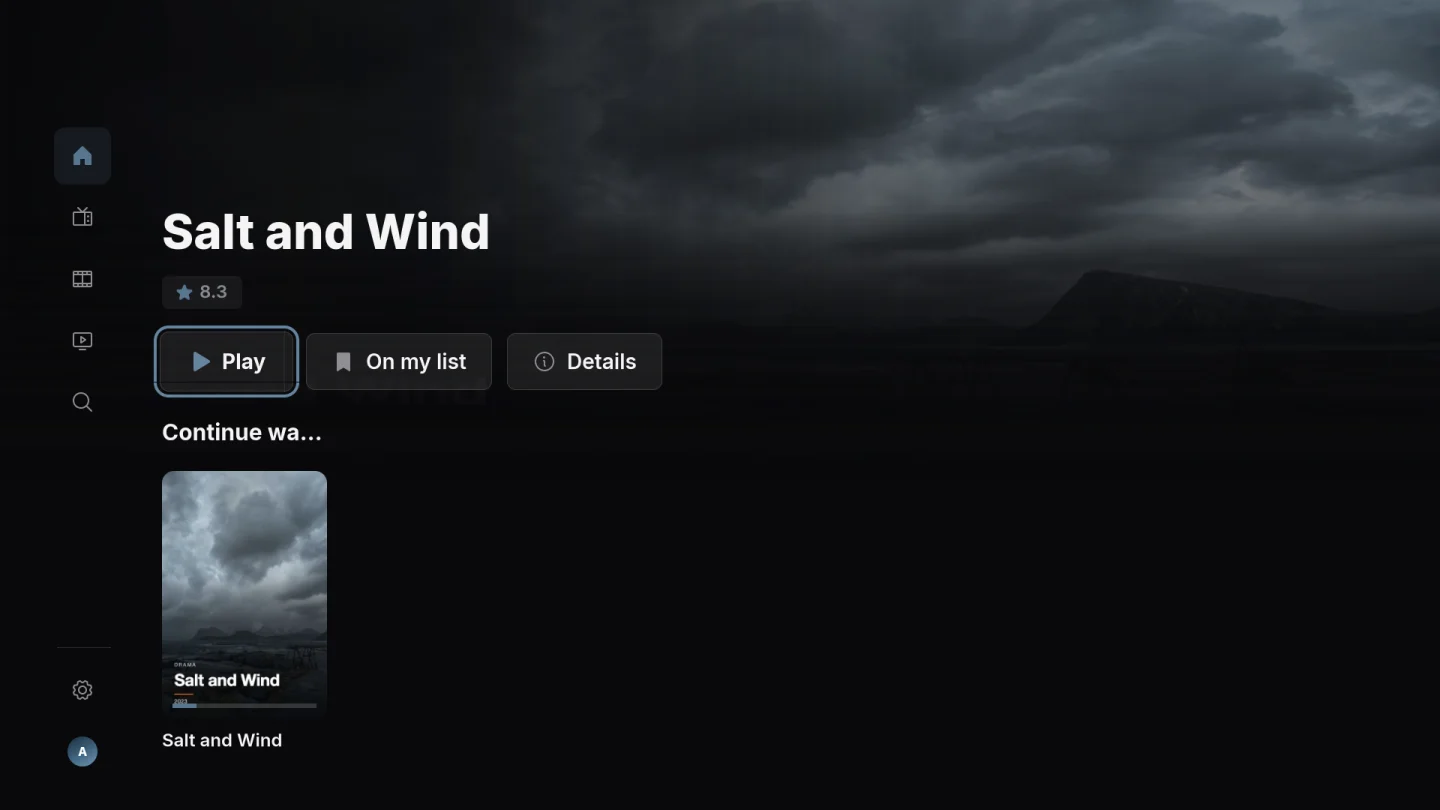
PLAYOVA / Roku
Browse your source with an interface designed for your Roku and remote. Format support depends on your Roku and source.
No public installation link is available yet.
01 / 16
Move through the library and player with the directional controls on your remote.
02 / 16
Open your own source and browse its live channels. Playback depends on your provider, stream format and device.
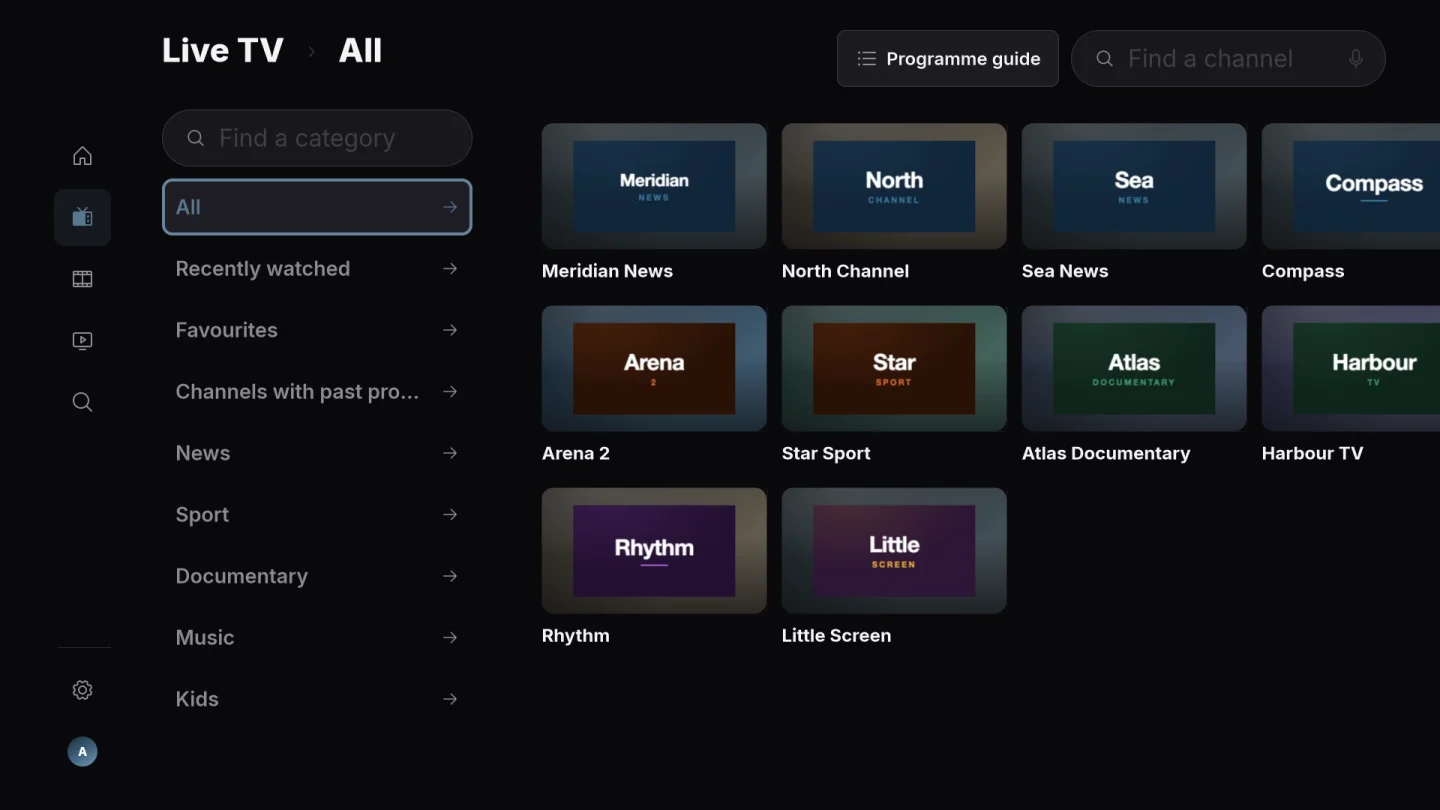
03 / 16
See programme information when your provider includes a compatible guide.
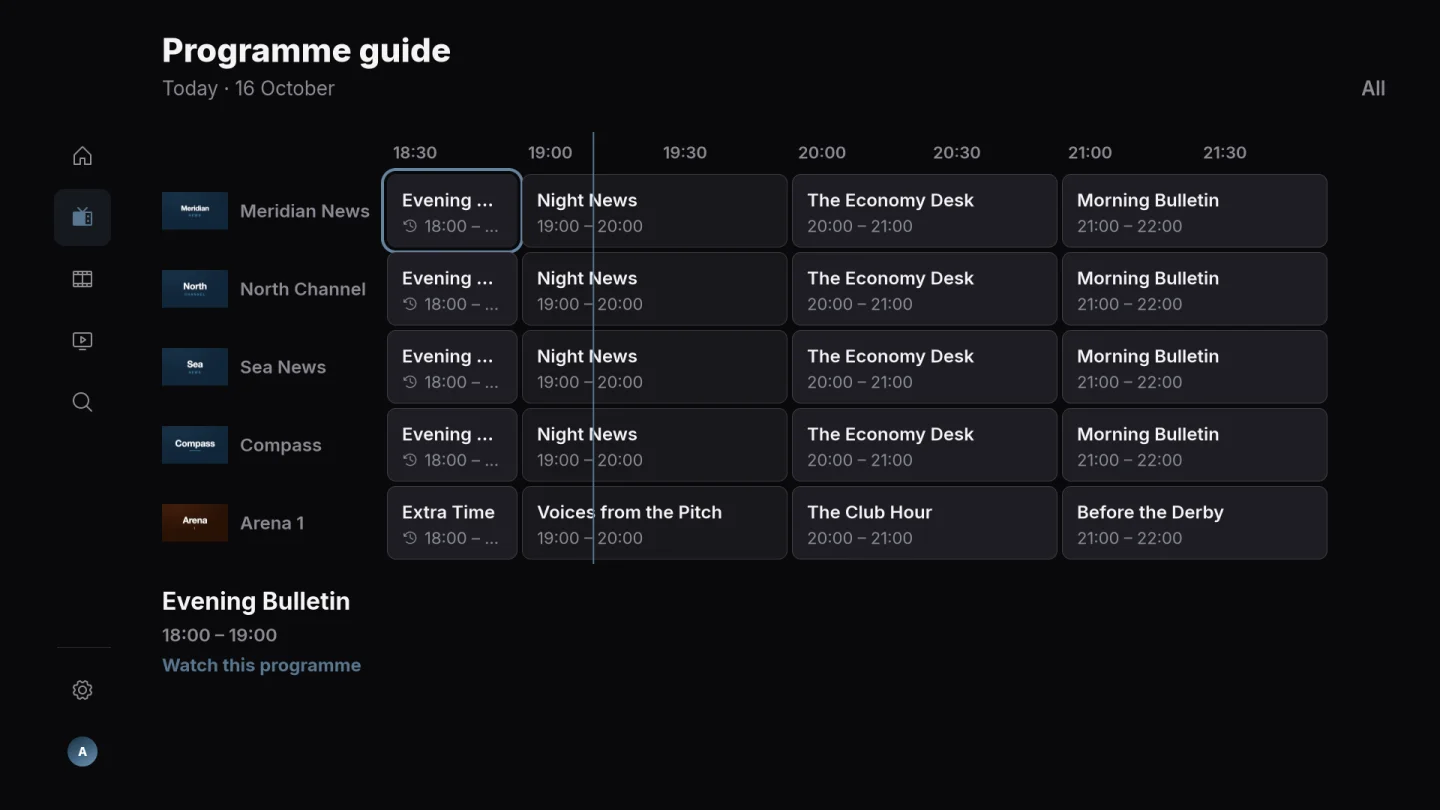
04 / 16
Watch a programme from your provider’s archive when the source supplies catch-up. Availability and archive length depend on your provider.
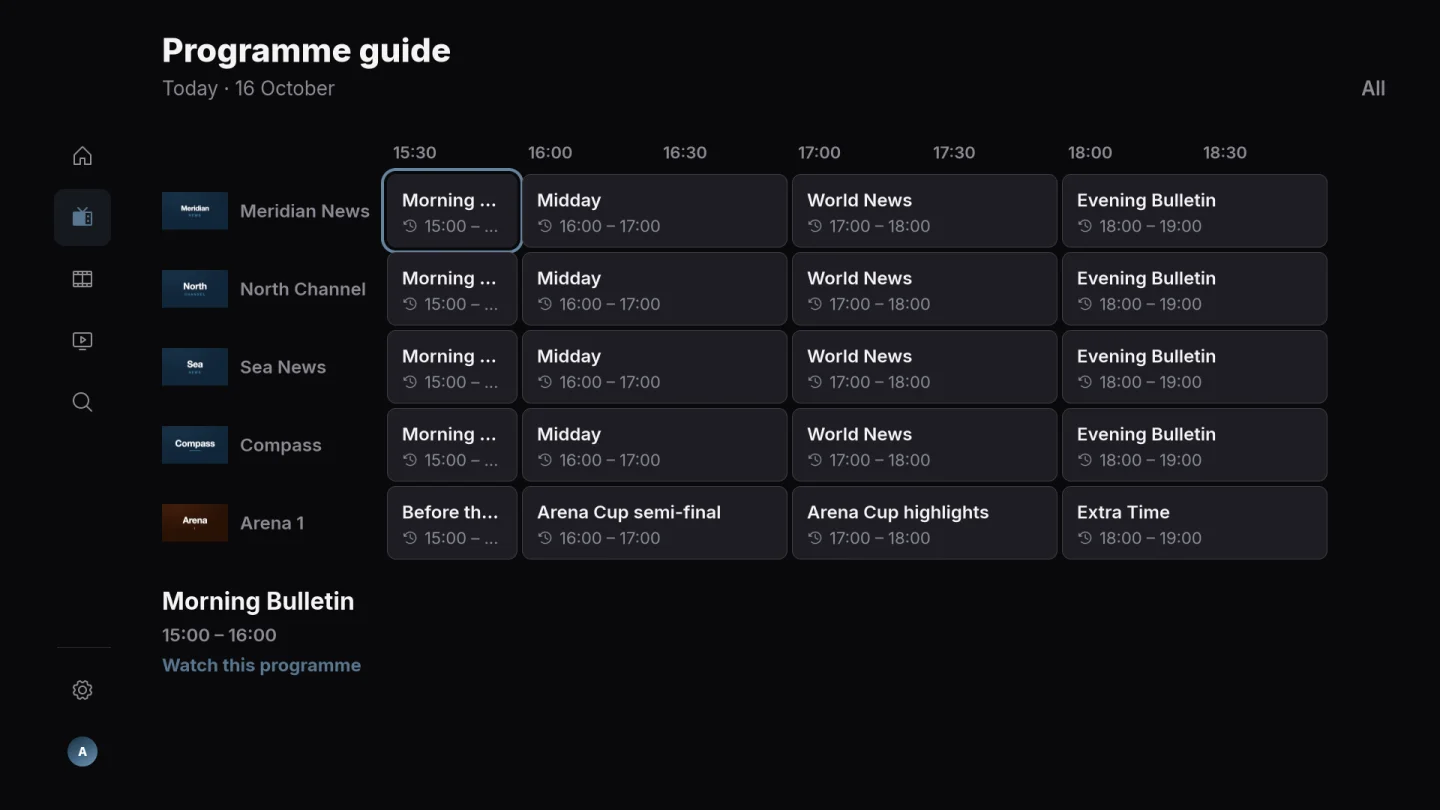
05 / 16
Browse the movies in your own source, with posters and categories that help you choose what to watch.
06 / 16
Browse seasons and episodes from your source and choose the next part of the story.
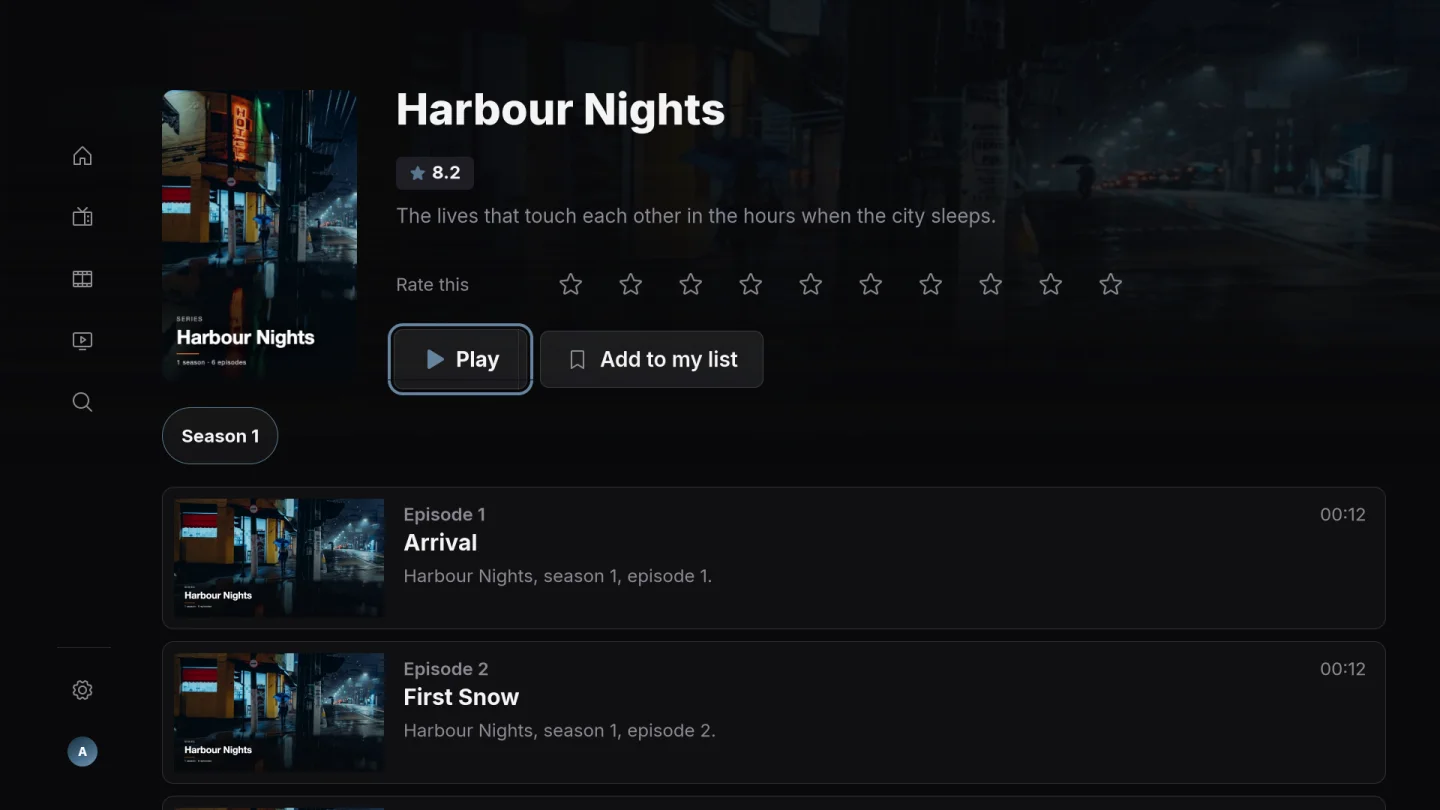
07 / 16
Search your source and return to the titles you want to watch.
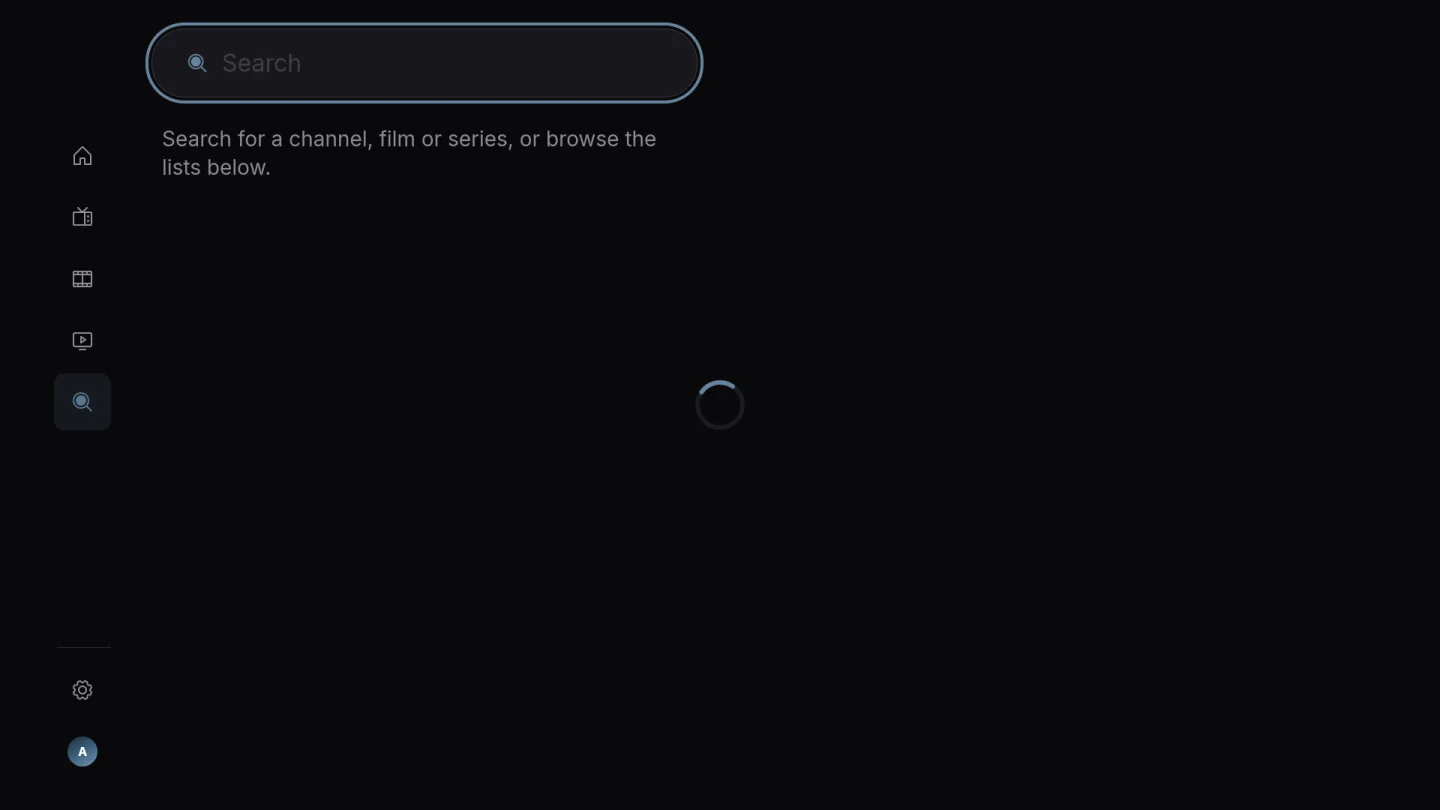
08 / 16
Mark channels as favourites and find them again without browsing the whole channel list.
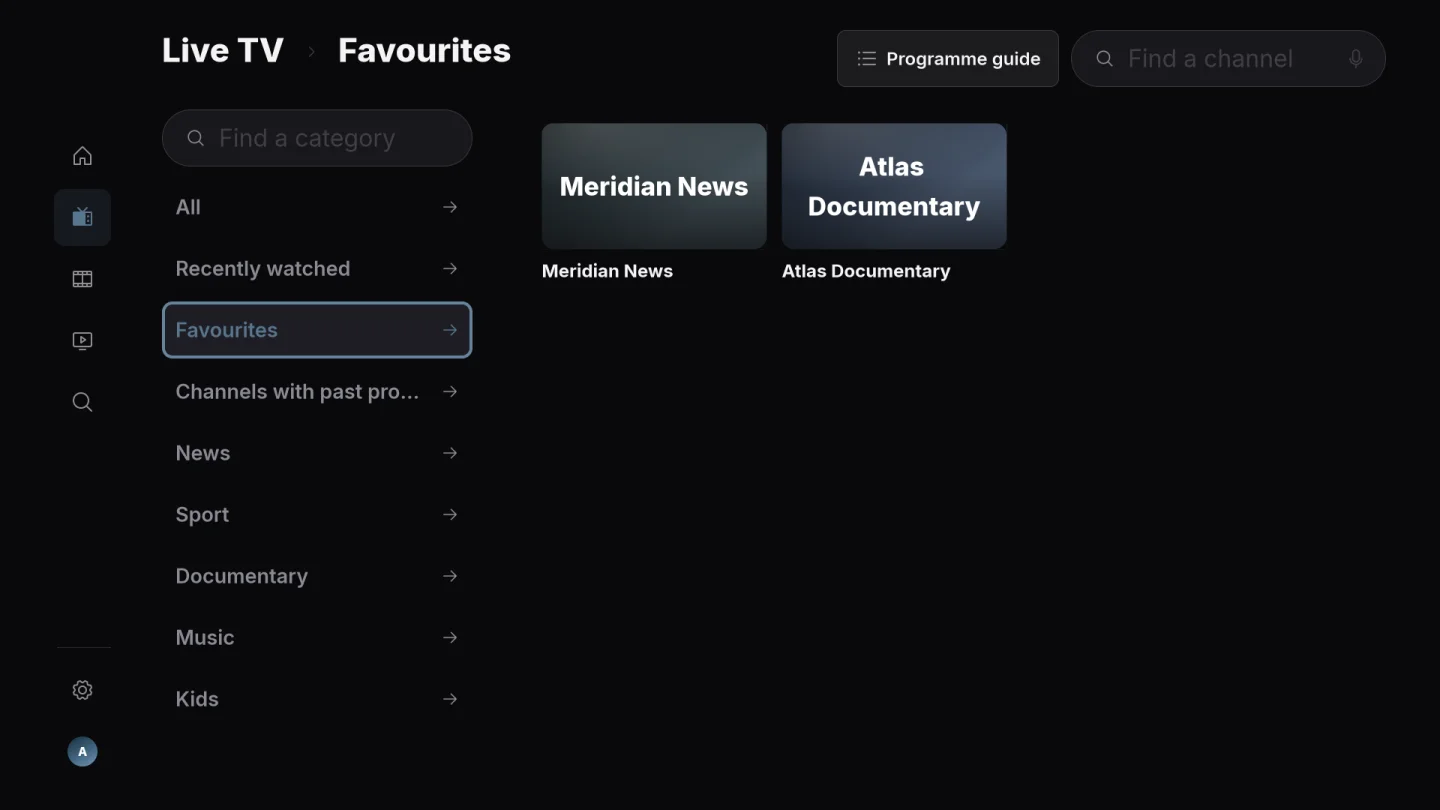
09 / 16
Return to the saved position in a film or episode. With Plus, supported devices can share viewing progress through the same Playova account.
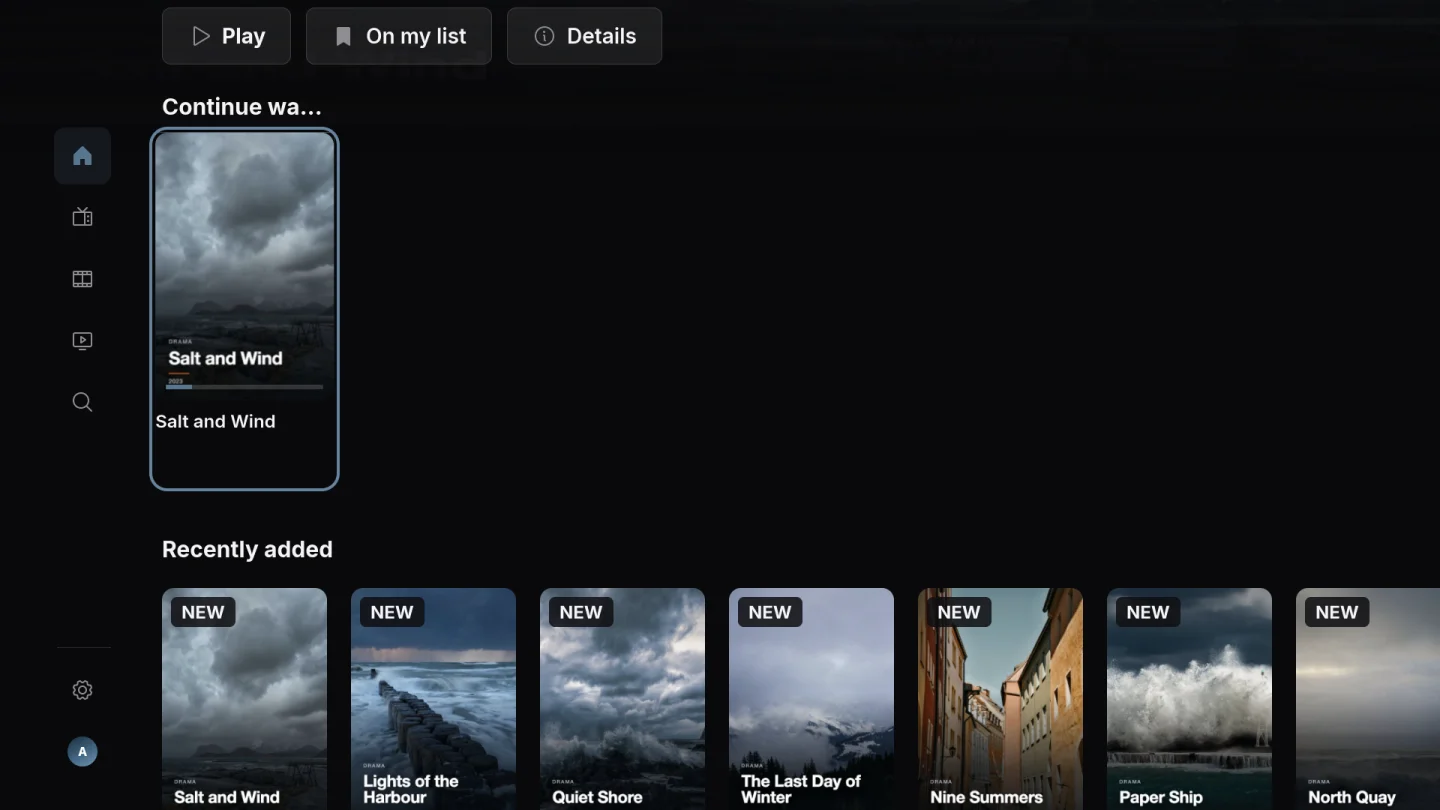
10 / 16
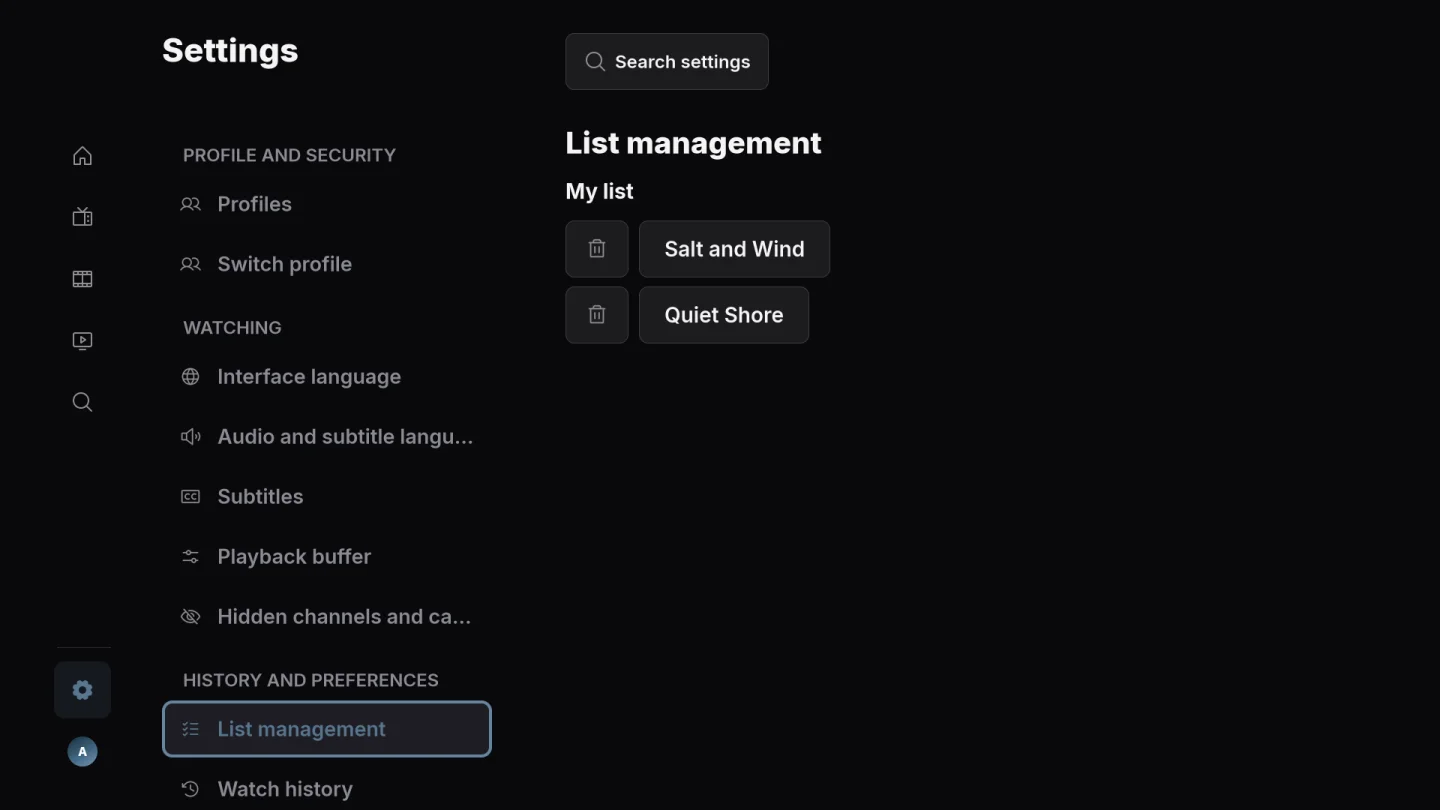
Add films and series to your personal list, then return when you have time to watch.
11 / 16
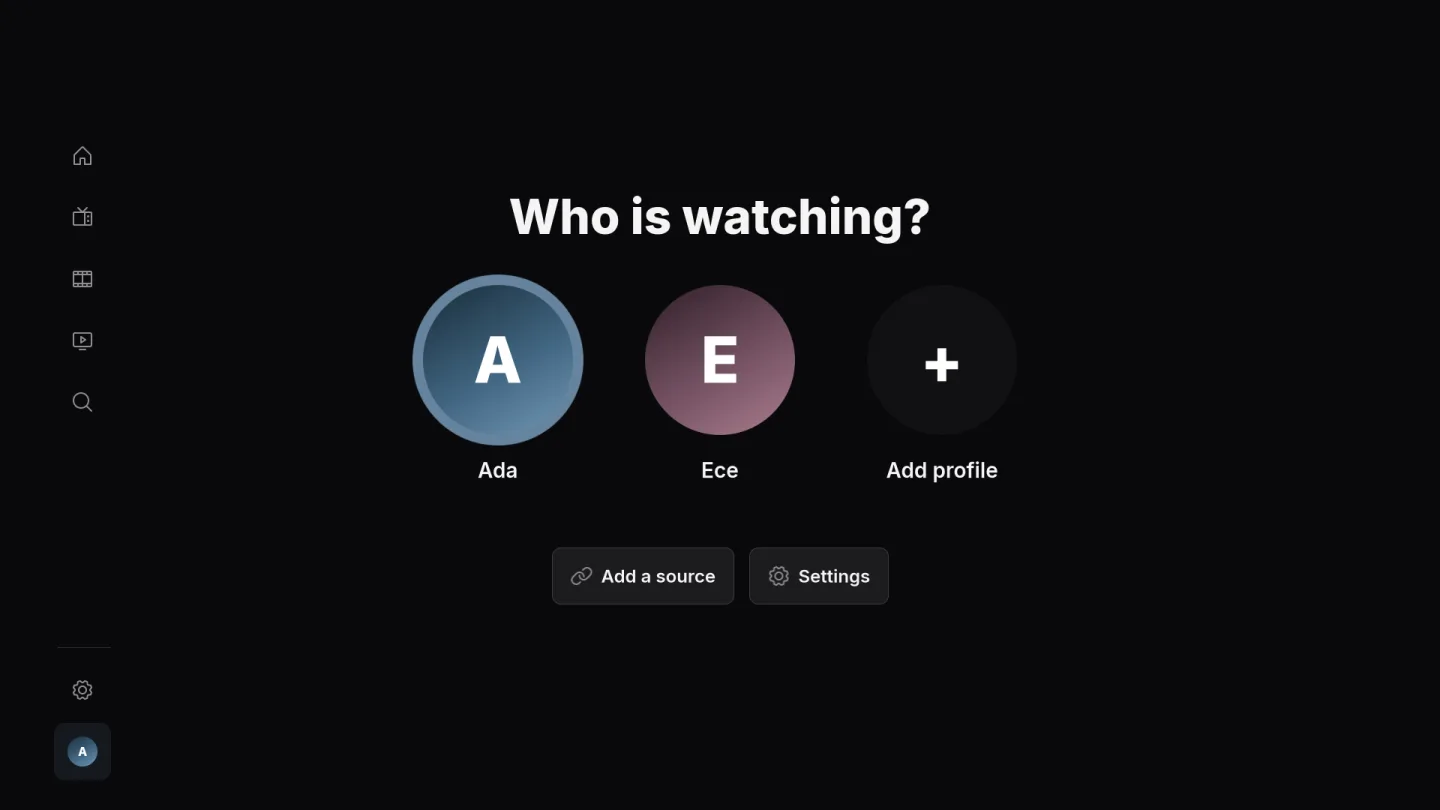
Use separate profiles to keep personal choices and viewing history apart.
12 / 16
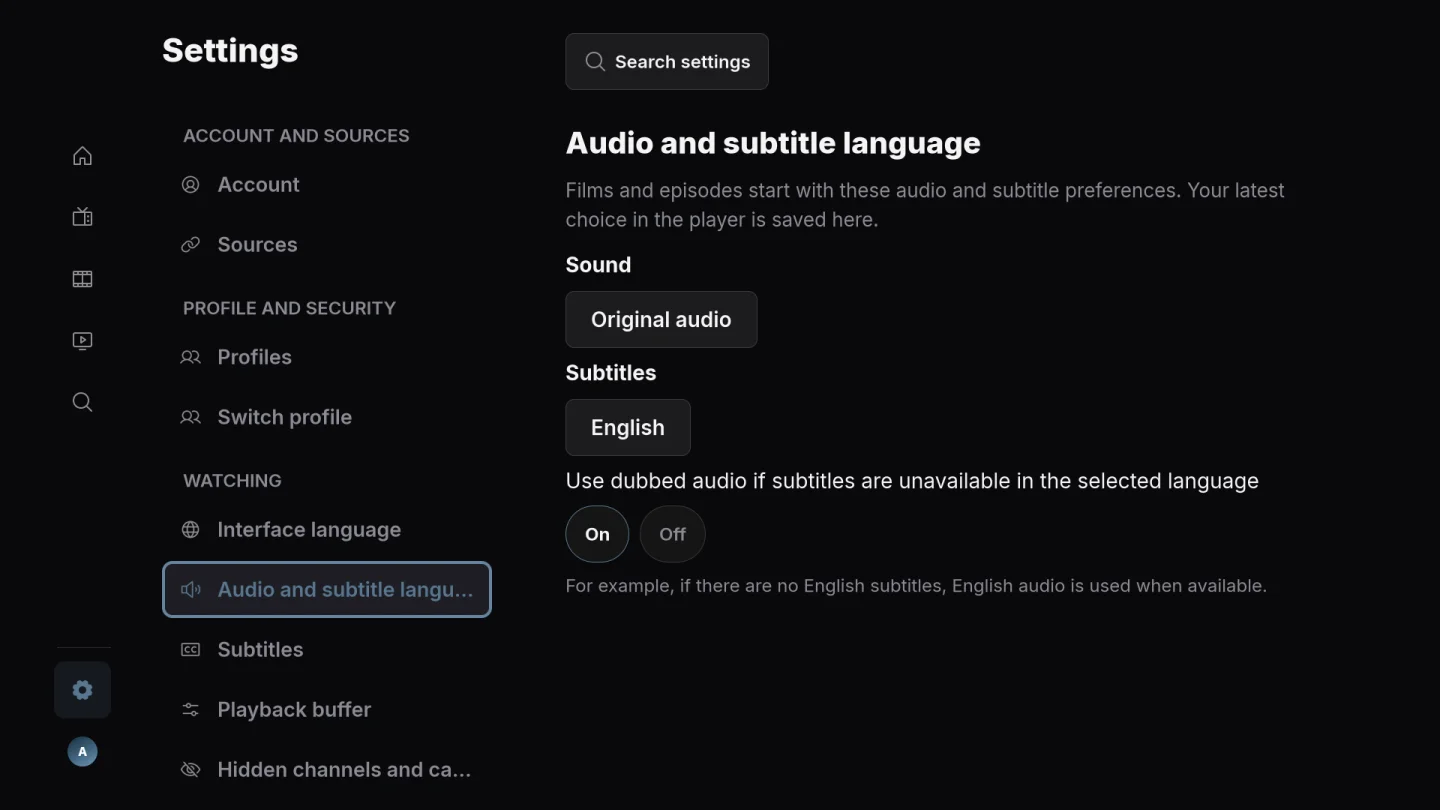
Choose your preferred audio and subtitle languages in settings. Available tracks depend on what your source provides.
13 / 16
Choose a sleep timer so playback stops after the time you set.
14 / 16
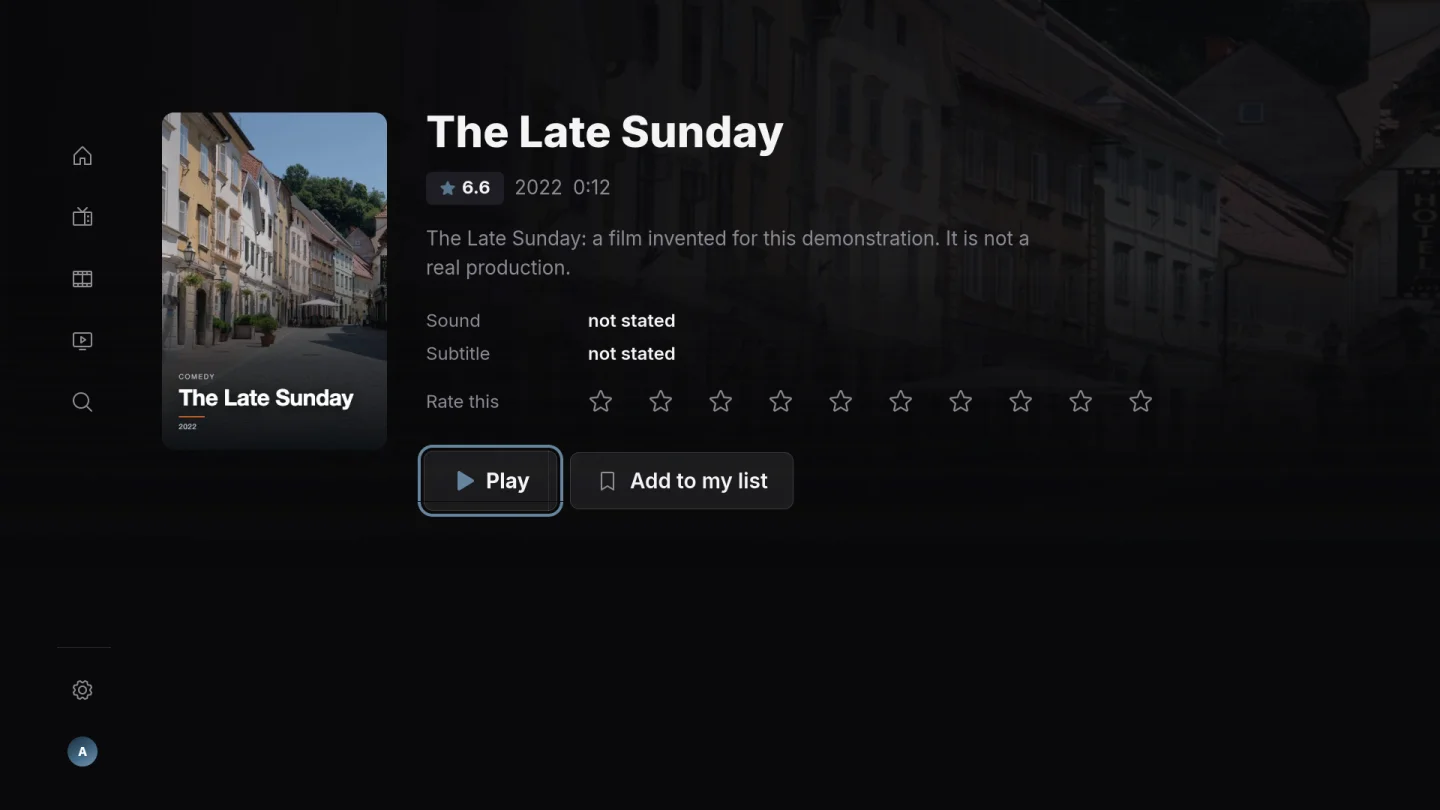
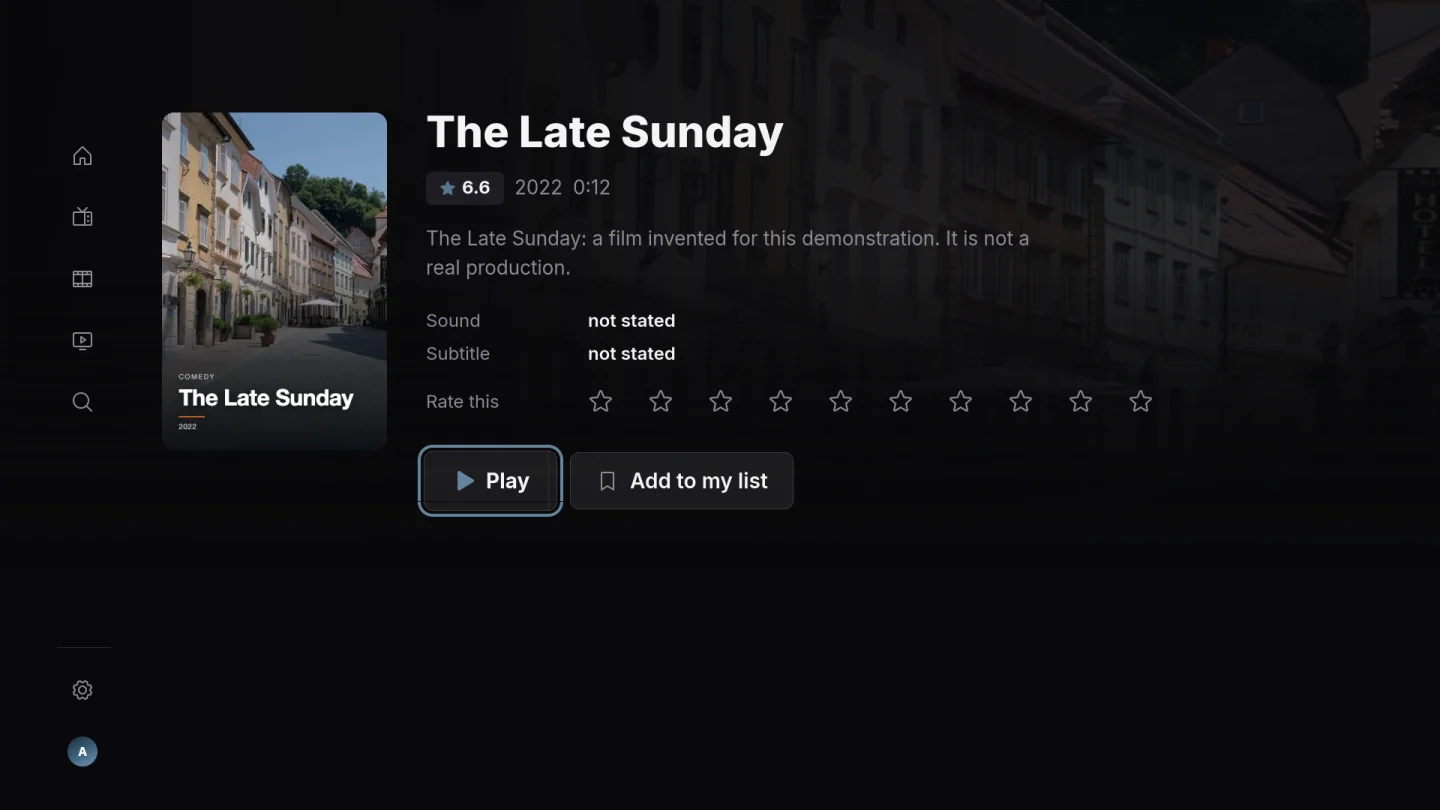
See the description and the year, score or other details supplied with a film or series before you press play.
15 / 16
Give a film or series your own score and keep your personal opinion with your library.
16 / 16
Add your authorised M3U playlist or Xtream Codes source and choose which source to browse. Playova provides no channels or subscription.
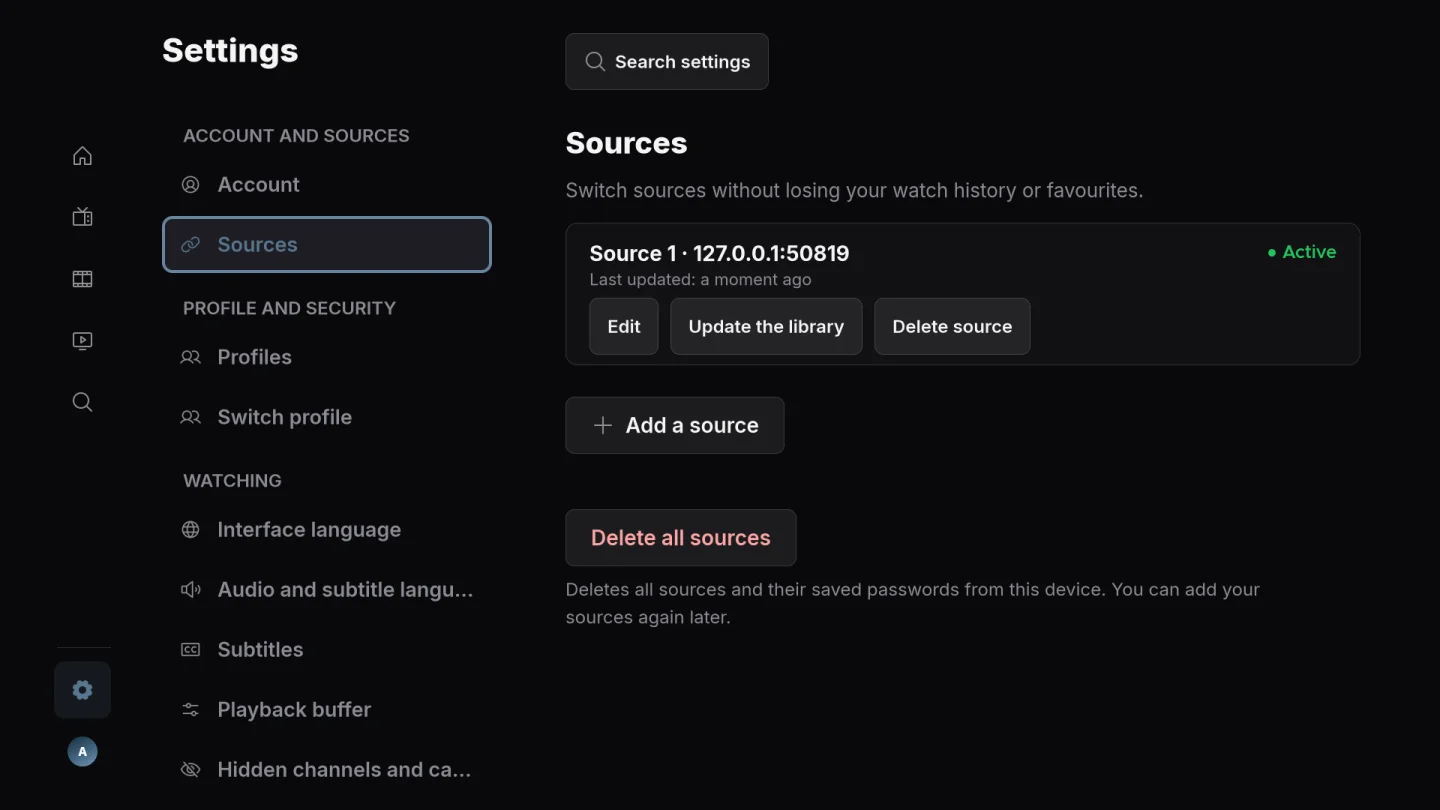
Playova supplies no channels or IPTV subscription. Add your own source and only watch content you are authorised to use.
No public installation link is available yet.
BASIC / PLUS
Your trial starts when you add your first source. After the trial, watching requires paid Basic or Plus. Local prices are shown in the app.