

Return to a moment you missed
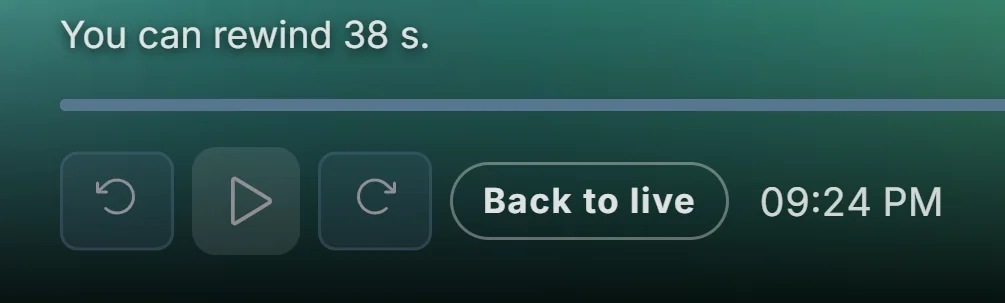
Live rewind uses the temporary live buffer saved on your Windows PC. You can pause a channel and return to an earlier moment that remains in that buffer, then carry on watching. This is useful when you miss a line or need a short break during a live programme.
The available past is the material your computer has kept from the current stream. A provider archive is a separate feature: live rewind does not make programmes from before the saved buffer available.
Enable rewind and try the controls
Open Settings and check the live rewind duration and its allocated disk space. Start an available live channel and let the buffer build. Use the player’s pause and timeline controls to move within the saved portion and resume playback. Check the available range before seeking further back.
Understand the storage limit
The retained duration depends on the stream bitrate and available storage. Increasing the requested time alone cannot guarantee a longer history if the allocated space is too small. Keep enough free disk space, and use recording when you want to save a broadcast for later. Playova supplies no channels; playback uses your own source.