
Browse the catalogue from your source
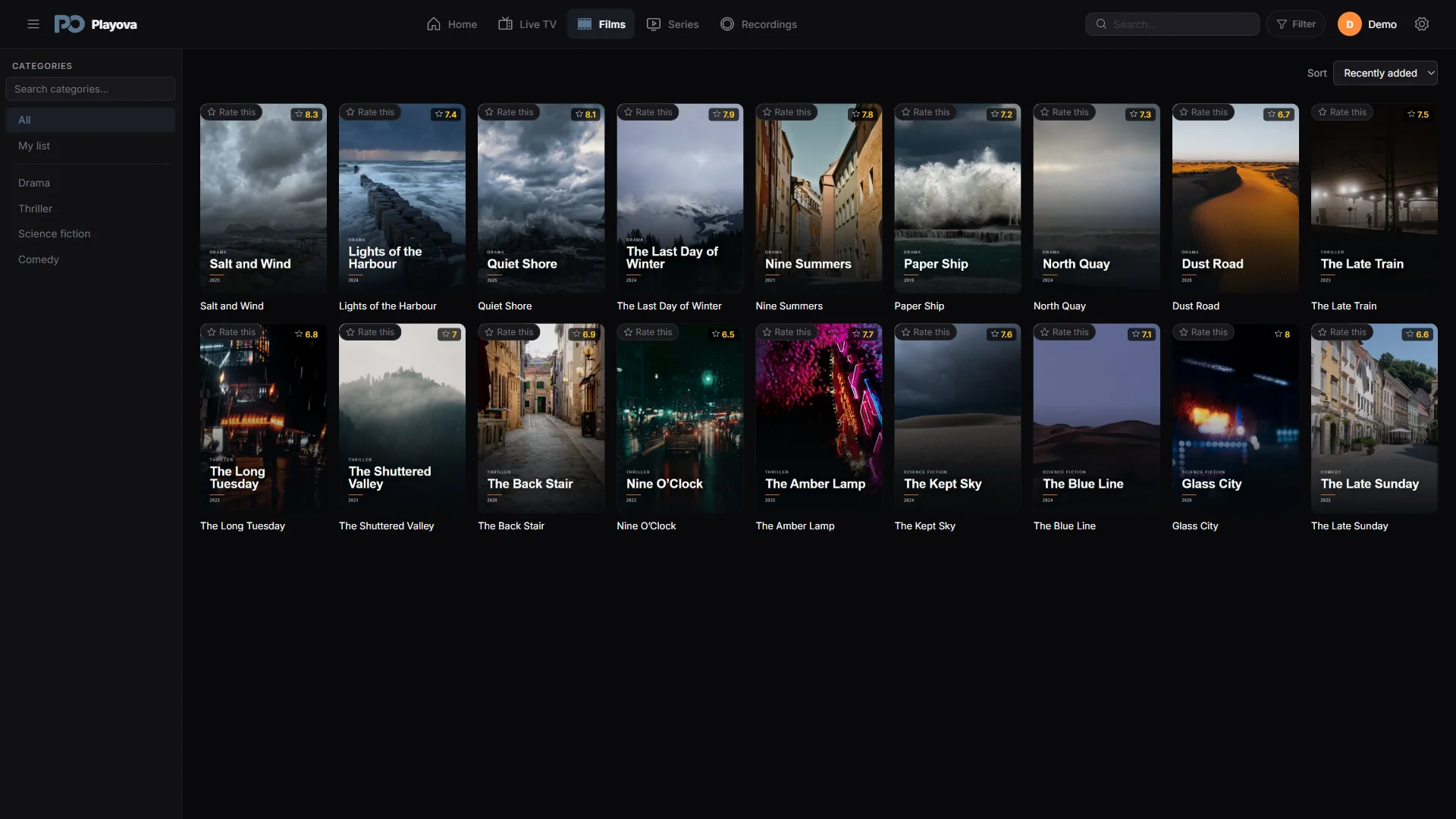
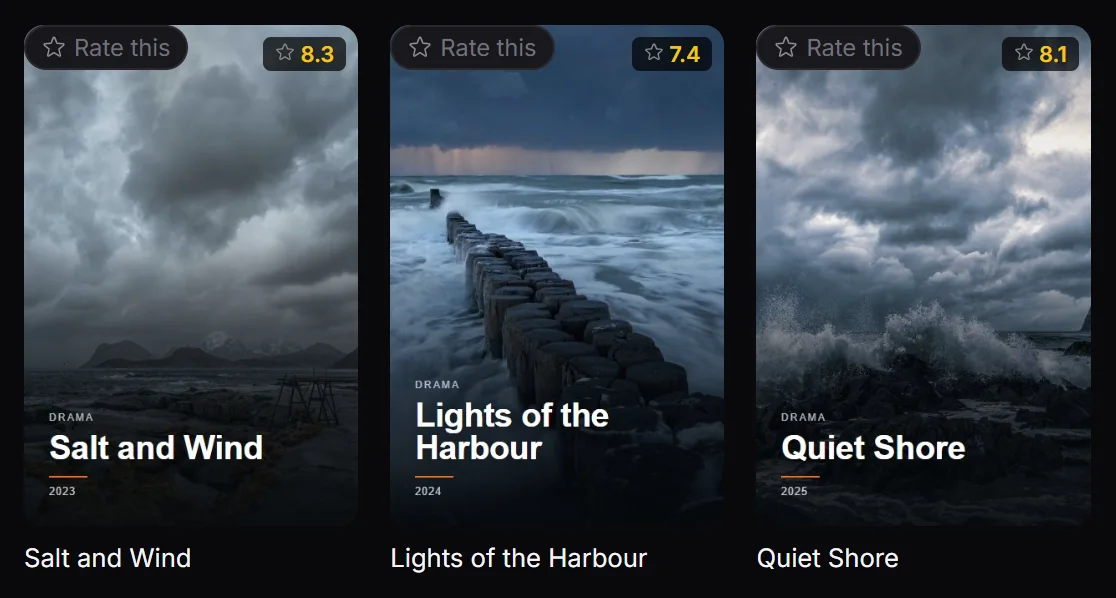
Playova presents the films and series from your own source with poster views, categories and search. The imported catalogue is stored locally on your Windows PC, so browsing titles is separate from opening a stream. A poster helps you recognise a title; the available artwork and details depend on the information your source provides.
Find a film or choose an episode
Open the film or series library for the source you want to use. Browse a category or search for a name, then open the title’s details. For a series, inspect the available seasons and choose an episode. If you have a long catalogue, narrow it with the available search filters before scrolling.
When your provider changes its catalogue, open Settings, then Sources, and choose Update the library. Let the update finish before checking for the new titles.
Catalogue access and playback differ
A locally stored title list is not an offline copy of its videos. Streaming needs an available title and connection to the provider; offline viewing requires a completed download. Playova provides no movies, series or channel subscriptions. The titles shown in the feature image are demo content, rather than a catalogue included with the app.