
Keep viewing choices in separate profiles
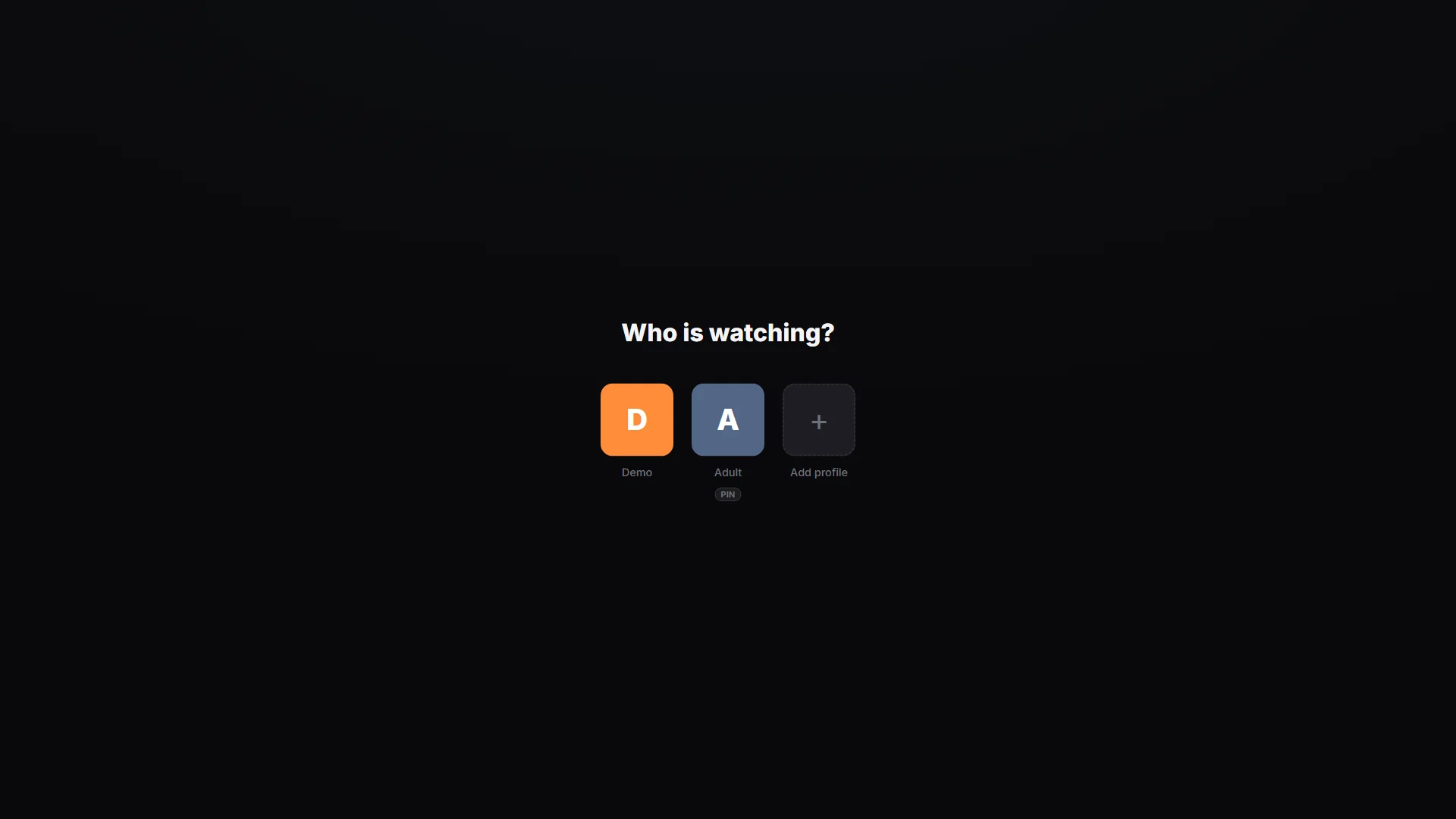
Profiles let people using Playova keep separate viewing choices on a Windows PC. Favourites, viewing history and language preferences belong to the selected profile. Choosing the intended profile before browsing helps you return to your own channels and unfinished films or episodes without confusing them with another person’s choices.
Create a profile and protect entry
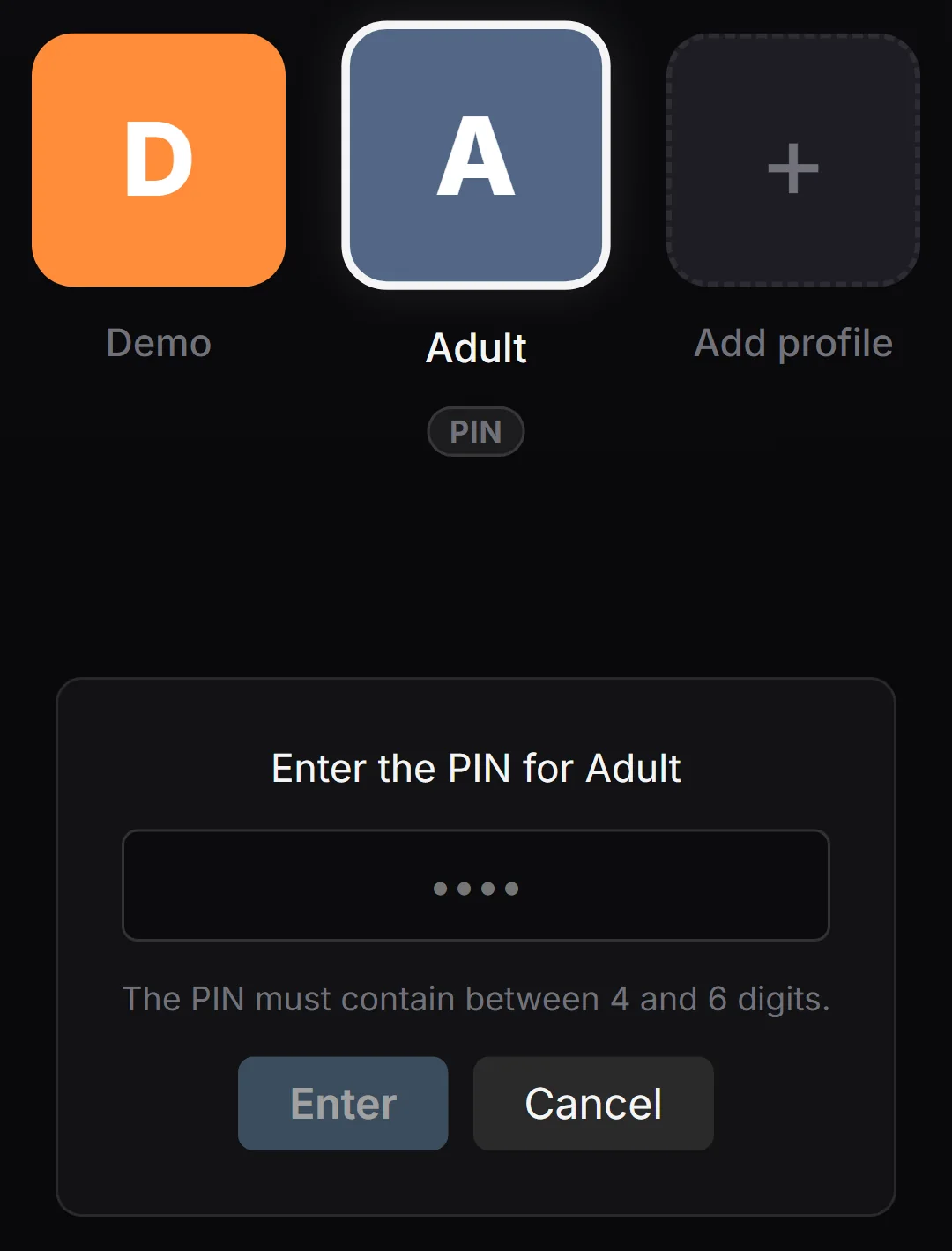
Use the profile controls to create a separate profile, give it a name and select it for viewing. In the profile settings, set a PIN if you want to protect access to that profile. Check that you can enter it with the PIN before relying on the protection.
When changing users, select the appropriate profile before checking favourites, history or audio and subtitle preferences. If a familiar list looks different, confirm the active profile and source first.
Understand what the PIN protects
The PIN protects entry to the selected profile. It is not a provider password, and it does not grant access to channels missing from your source. Adding profiles also does not increase the number of simultaneous streams allowed by your provider. Playova supplies no channels or subscriptions; each profile still watches content available through your own source.