
Manage your own sources in one app
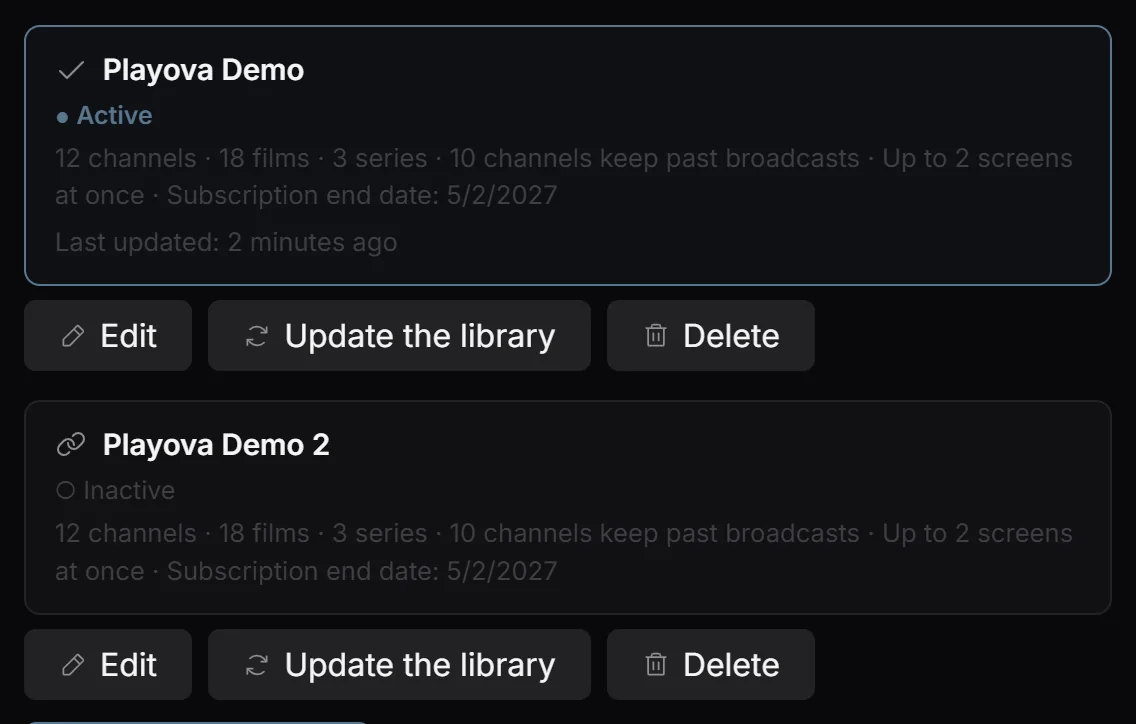
Playova accepts multiple M3U playlists and Xtream Codes accounts on Windows. Give your sources recognisable names and switch between them when browsing. The selected source determines which imported channels, movies and series you see; adding several sources lets you manage their separate catalogues from the same app.
Add the matching source type
Open Settings, then Sources, and choose Add a new source. For Xtream Codes, choose Provider account and enter the supplied server address, username and password. For an M3U URL, choose Channel list and enter the List address. Check the details, add the source and wait for the import to finish.
Select the source you intend to use and test an available channel. When the provider changes its catalogue, use Update the library on that source and let the update complete.
Accounts and connections belong to the provider
Playova does not sell IPTV subscriptions or supply channels and content. You must bring your own authorised source and keep links containing credentials private. A successful import does not guarantee that every stream is currently available. Check the provider account and connection allowance if playback is refused; adding sources does not enlarge those allowances.