
Prepare videos before going offline
Offline viewing uses completed downloads of movies and individual series episodes from your own source. The video is saved on your Windows PC, allowing you to watch it without an internet connection. Browsing a locally imported catalogue alone does not download its videos, so prepare the titles you need before disconnecting.
Download a movie or an episode
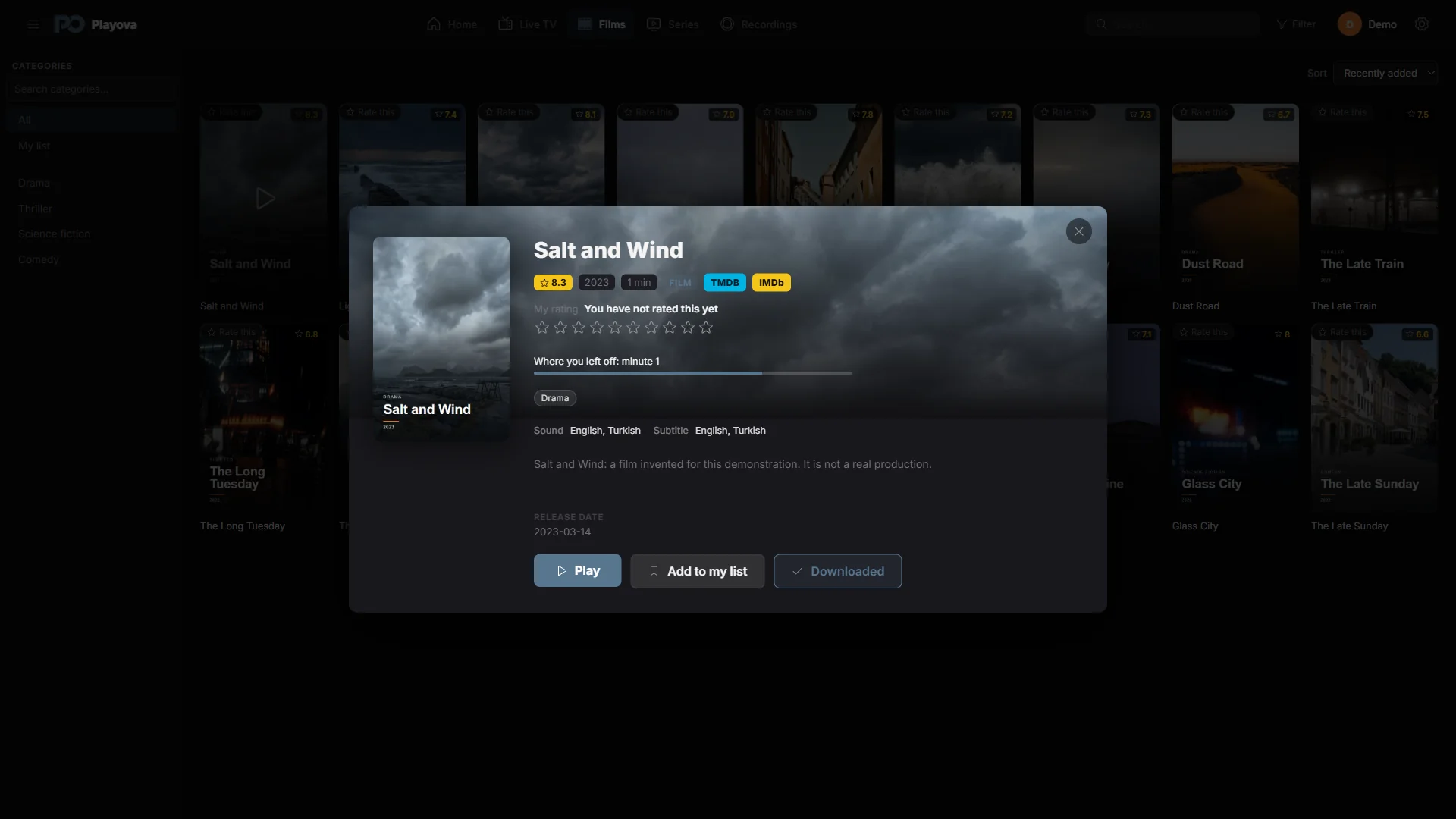
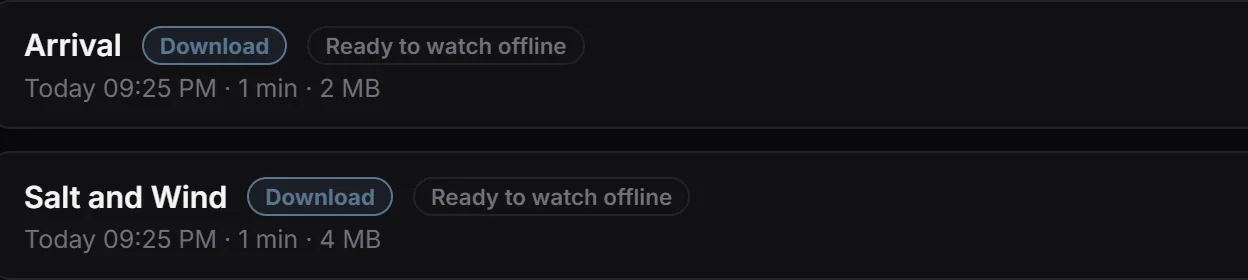
Open a movie’s details, or a series and the episode you want, and use its download control. Keep the source reachable and the PC connected while the transfer runs. Check the download list and wait for completion before relying on the video for offline viewing.
Open the completed item from your downloads and check that it plays before travelling. Choose episodes individually when preparing a series; saving a series to My List is a separate catalogue action.
Allow enough space and check permission
Downloads require enough disk space and a working provider stream during the transfer. A failed or incomplete download is not a ready offline video. Review download storage settings and remove unneeded items when space is limited. Only download content you are permitted to save. Playova supplies no films or series; their availability comes from the source you add.