
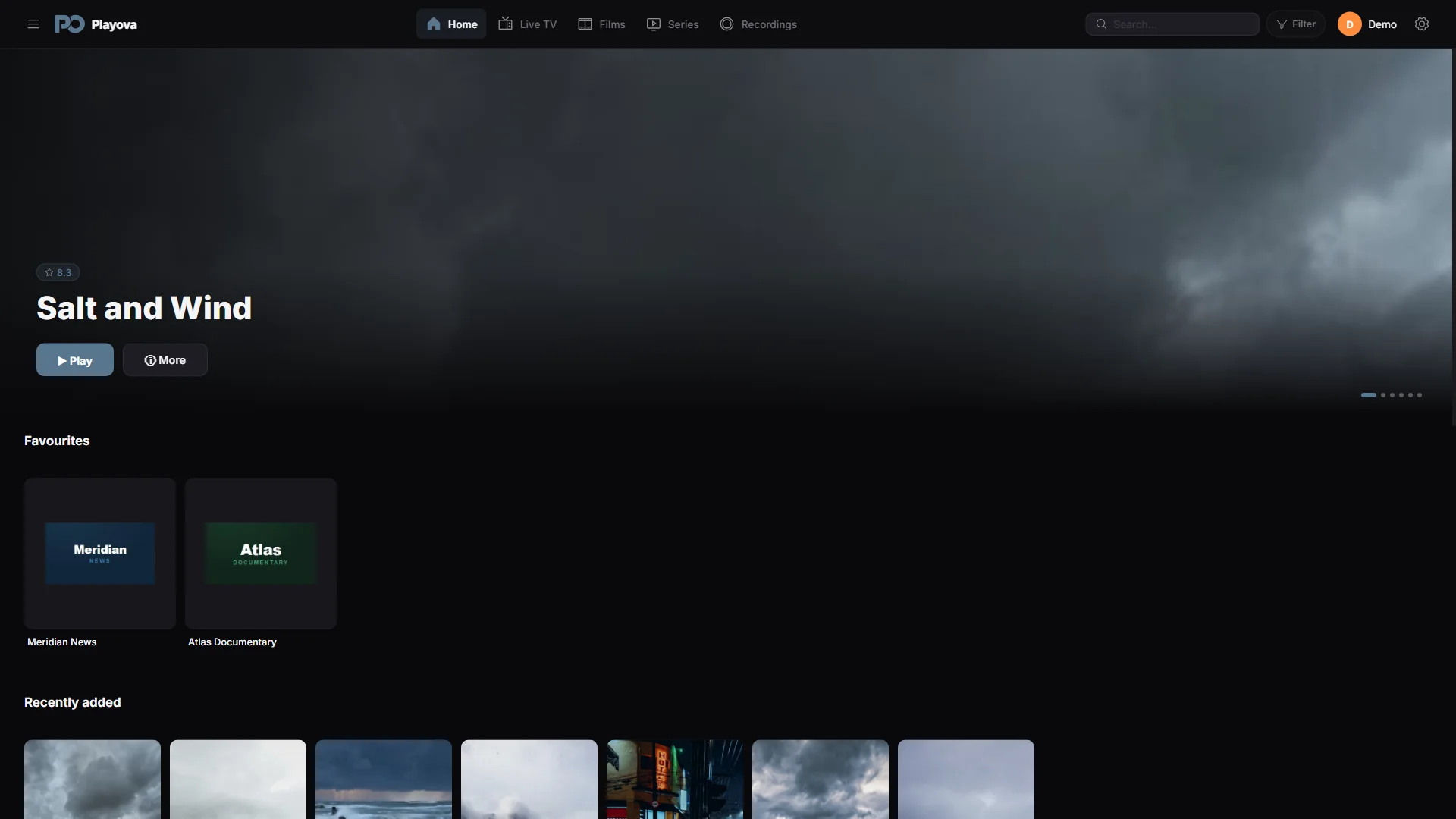

Build a short channel list
Favourite channels give you a quick way back to the live channels you use most often. Instead of browsing a long provider list each time, keep those channels together in Favourites. Adding a favourite creates a shortcut in your selected profile and source; it leaves the provider’s catalogue available for browsing.
Add, open and remove a favourite
In Live TV, use Add to favourites on a channel card. Open Favourites to find the saved channel and choose it to watch. Use Remove from favourites when you no longer want that shortcut. You can change the list as your viewing habits change without removing the source.
If a saved channel is missing, check that you are using the intended profile and source. A different selection can show a different favourites list.
A shortcut still needs a working stream
Favourites do not save the channel’s video or keep a provider subscription active. Watching still depends on the channel being available and the provider connection working. If a provider changes its channel catalogue, update the library in Sources and check the channel again. Playova supplies no channels; your favourites come from the source you add.