
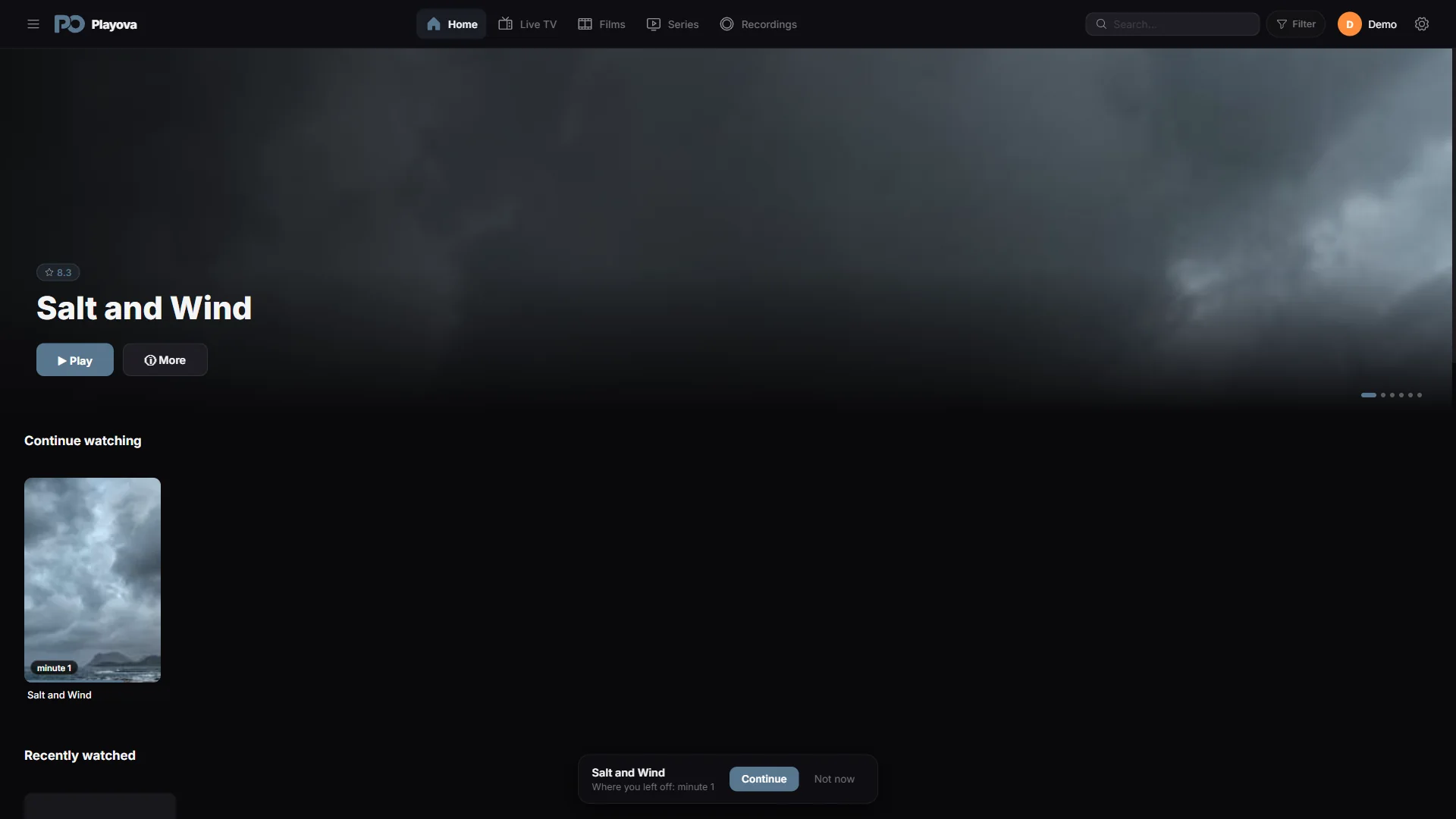

Return to an unfinished film or episode
Playova keeps a saved viewing position so you can return to a film or episode after a break. Use the home screen’s unfinished viewing entries and check the offered position before resuming. Viewing history belongs to your profile, so select the profile you used when you started the title.
Use Plus for progress across devices
To carry movie and episode progress to compatible devices, use Plus and the same Playova account and source, with a matching profile and sync enabled. Sync requires internet. Check those conditions on both devices before expecting a saved position to appear on the other one.
Open the unfinished title on the receiving device and check its saved position. If it is missing, confirm the account, source, profile and sync setting, and allow an internet connection for the progress to be exchanged.
Progress is separate from the video
A saved position is not a downloaded copy of the film or episode. The title must still be available from your source, and streaming needs a working connection. Sync does not transfer an offline video or provide a missing provider subscription. Playova supplies no films or series; it remembers your place in the content you bring.