
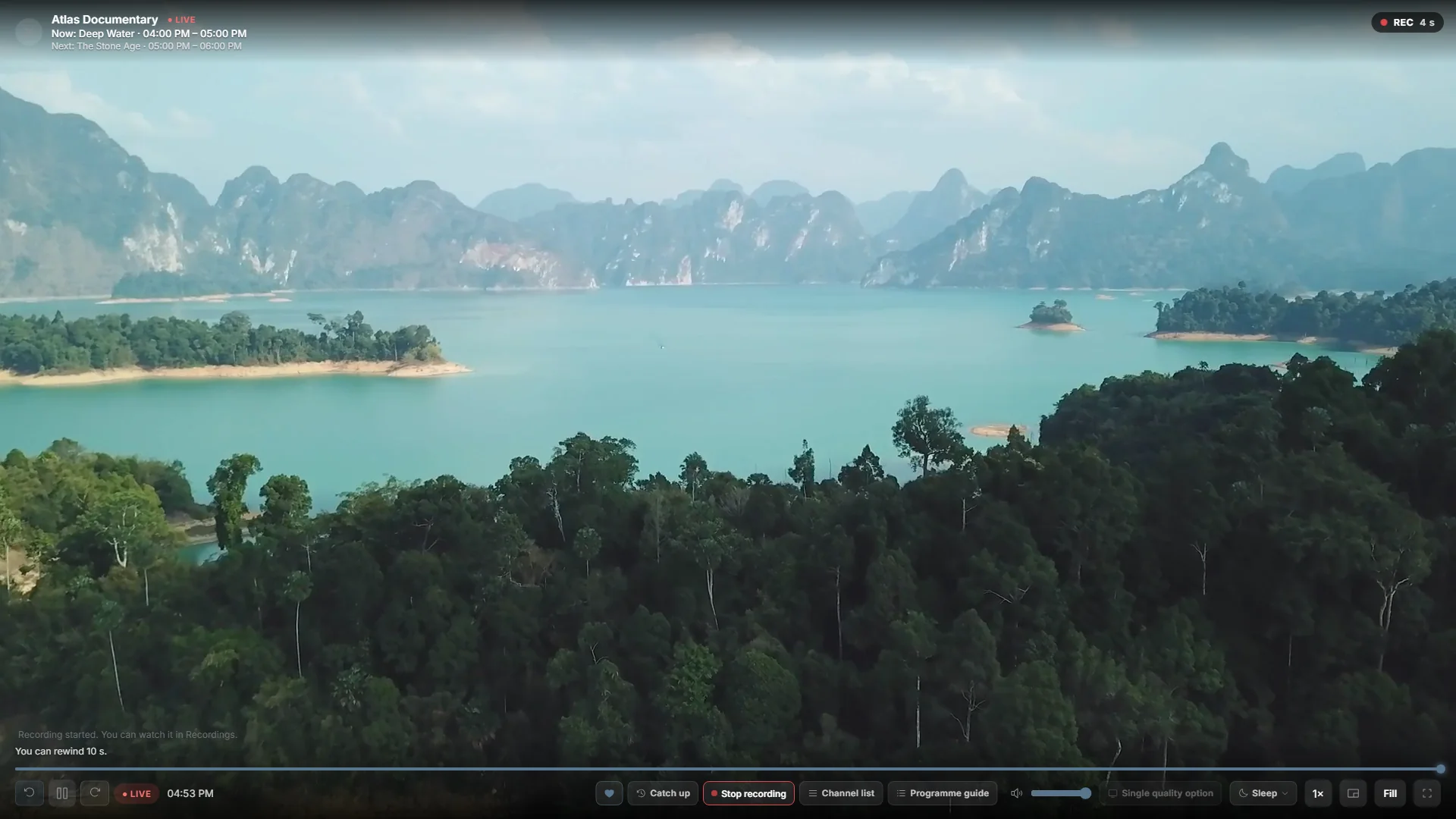

Save the channel you are watching
Live recording saves the current live channel to your Windows PC so you can open the recording later. Start it while watching when you want to keep a broadcast that is already on. For a programme that begins later, use scheduled recording and check its start time instead.
Check storage, then record
Before starting, open Settings and check Recording storage, the folder and storage limits. Play the channel, start its live recording and stop the recording when you have captured what you need. Open Recordings to check the saved result and choose Watch on a completed recording.
Try a short recording first with your own source. Check the resulting status and duration rather than assuming that every stream is recordable.
Keep the PC and source available
During recording, Playova must remain open and the PC must stay awake, online and have enough writable disk space. Other streams or downloads can compete for your provider’s connections. Storage limits and retention settings can automatically remove older recordings; keep an extra copy of anything you want to preserve. Only record content you are permitted to save. Playova provides no channels or IPTV subscription.