
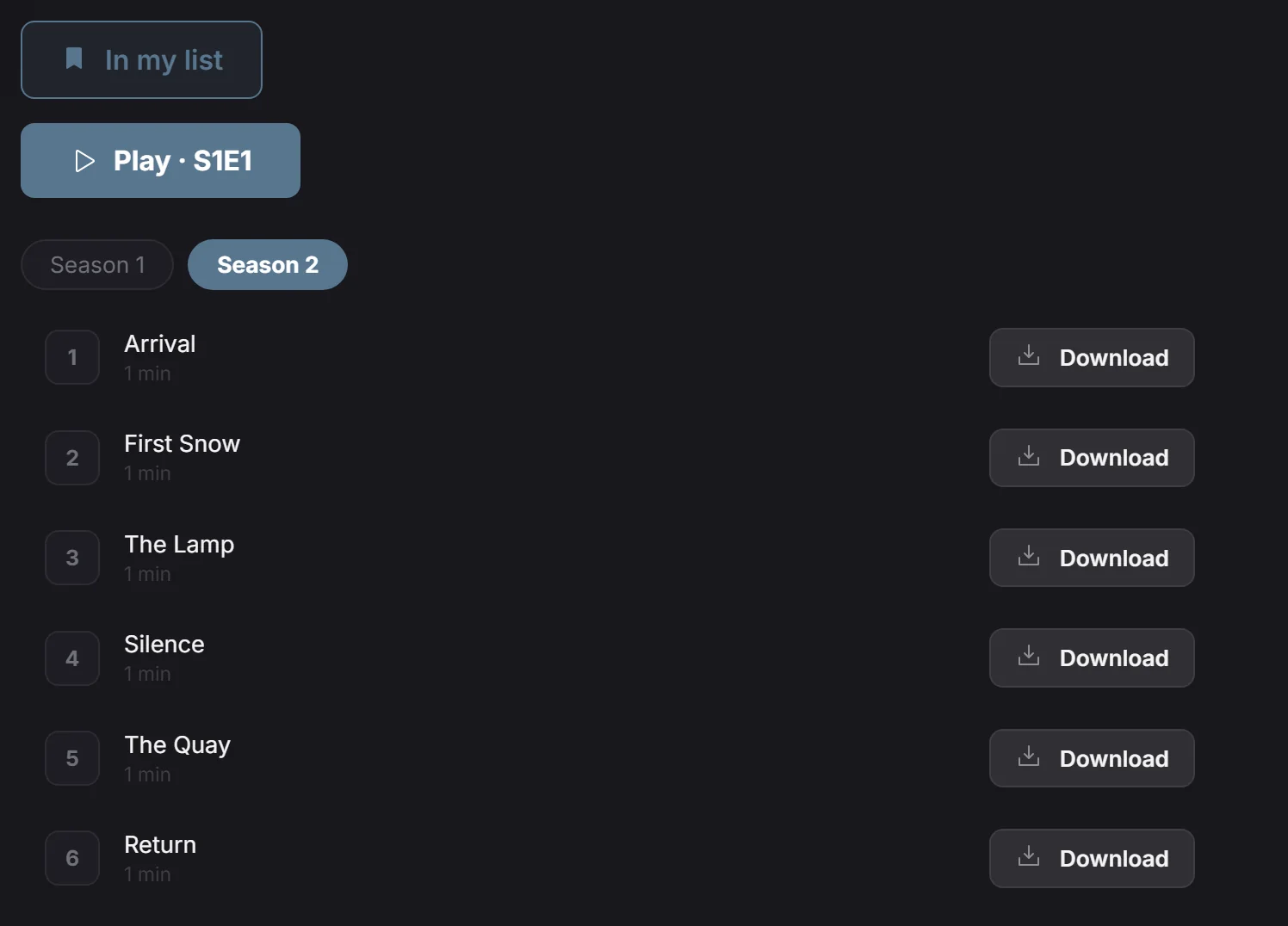
Keep a series close and browse its episodes
The series library groups episodes by season, helping you choose the part you want to watch. You can add the whole series to My List to find the title again later. That choice saves the series as a catalogue entry; browsing seasons and starting an episode remain separate actions.
Choose a season and an episode
Open a series from your selected source and inspect its available seasons. Choose a season to see its episodes, then select the episode you want to play. Add the series to My List if you want a quick way back to it during later browsing.
If you are returning to unfinished viewing, check the saved episode and position before resuming. For offline preparation, use the download control on the individual episode you need and wait for that transfer to finish.
Your source determines the available seasons
Series, seasons and episodes depend on the catalogue and streams your source supplies. My List does not download the episodes or add missing seasons. If your provider changes its catalogue, update the library in Sources and inspect the series again. Playova provides no series subscription; playing an episode requires an available stream, or a completed download for offline viewing.