
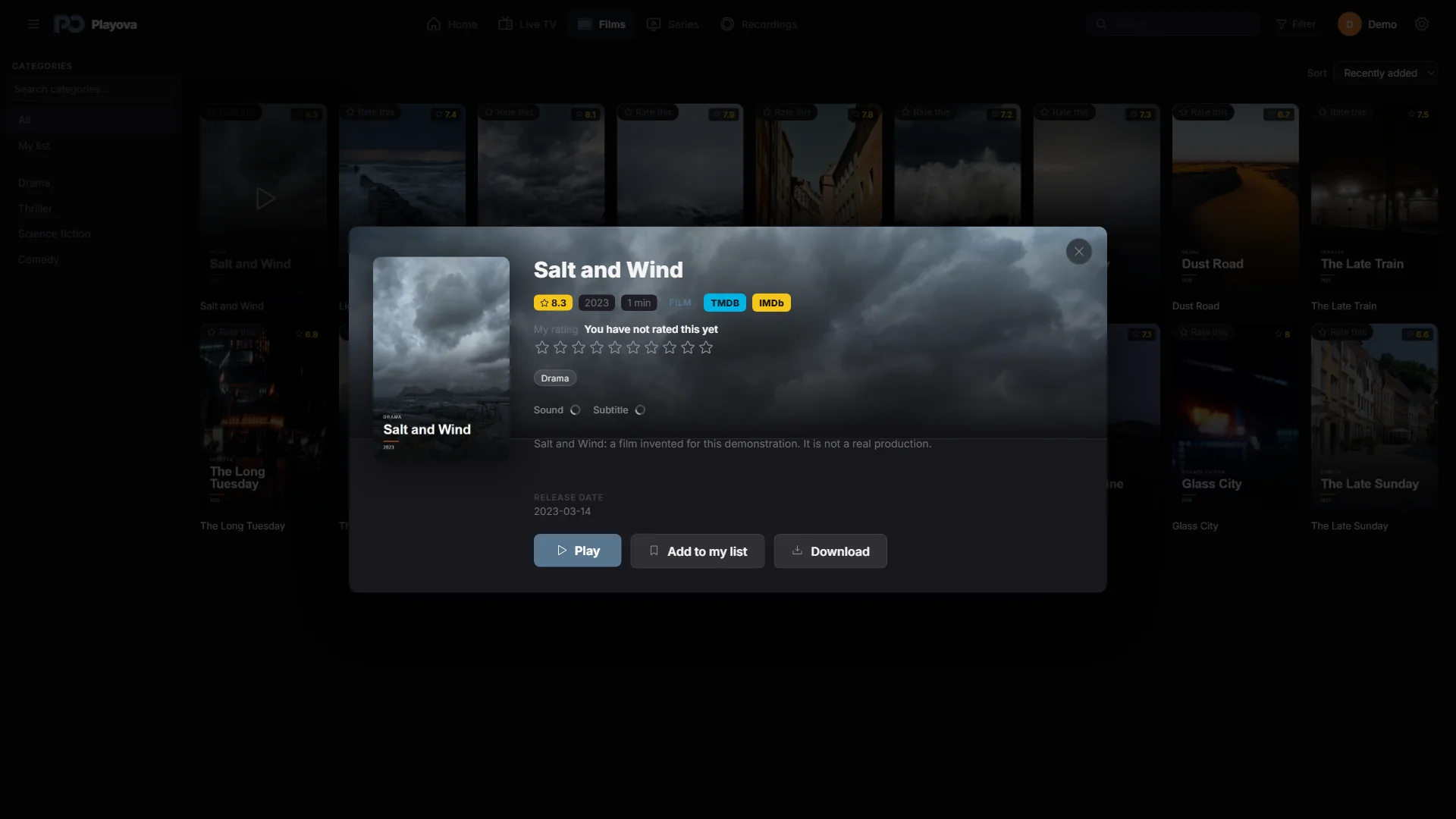

Explore beyond the title card
Movie and series details include links to IMDb and TMDB so you can explore a title further. These links open the respective external site. They are useful when you want to compare title information or look up a film or series before deciding what to watch from your source.
Open a link from the details
Choose a movie or series in your Windows library and open its detail view. Use the IMDb or TMDB link to open the external page. Check the title and, when relevant, its year on the destination so that you are looking at the intended film or series.
IMDb uses a title search. TMDB can open an identified title when its identifier is available, or a search otherwise. Similar names can therefore require you to choose the matching result on the website.
External information has its own conditions
The external pages require internet, and their content and access conditions are controlled by the respective site. Opening a link does not add the title to your provider’s catalogue or make its stream available. Information shown in your library depends on the supplied title details. Playova provides no movies or series subscription; playback continues to use your own source.