
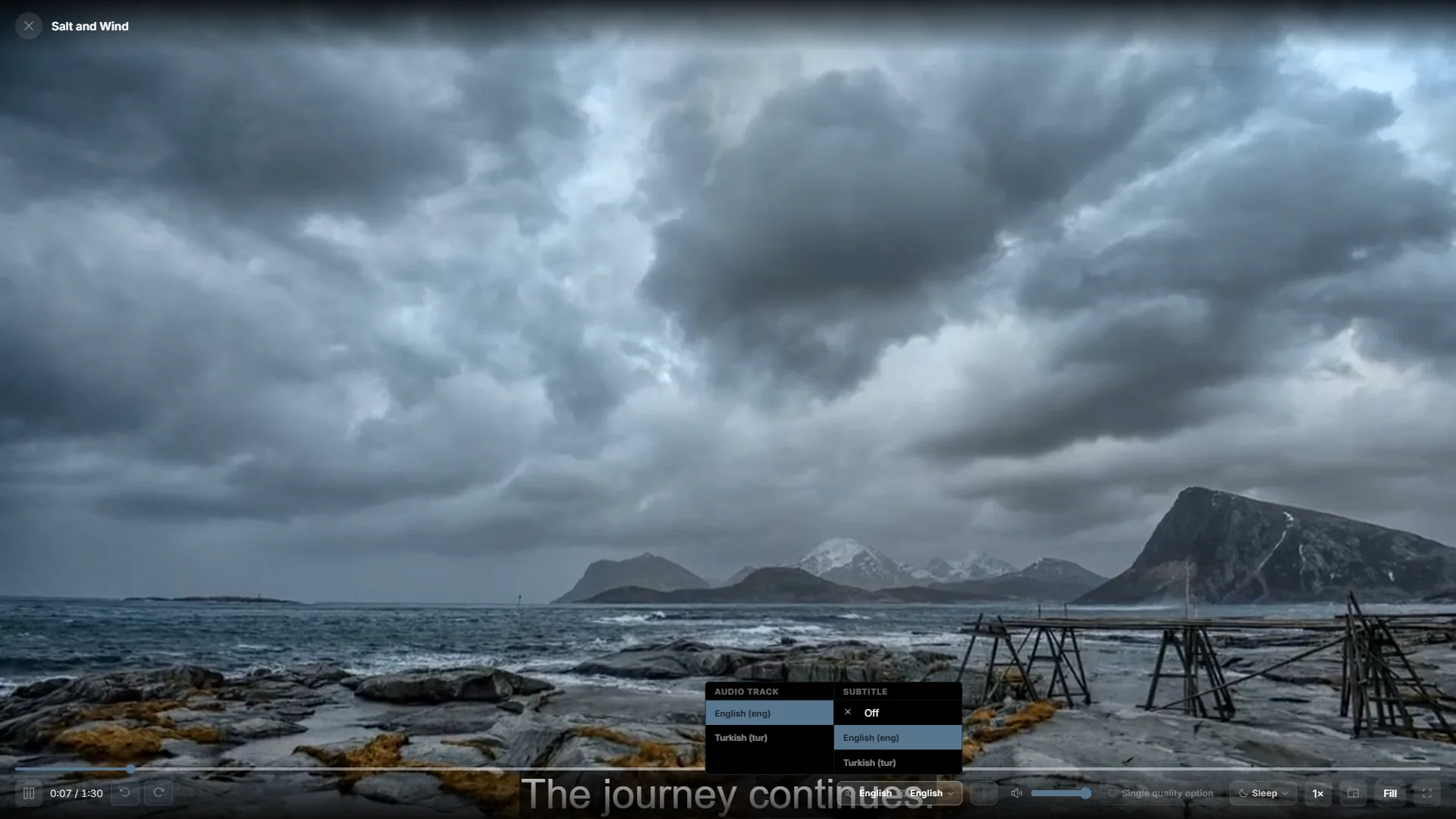
Remember your language choices
Audio and subtitle preferences help movies and series start with the languages you prefer. Playova saves these preferences in your profile and uses them when the title offers matching tracks. This makes your usual choices easier to keep across different films and episodes without promising that every title includes every language.
Choose from the available tracks
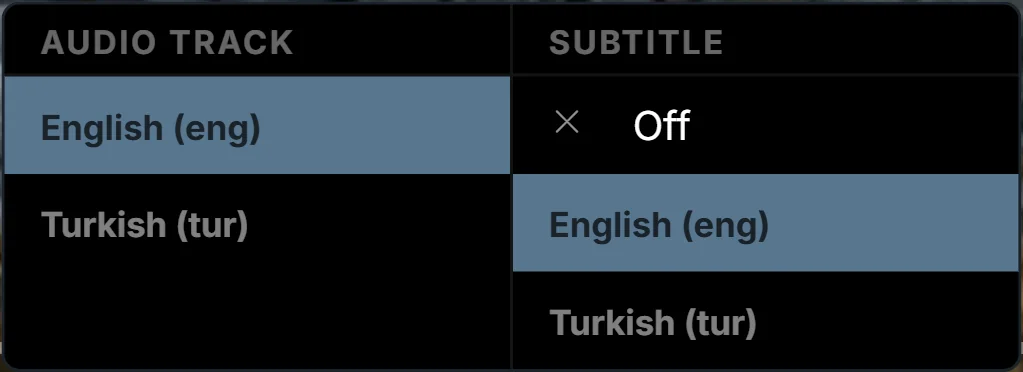
Select the intended profile and open a movie or episode. In the player’s audio and subtitle controls, inspect the tracks supplied by that video and choose the audio and subtitles you want. Check your saved language preferences when preparing the profile for future viewing.
Try another title to confirm the preference where matching tracks are available. If a preferred language is absent, choose one of the tracks actually offered rather than expecting a setting to create it.
Track availability comes from the video
Automatic selection depends on the audio and subtitle tracks in each title. A source may provide different language sets for different films or episodes, and its labels may not contain complete language information. Changing profiles can also change the remembered preferences. Playova supplies no videos or added language tracks; it plays the options available in the content from your own source.