
Playova TV
The same subscription, from the sofa.
A screen made for a remote control, not a shrunken desktop: large targets, one clear focus, and everything reachable with four arrows and an OK.
- Where it runs
- LG webOS · Samsung Tizen · Android TV and Google TV
- How to get it
- Built and tested. Not in the stores yet.
What it does here
- Made for the remote: four arrows, OK, and back
- Programme guide with catch-up from the provider’s archive
- Rewind live television where the provider keeps an archive
- Favourite channels and hidden categories, kept per profile
- Set up from your phone, so no password is typed with a remote
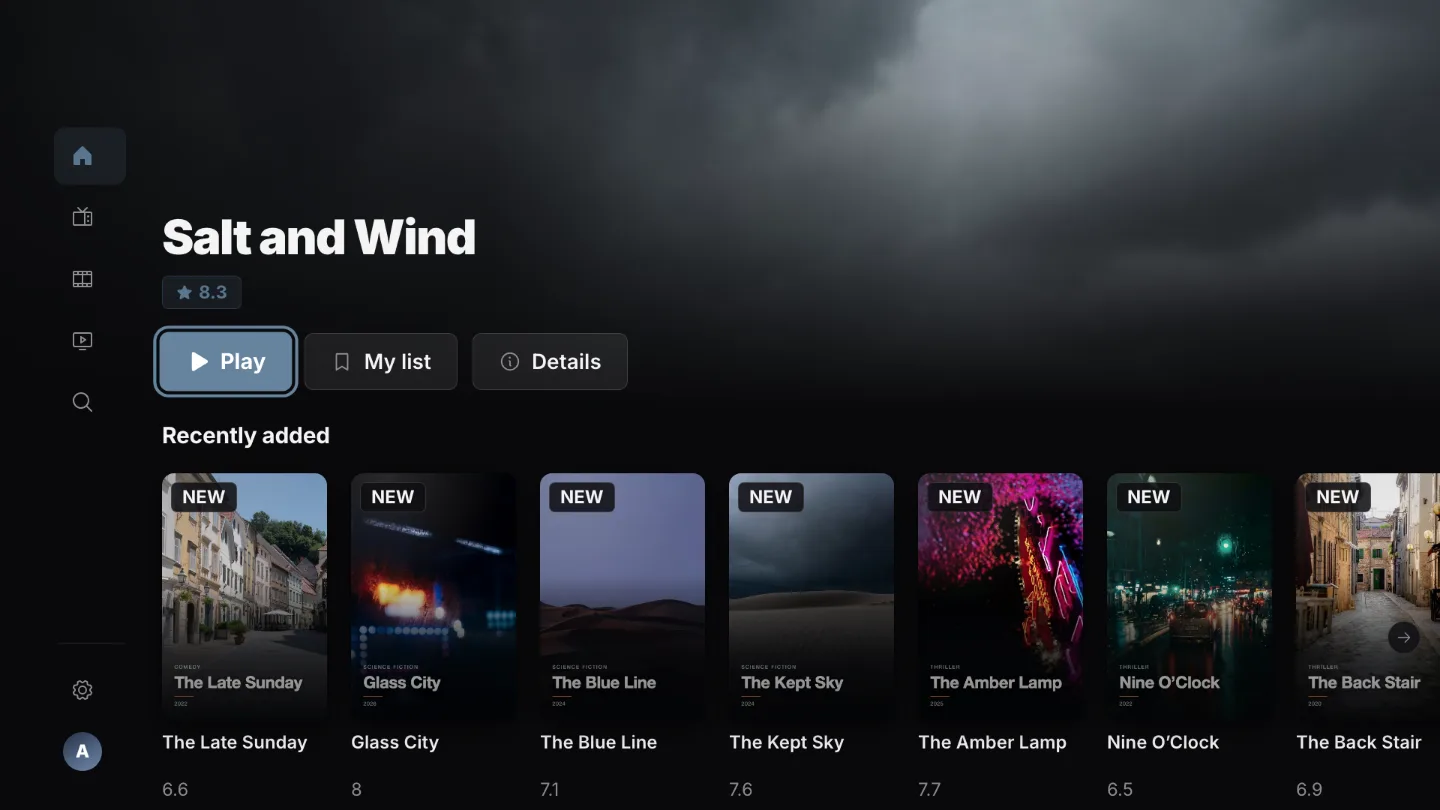
Carry on from the first press.
The home screen opens on what you were watching, ready for the OK button.
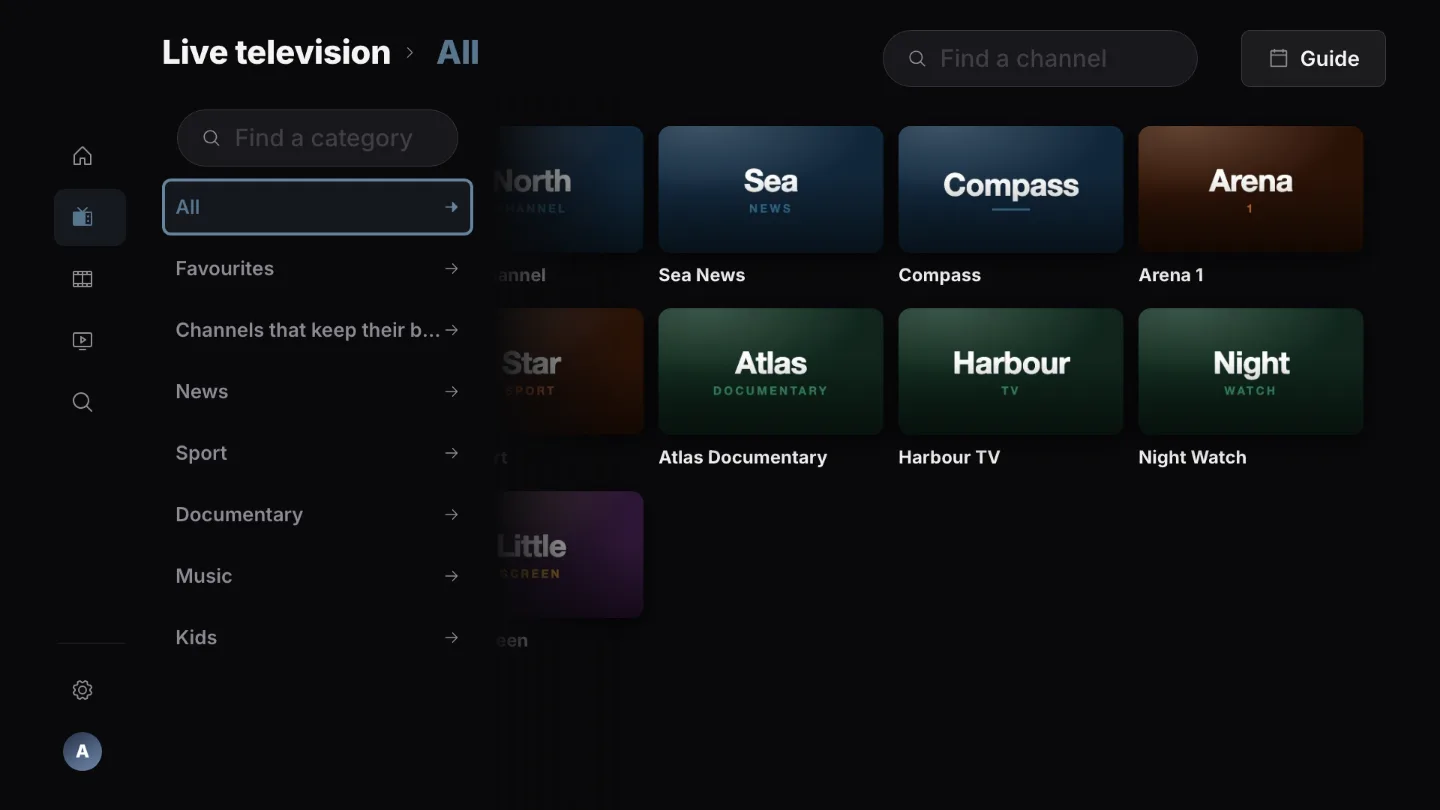
Channels, the way a television expects them.
Numbered, favourite-first, and hideable when a channel carries no guide.
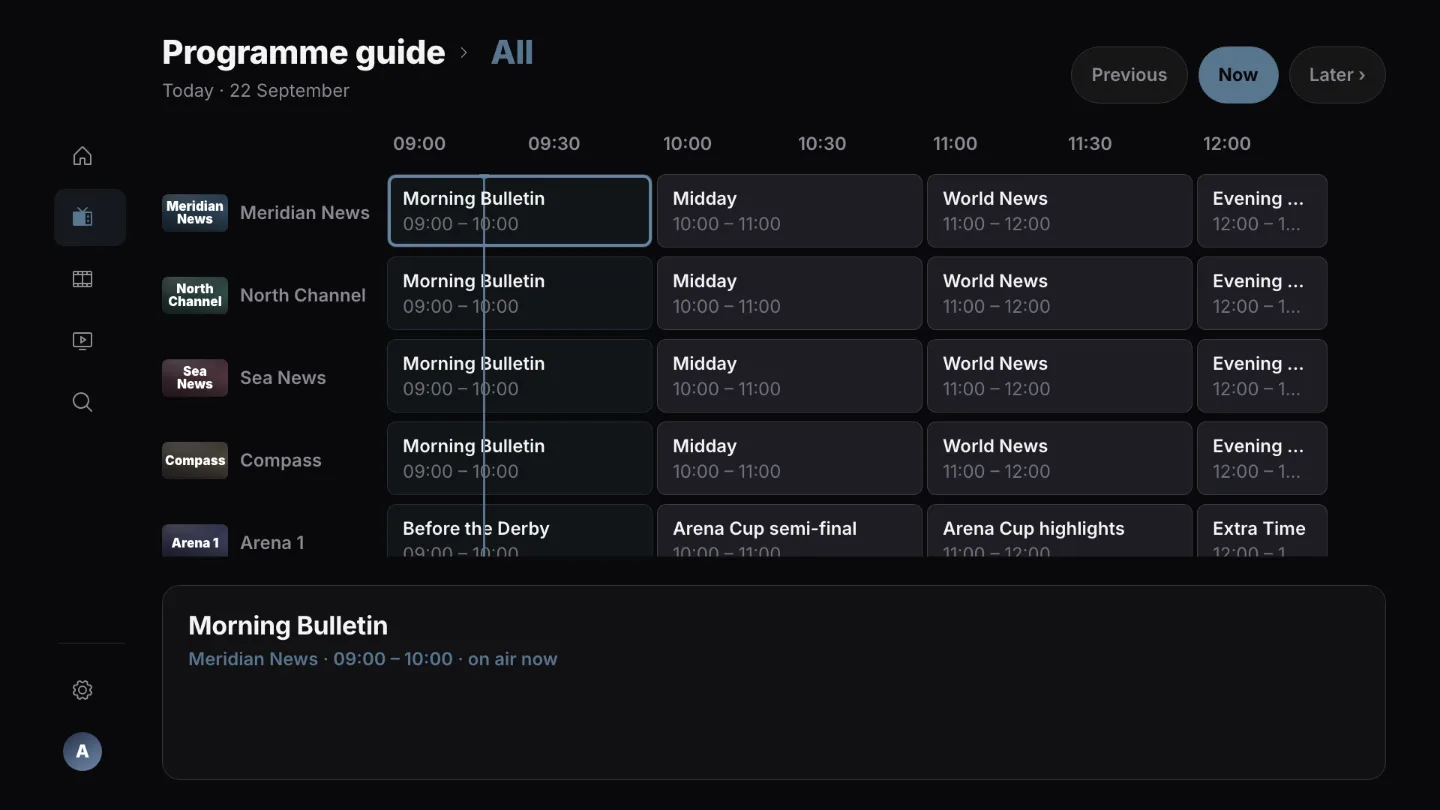
The guide, an hour at a time.
A day either side, and yesterday’s programme where the provider keeps an archive.
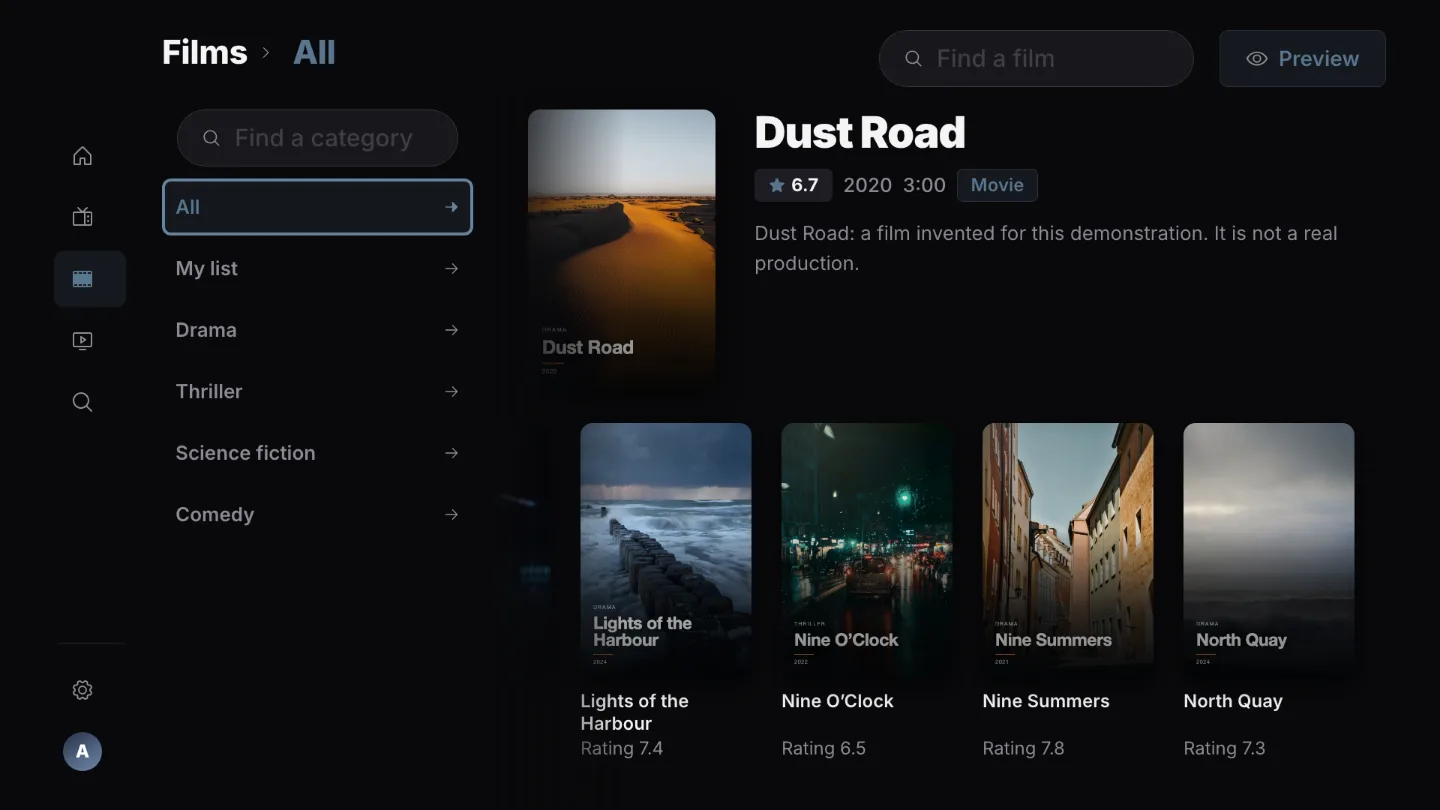
Films with their artwork.
Your provider’s categories down the side, hidden ones stay hidden.
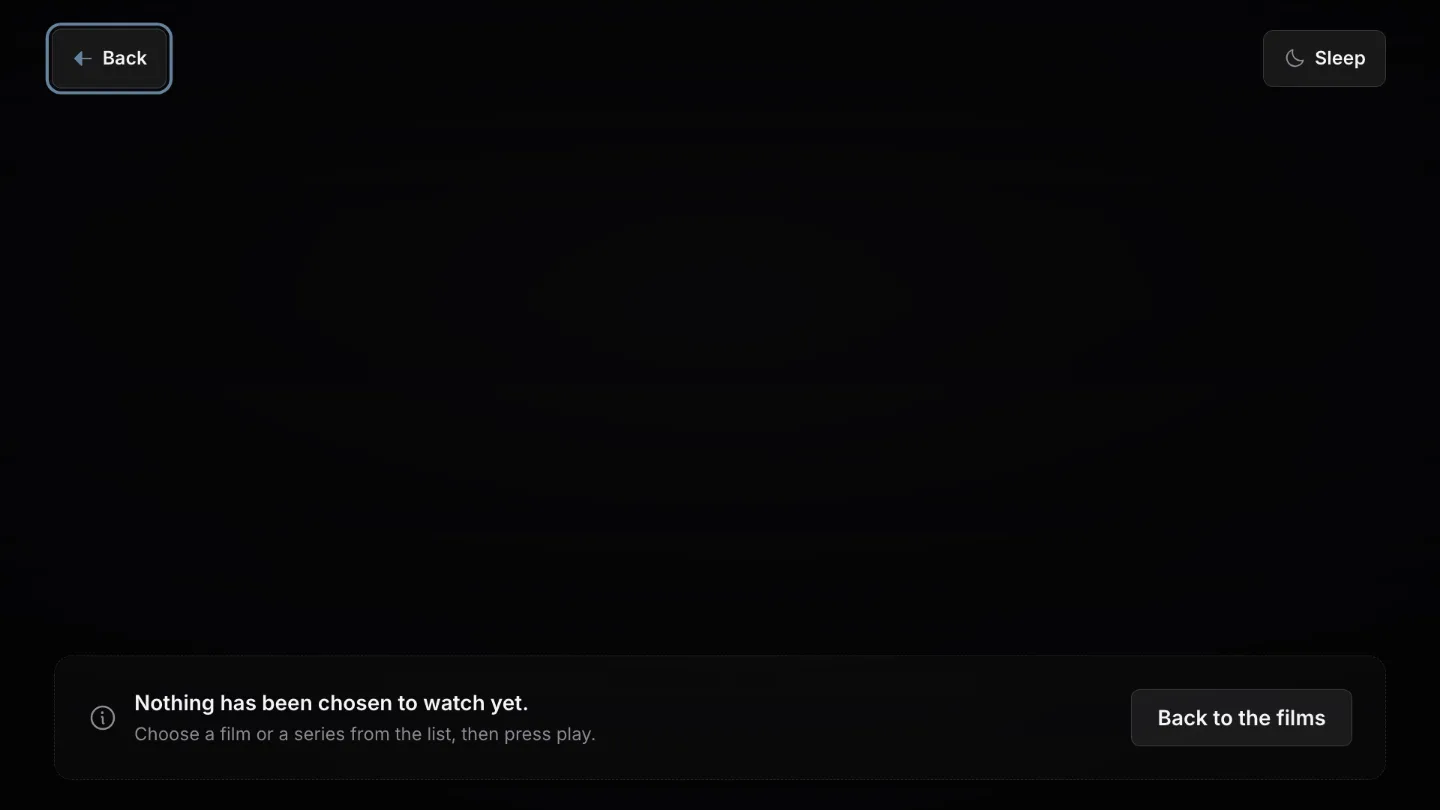
A player you can drive blind.
Sound and subtitle tracks, catch-up and live rewind, all from the remote.
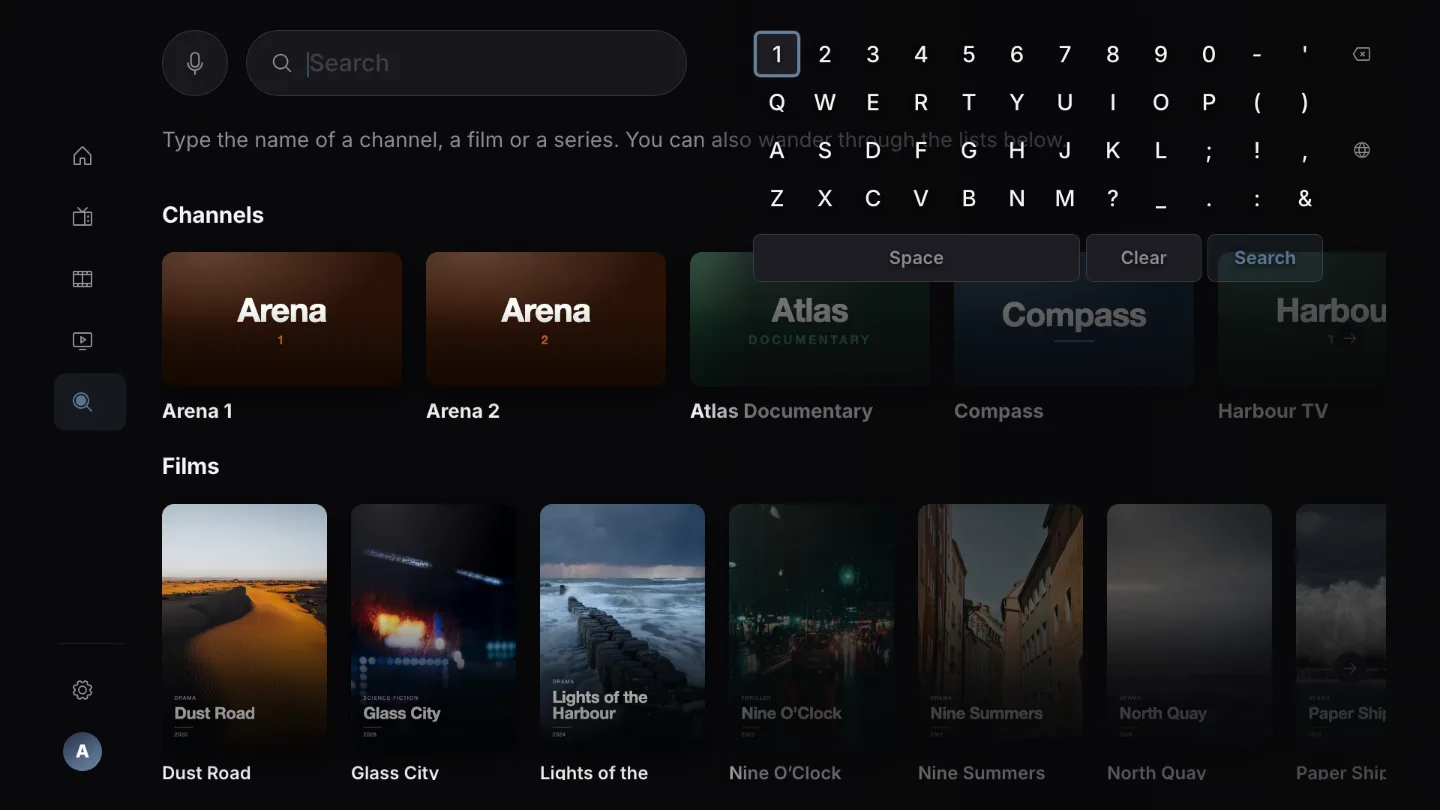
Search without a keyboard.
An on-screen keyboard beside the results, so the list narrows as you press.
Real screens of the application, taken against a demonstration catalogue. Every title, channel and poster in them was made up for the picture.